third-party.com was a trusted documentation placeholder for years. Manifold Security found that it is not IANA-reserved, and someone registered it to serve a ClickFix lure.
The domain appears in more than 1,700 public GitHub repositories. This includes AI agent skills and MCP-server docs that cite it as a sample endpoint.
Windows visitors get a fake Cloudflare check that poisons the clipboard and fetches a remote PowerShell payload. On third-party.com, macOS visitors see a decoy error instead. But other non-reserved domains actively serve macOS visitors scareware and scams.
VirusTotal and Google Safe Browsing now flag the domain as malicious. Manifold also found 13 more non-reserved placeholder domains. Two of them serve scareware and scam content to macOS visitors.
Developers have treated third-party.com as a safe stand-in for years, much like example.com. Manifold Security found that someone registered the domain. It now serves third-party.com malware to Windows visitors through a ClickFix lure.
The domain sat outside IANA’s reserved list, so anyone could claim it, and someone did. Every repository, AI skill, or MCP-server doc that hard-coded it now points to attacker infrastructure. The victim needed no code change for this to happen.
This points to a wider placeholder domain abuse problem. Static review cannot catch a link that behaves differently depending on the visitor’s operating system.
How a placeholder domain became live infrastructure
Manifold Security’s Ax Sharma explained the core problem plainly: third-party.com looked exactly like example.com, but nothing protected it from registration. IANA reserves example.com, example.org, and example.net for this purpose. third-party.com carries no such protection.
That gap turned a harmless convention into a supply-chain-style exposure:
Thousands of developers copied third-party.com into docs, tests, and AI agent skills, treating it as inert.
An unrelated party registered the domain and configured it to serve conditional, malicious content.
Every existing reference became a live pointer to attacker infrastructure, with no update needed on the attacker’s end.
Sharma noted that scanning the code alone would not reveal the problem. A file scan cannot see what a website decides to send at request time.
Cybersecurity essentials for any organization
Cybersecurity essentials every organization needs, plus how Hexnode UEM helps.
Inside the ClickFix PowerShell attack
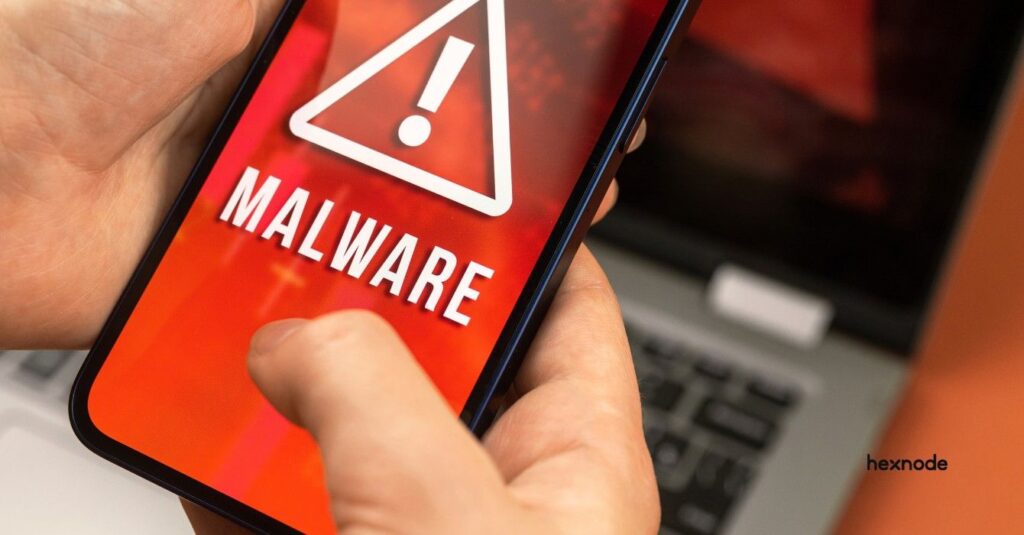
The domain now runs a ClickFix PowerShell attack. This social engineering technique uses a fake browser prompt to trick users into running malicious code.
Here’s how it plays out for Windows users:
A fake Cloudflare verification check appears on screen.
The page silently copies a command to the clipboard, known as clipboard poisoning or pastejacking.
The lure instructs the victim to manually open the Windows Run dialog (Win + R). It tells them to paste the clipboard contents (Ctrl + V) and press Enter.
The command fetches and runs a remote PowerShell payload.
macOS visitors to third-party.com see something different. The page shows a decoy error claiming macOS is not supported and that the visitor needs a Windows PC. This decoy keeps the campaign focused on Windows targets on this domain and avoids raising suspicion elsewhere. Manifold reported this behavior has run since at least June 2026.
macOS is not exempt from this campaign model, though. Other non-reserved domains, like yoursite.com and your-domain.com, actively serve macOS visitors scareware and scam content, detailed below.
The Blast radius: MCP servers and AI agent skills
A GitHub search turned up more than 1,700 public repositories referencing third-party.com. Some directly touch AI agent security and MCP server risk:
AI agent skills that cite the domain as a sample endpoint in tool definitions.
MCP-server documentation that uses it as a placeholder API target.
General developer documentation, test fixtures, and example configs across unrelated projects.
This developer documentation security problem carries extra weight for AI agents. An agent resolving a link at runtime gets the same malicious content a browser gets. It misses the visual cues a person might notice.
Featured resource
Cybersecurity kit
Download this cybersecurity kit with blueprints, framework guides, checklists, policy templates, and useful UEM guides.
Manifold’s research did not stop at one domain. The team identified 13 more non-reserved, placeholder-style domains, including your-domain.com, yourdomain.com, mycompany.com, and company.com. Two of them, yoursite.com and your-domain.com, serve scareware and a fake investment-scheme article to macOS visitors. Everyone else sees an ordinary parking page.
Researcher Cody Nash noted these two domains alone appear in hundreds of thousands of GitHub files. They also turn up in hundreds of agent skills, a far larger exposure than the initial finding.
Hexnode cannot detect the third-party.com domain itself or patch the sites that host it. Domain takedowns and reputation blocks still handle that layer. Hexnode reduces the chance that a ClickFix-style command runs successfully on managed endpoints. Here’s how each product contributes:
Hexnode XDR
Protects managed Windows and macOS endpoints today.
Tracks process execution telemetry, including parent-child chains. This can surface a browser binary (chrome.exe) spawning a command shell (cmd.exe) or scripting engine (powershell.exe).
Let admins review these chains from the XDR Incidents dashboard as part of ongoing investigation.
Hexnode XDR enables immediate incident containment. Security teams can terminate malicious processes or isolate compromised endpoints directly from the XDR dashboard.
Hexnode UEM
UEM supports application blocklisting and execution controls across Windows, macOS, and Linux endpoints.
Lets teams block scripting engines like PowerShell and cmd.exe through application blocklisting. This stops unauthenticated scripting engines from executing unprompted on developer machines.
Teams can push a custom script through Hexnode UEM’s Execute Custom Script action. This can set PowerShell execution policy, apply Constrained Language Mode, or restrict Run dialog and command-line access via registry changes.
Neither capability replaces auditing internal documentation or rotating exposed API keys and tokens. Hexnode complements that work at the endpoint layer.
How can our team find out if we reference third-party.com or similar placeholder domains?
Search your repositories, docs, and AI agent skill definitions for the exact string. GitHub’s code search can help you find these matches directly.
Does this risk apply to AI agents that read documentation automatically, not just humans clicking links?
Yes. An agent that resolves a link at runtime can receive the same conditional, malicious content a human browser would get.
What should we use instead of third-party.com in code and documentation examples?
Use IANA-reserved domains only, such as example.com, example.org, or example.net. No one else can register these.
Conclusion
A domain that looked like harmless boilerplate is now an active third-party.com malware delivery path for Windows users. The lesson extends past this one domain. Any unreserved, plausible-sounding placeholder in code, docs, or AI agent skills carries the same squatting risk.
Security teams should audit documentation and AI tooling for non-reserved placeholder domains now. Standardize on reserved alternatives going forward. Pair that audit with endpoint controls that limit what a pasted command can do.
Stay ahead of the next placeholder trap
Get threat intelligence like this delivered before it reaches your endpoints.
A storyteller for practical people. Breaks down complicated topics into steps, trade-offs, and clear next actions—without the buzzword fog. Known to replace fluff with facts, sharpen the message, and keep things readable—politely.