macOS filter ordering determines how Firewall and Inspector grades sequence network content filters, but does not define their filtering behavior.
Firewall-grade filters precede Inspector-grade filters, while same-grade ordering and provider interactions require separate validation.
IT teams should verify macOS compatibility, extension approvals, traffic coverage, and actual filtering behavior to avoid configuration errors and troubleshooting delays.
Hexnode UEM allows administrators to configure filter grades and related plug-in settings across managed Macs, while actual traffic handling depends on the third-party plug-in.
macOS filter ordering determines the relative sequence in which network content filters are applied. This becomes important when enterprises deploy multiple content-filter plug-ins to manage network traffic across macOS endpoints. Without understanding the configured order, administrators may struggle to evaluate how different filtering components operate within the same environment.
macOS uses two filter grades, Firewall and Inspector, to establish relative ordering. However, a filter’s assigned grade does not necessarily explain how its plug-in processes traffic or makes filtering decisions. These behaviors depend on the individual filtering implementation.
For IT teams managing multiple Macs, understanding this distinction helps them review filter configurations, assess deployment requirements, and avoid incorrect assumptions about filtering behavior across endpoints.
What are the risks of overlooking content filter ordering?
Overlooking macOS filter ordering can complicate troubleshooting, deployment reviews, and security validation. Incorrect assumptions about filter precedence may lead administrators to misinterpret filtering results or overlook configuration issues.
Key operational risks include:
Troubleshooting delays: Unexpected traffic behavior may be attributed to filter ordering rather than incorrect plug-in settings or inactive extensions.
Incomplete deployment reviews: Administrators may overlook differences in filter grades, activation status, or traffic coverage across managed Macs.
Inaccurate security validation: Assuming a particular processing order guarantees filtering behavior can lead to incorrect assessments of security controls.
However, deploying multiple content filters does not automatically create conflicts or security gaps. Administrators must evaluate actual filtering behavior alongside the configured grades.
Mastering macOS security: Protect your Apple devices like a pro
Explore essential macOS security controls for protecting enterprise Apple devices.
How does macOS content filter ordering work?
macOS filter ordering determines the relative sequence in which network content filters process traffic. macOS uses two filter grades, Firewall and Inspector, with Firewall-grade filters applied before Inspector-grade filters.
A filter’s grade establishes its relative position, but filtering decisions depend on the plug-in’s implementation and configuration.
What distinguishes Firewall and Inspector grades?
The primary difference between Firewall and Inspector grades is their position in the filtering sequence.
Key differences in filter ordering
Comparison factor
Firewall grade
Inspector grade
Relative ordering
Applied before Inspector-grade filters
Applied after Firewall-grade filters
Configuration role
Earlier filtering grade
Later filtering grade
Filtering behavior
Depends on the plug-in
Depends on the plug-in
Administrative consideration
Verify intended grade and functionality
Verify intended grade and functionality
Apple distinguishes Firewall-grade filters, intended to block network traffic, from Inspector-grade filters, intended to inspect traffic. The assigned grade establishes their relative order but does not guarantee a particular security outcome.
What happens when multiple content filters are deployed?
When multiple content filters are deployed, their assigned grades establish the documented ordering relationship between Firewall and Inspector categories.
Ordering considerations for multiple filters
Different grades: Firewall-grade filters are applied before Inspector-grade filters.
Same-grade filters: macOS supports up to four active Firewall-grade filters and four active Inspector-grade filters per device (defaulting to Firewall grade if FilterGrade is omitted), but does not establish a fixed processing sequence among filters within the same grade.
Provider interactions: Compatibility and filtering behavior depend on individual implementations, not grade assignments alone.
Multiple filters do not automatically create conflicts or security gaps.
What does filter ordering mean for administrators?
Filter ordering helps administrators interpret how filtering components are arranged, but it does not establish the effectiveness of individual security controls.
What filter grades do not determine?
Filtering decisions: Whether traffic is allowed or blocked depends on the plug-in’s policies and capabilities.
Traffic coverage: The grade does not determine which applications, connections, or traffic types are inspected.
Compatibility: Assigning different grades does not guarantee interoperability between filtering providers.
Administrators should therefore treat filter grades as one configuration consideration rather than a complete measure of filtering behavior.
What should administrators consider when reviewing macOS filter configurations?
Beyond filter grades, administrators must review macOS compatibility, supported traffic types, and configuration requirements. These factors help determine whether content-filter plug-ins can be deployed and operate as intended across managed Macs.
Filter compatibility and macOS requirements
Content-filter plug-ins depend on the target macOS release (macOS 10.15+ for socket and packet filtering, macOS 26+ for URL filtering, and macOS 27+ for declarative web content filter configurations), supported Network Extension capabilities, and applicable system-extension approvals.
Compatibility requirements to verify
macOS support: Confirm the minimum supported OS version and any version-specific limitations.
Extension requirements: Check supported Network Extension types, required entitlements, and system-extension approvals where applicable.
Provider prerequisites: Verify required identifiers, permissions, and configuration profiles specified by the filtering vendor.
Support for Firewall or Inspector grades does not establish compatibility between different vendors’ products. Administrators must evaluate each plug-in’s requirements independently, particularly when installing multiple filtering components.
Traffic coverage and filtering behavior
Traffic coverage depends on the filtering mechanism and the capabilities implemented by the provider.
Filtering mechanisms and their scope
Socket filtering: Evaluates supported network flows at the socket level.
Packet filtering: Operates on supported network packets rather than application-level browser requests.
Administrators should confirm which traffic types are visible to the deployed filter and test expected allow/block behavior.
Filter ordering alone does not guarantee that every network connection is inspected. Coverage depends on the extension’s supported capabilities and configuration.
Configuration verification and troubleshooting considerations
Unexpected filtering results require administrators to examine configuration delivery, extension activation, and observed traffic behavior.
Evidence to review during troubleshooting
Grade configuration: Confirm the assigned Firewall or Inspector grade matches the intended configuration.
Extension status: Verify that the required filtering extension is installed, approved, and active.
Configuration delivery: Check whether the relevant management profile was successfully installed.
Diagnostic evidence: Review provider logs, available system diagnostics, and representative traffic tests.
Code-signing verification: Use codesign –display -r – /path/to/app/binary to inspect the filter provider’s designated requirement. Verify its Bundle ID separately and compare both values against the configuration profile.
If the configuration appears correct but filtering behavior differs from expectations, investigate provider-specific settings and implementation limitations before attributing the issue to processing order.
Featured resource
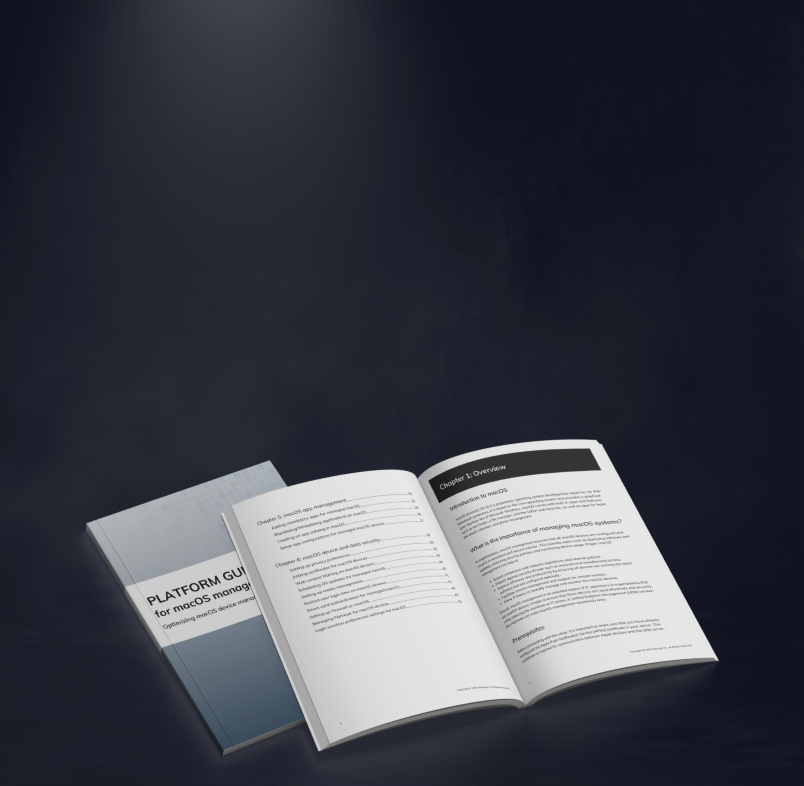
Platform guide for macOS device management
Explore macOS device management, security configurations, and policy controls for centrally managing enterprise Mac devices.
How does Hexnode UEM support macOS content filter ordering?
Hexnode UEM supports macOS filter ordering through its Web Content Filtering plug-in settings. Administrators can configure supported third-party content-filter plug-ins on managed Macs and specify their relative ordering using the Filter grade setting.
Under Policies > macOS > Web Content Filtering > Plug-ins > , administrators can configure:
Filter name and Plug-In Bundle ID: Identify the filter configuration and specify the plug-in’s bundle identifier.
Filter grade: Select Firewall or Inspector to establish relative ordering.
Filter sockets and Filter network packets: Configure the applicable filtering options, system-extension bundle IDs, and designated requirements.
Connection and authentication settings: Specify Server Address, Organization, Username, Password, and Certificate where required.
Administrators must ensure that third-party filtering extensions receive the required macOS approvals. In Hexnode UEM, they can configure these approvals through the System Extensions policy and assign the relevant policies to managed Macs.
Hexnode manages the plug-in configuration, while actual filtering behavior depends on the third-party provider’s implementation.
Frequently Asked Questions
Can changing a content filter’s grade affect network traffic on macOS?
Changing a filter’s grade can alter its relative processing order when other content filters are present. However, the effect on network traffic depends on the plug-in’s implementation and the behavior of other active filters. Administrators should test the configuration before deploying the change broadly.
Can multiple macOS content filters use the same filter grade?
Administrators can configure multiple content filters with the same grade, but the Firewall and Inspector grade distinction does not determine their processing order within that grade. Administrators should consult the relevant provider documentation and validate the combined configuration.
How can IT teams confirm that a macOS content filter is working after deployment?
IT teams can run systemextensionsctl list to verify that the filtering extension reports an [activated enabled] state. They should also review available nesessionmanager diagnostics and provider logs, then test representative network traffic to confirm that filtering behavior matches the intended policy.
Which filter grade does macOS assign when administrators omit FilterGrade?
If administrators omit the FilterGrade key from the Web Content Filter payload, macOS assigns the Firewall grade by default, placing the plug-in ahead of Inspector-grade filters.
Review filter grades before deploying content-filter plug-ins
Understanding macOS filter ordering helps IT teams make informed decisions when deploying multiple content-filter plug-ins. Firewall and Inspector grades establish relative processing order, but actual traffic handling depends on each plug-in’s implementation and configuration.
Before expanding deployments, administrators should confirm that assigned grades align with provider requirements and that filtering behavior meets organizational expectations. Reviewing these factors helps identify configuration gaps and reduce troubleshooting complexity across managed Macs.
Hexnode UEM supports this process through its Web Content Filtering plug-in settings, allowing administrators to configure filter grades and manage relevant settings through device policies.
Simplify macOS content-filter configuration with Hexnode UEM
Configure Firewall and Inspector filter grades and manage supported content-filter plug-in settings across managed Macs.
A storyteller for practical people. Breaks down complicated topics into steps, trade-offs, and clear next actions—without the buzzword fog. Known to replace fluff with facts, sharpen the message, and keep things readable—politely.