App deployment automation helps enterprises deliver the right apps to the right devices without the delays and risks of manual installs. Across Windows, macOS, Android, and iOS, software deployment automation improves consistency, strengthens security, and reduces IT effort. This blog explains the challenges of cross-platform deployment, how deployment workflows differ by OS, and why unified endpoint management is essential for scaling app delivery efficiently.
Modern enterprises run on software and applications. From employee productivity to daily operations, business-critical applications are central to how work gets done. With enterprise environments growing more complex, reliable software delivery becomes just as important as the software itself. Employees need timely access to the right tools. Security teams need software to remain approved and compliant. And IT admins need a deployment process that does not create unnecessary tickets or manual effort. This is why app and software deployment automation has become critical to modern endpoint management.
In this blog, we explore how organizations can approach app deployment automation across Windows, macOS, and Android while improving consistency, control, and scalability.
For many IT teams, the challenge is no longer just making applications available, but managing delivery in a way that stays consistent, controlled, and scalable. The value of automation becomes clear in a few key areas:
Reduced manual time and effort at scale: When organizations are supporting hundreds or thousands of endpoints, every repeated install, packaging change, approval cycle, and troubleshooting session adds operational overhead. A more automated approach helps IT reduce repetitive work and move faster with fewer touchpoints.
Greater consistency across devices: A standardized deployment process makes it easier to ensure the right users receive the right apps, in the right version, with the right configurations.
Stronger security and administrative control: Automation also gives IT better control over what gets installed, who receives it, and how updates are rolled out. Managed app deployment frameworks like Managed Google Play give organizations greater control over how applications are deployed, configured, and maintained across devices.
The Challenge of Cross-Platform App Deployment
Automating app deployment for a small number of devices running a single operating system is relatively straightforward. The real challenge begins when organizations must support a growing number of devices in a mixed-platform environment, which is the norm for most modern businesses. StatCounter’s March 2026 data shows that Windows accounts for 60.8% of the worldwide desktop operating system market, with OS X at 9.52% and macOS at 5.24%, while Android holds 67.46% of worldwide mobile OS share.
This is where complexity starts to build, because app deployment does not work the same way across operating systems.
Windows deployments often involve multiple app formats and deployment methods, including packages such as .msi, .appx, .appxbundle, .msix, and .msixbundle.
Apple deployments are typically centered on managed app distribution through MDM, covering App Store apps, Custom Apps, unlisted apps, and proprietary in-house apps.
Android deployments are generally built around Android Enterprise and Managed Google Play, with managed apps commonly distributed as AAB or APK packages.
iOS follows the same managed app model as the rest of Apple’s platform management framework. Apps deployed through device management can be remotely installed and configured, giving IT tighter control over business apps, settings, and access on managed iPhone and iPad devices.
So, the challenge is not simply that organizations use multiple operating systems. It is that each operating system comes with its own packaging formats, management models, distribution channels, and deployment logic. What looks like a single task at a high level quickly becomes several different administrative motions underneath.
How Companies Boost Productivity with IT Automation Using Hexnode
Learn more about how IT automation with Hexnode can streamline app distribution help IT teams scale more efficiently.
Best Practices for Automating App Deployments Across Operating Systems
The most effective teams do not automate each platform in isolation. They build a policy-driven process for app delivery and then adapt it to the requirements of each operating system.
Segment users and devices intelligently: Not every app should go to every endpoint. Grouping users and devices by role, ownership, device type, or location improves targeting and reduces unnecessary installs.
Separate required apps from optional apps: Required business apps should install automatically, while optional apps can be made available through a self-service experience. This gives IT control without removing all user flexibility.
Pilot before wide rollout: Testing on a small validation group first helps catch packaging issues, dependency conflicts, and user-impacting problems before broader deployment.
Automate updates, not just initial installations: Deployment should cover the full app lifecycle, not just the first install. That includes version control, ongoing updates, and routine maintenance.
Track success and failure rates: Automation is effective only when IT teams can see what worked, what failed, and where they need to intervene. Visibility is part of the process, not an extra.
Plan for rollback: Not every release goes smoothly. Deployment planning should include a way to contain failures through staged rollouts, uninstall procedures, or version rollbacks where possible.
Use a unified endpoint management approach: Managing apps across platforms is easier when IT can work from a single operational layer instead of separate tools and workflows for each OS.
Why a Unified Endpoint Management Solution Makes App Deployment Easier
As app deployment expands across operating systems, the challenge is no longer just handling platform-specific differences. It is also about preventing those differences from turning into disconnected workflows, inconsistent policies, and added administrative overhead. A unified endpoint management solution makes this easier by giving IT a more centralized way to manage app delivery across platforms.
Without that kind of unified approach, cross-platform app deployment often leads to familiar problems for enterprise IT teams:
Separate workflows for each operating system
Inconsistent app versions across user or device groups
Slower onboarding for new employees
Failed installs caused by packaging issues or missing dependencies
Limited visibility into deployment status
Weaker control over updates, patching, and app retirement
As those issues stack up, IT ends up maintaining multiple parallel processes for what is essentially the same business outcome: getting the right applications to the right users securely and on time.
This is where unified endpoint management platforms such as Hexnode become valuable. IT does not need to manage Windows, macOS, iOS, and Android as separate deployment challenges. A unified framework helps bring app delivery under a more consistent process. The underlying platforms still work differently. But a unified console makes it easier to distribute apps, monitor deployments, and manage the app lifecycle with less manual effort.
How Hexnode Helps Automate App Deployment
Hexnode’s app deployment workflow follows a similar pattern across platforms. IT teams first enroll devices and add apps to the Hexnode inventory. They then assign apps through policies, app groups, or Hexnode Automate and push them to target devices.
App sources and deployment controls vary by operating system, but Hexnode’s console gives IT teams one place to configure, manage, and track these actions.
Windows
Upload enterprise apps to Hexnode, group them where needed, and assign them through policies or automation. Hexnode gives IT flexible controls for install behavior, targeting, scripting, scheduling, and deployment rules across Windows devices.
macOS
Add approved apps to Hexnode, assign them through policies or app distribution workflows, and automate delivery across managed devices. Hexnode supports required apps, app groups, and streamlined deployment workflows that align with Apple’s management model.
Android
Connect Managed Google Play, add approved work apps to inventory, and distribute them through policies or remote actions. Hexnode helps IT automate app delivery across enrolled Android devices using the Android Enterprise framework.
iOS
Connect Apple Business Manager, sync apps into Hexnode, and assign them through policies or app groups. Hexnode supports managed app deployment for supervised iPhones and iPads, including app distribution, configuration, updates, and license-based control.
Featured Resource
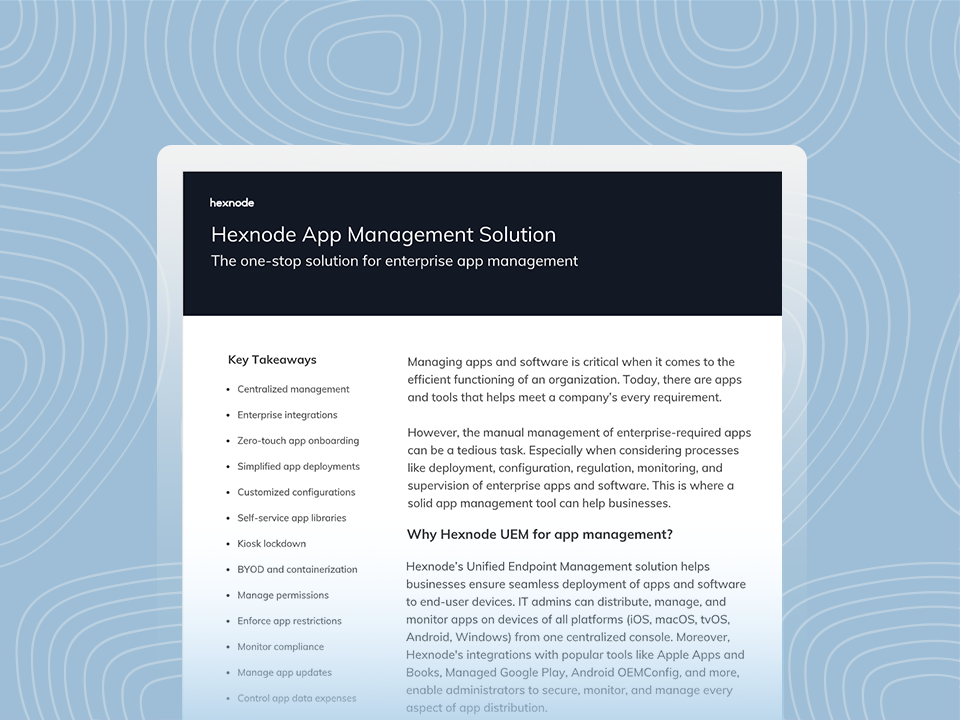
Hexnode App Management Solution
Download the datasheet to get to know about Hexnode’s App management features.
App deployment automation across Windows, macOS, iOS, and Android is now essential for modern IT. As organizations manage more devices, support more remote workers, and face higher security expectations, manual deployment becomes inefficient and risky. The key is to standardize the app lifecycle, use platform-aware deployment methods, apply policies consistently, and manage updates continuously.
When implemented effectively, software deployment automation helps IT teams onboard users faster, reduce support effort, strengthen security, and improve the user experience. In a software-driven business, automated deployment becomes a strategic capability, not just an operational convenience.
Frequently Asked Questions (FAQs)
1. What types of apps can be included in app deployment automation?
App deployment automation can cover a wide range of applications, including line-of-business apps, productivity tools, internally developed software, approved public apps, and role-specific tools used by different teams. The exact types supported depend on the operating system, app format, and the endpoint management solution being used.
2. How can IT teams test app deployment automation before a full rollout?
A good approach is to start with a pilot group made up of a small set of users or devices from different departments. This helps IT validate packaging, installation behavior, permissions, compatibility, and update workflows before expanding deployment to the wider device fleet.
3. Can app deployment automation support both mandatory and optional apps?
Yes. IT teams can use app deployment automation to silently push required business apps while also offering optional apps through a self-service portal or enterprise app catalog. This gives organizations more control over essential software while still giving users flexibility where appropriate.
Automate App Deployment Across Every Endpoint
Streamline app deployment automation across Windows, macOS, and Android with a unified platform that helps you deliver apps faster, reduce manual work, and stay in control.
Curious, constantly learning, and turning complex tech concepts into meaningful narratives through thoughtful storytelling. Here I write about endpoint security that are grounded in real IT use cases.