Everything You Need to Know About Android Device Onboarding
Master efficient fleet deployment with our comprehensive guide to Android device onboarding.

Get fresh insights, pro tips, and thought starters–only the best of posts for you.

An app usage tracker for Android is a tool that monitors how applications are used on managed devices. It tracks app usage time and activity patterns, helping enterprises evaluate app performance, improve productivity, and improve application value across the organization.
Unlike a basic data usage tracking app, it provides behavioral insights into how users interact with applications. This allows IT teams to move beyond installation data and understand actual app adoption across devices.
With Android app usage tracking, administrators gain visibility into how applications function in real-world environments. This makes the app usage tracker for Android a critical capability for managing modern Android device fleets.
Enterprises today rely heavily on Android devices across multiple environments. Studies show that 80% of enterprise employees use mobile apps for work-related tasks. However, many IT teams still lack visibility in how apps are actually used.
This creates several operational challenges:
An app usage tracker for Android addresses these challenges by providing structured usage insights. With solutions like Hexnode, administrators can analyze app behavior, validate performance, and make informed decisions that improve efficiency and control.
Traditional mobile device management focuses on deploying, updating, and restricting applications. While these controls are essential, they do not provide insight into how applications perform in real-world usage.
This limitation leads to several critical gaps:
Without Android app usage tracking, app management remains incomplete. Hexnode addresses this gap by adding a usage intelligence layer, enabling IT teams to evaluate, optimize, and control application performance using a structured app usage tracker for Android.
An app usage tracker for Android improves productivity by aligning application usage with business needs.
This shifts app management from passive monitoring to active optimization.
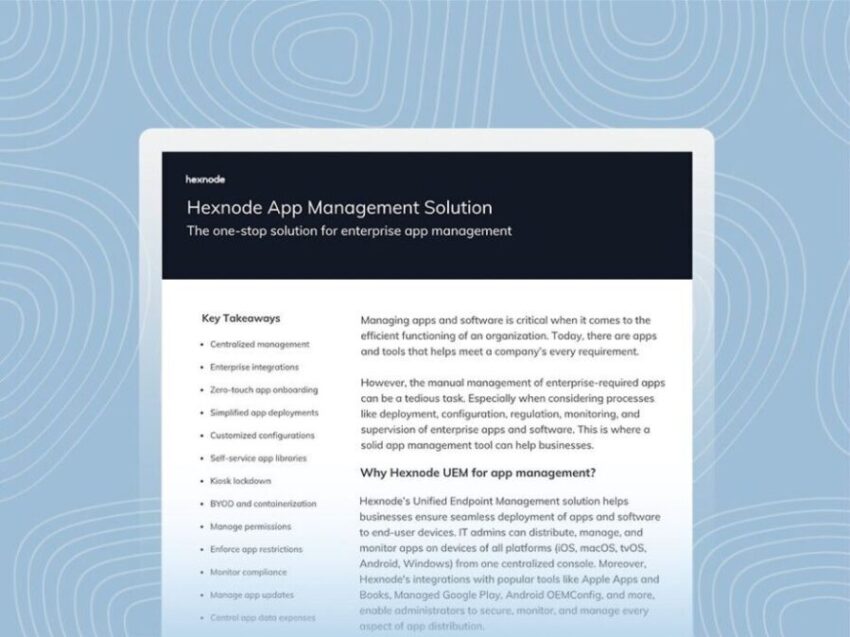
Maximize enterprise productivity and security with Hexnode’s comprehensive datasheet on App management for Android.
Download the DatasheetHexnode integrates app usage tracking into its unified endpoint management platform, ensuring insights are accessible and actionable.
| Capability | What it does | Business benefit |
| App usage tracking | Tracks usage time of selected apps | Understand how apps are used |
| Usage reports | Shows app usage data over time | Identify trends and patterns |
| Usage notifications | Sends alerts for high app usage | Take timely action |
| Centralized dashboard | Displays data in one console | Simplifies monitoring |
| Policy support | Works with app restrictions and kiosk mode | Improves control |
| Scalable deployment | Supports large device fleets | Ensures consistency |
This structured visibility ensures that enterprises can fully leverage the app usage tracker for Android to improve control and efficiency.
Hexnode makes it straightforward to deploy an app usage tracker for Android through its policy-driven approach. Administrators can configure app usage tracking using the App Usage Management feature and apply it to devices at scale. Follow these steps to implement them correctly.
This is where all app usage tracking settings are defined.
Within the policy,
This section allows administrators to define how app usage should be tracked on devices.
This ensures that the app usage tracker for Android focuses only on relevant business or critical apps.
Enable the required tracking options:
These settings allow Hexnode to collect meaningful usage data such as time spent and number of launches.
Set up notification rules to alert administrators or users when app usage exceeds defined limits. Notifications can be configured on a daily or monthly basis and sent via email.
This is one of the few areas where Hexnode links usage thresholds with alerts, making the app usage tracker for Android more actionable.
After configuring the policy,
This step activates app usage tracking across the selected endpoints.
Once deployed, devices begin collecting app usage data based on the configured settings.
Ensure that Usage Access permission is enabled on the device. For Android Enterprise Device Owner mode, this is automatically granted when the policy is applied.
To access insights:
Administrators can export reports and use the data to optimize app usage across the enterprise.
Hexnode combines scalable controls, focused tracking, and centralized reporting to simplify app usage monitoring.
As Android devices continue to power enterprise workflows, understanding how applications are used becomes critical. An app usage tracker for Android provides the clarity needed to move beyond assumptions and make informed decisions about app performance, governance, and investments.
With Hexnode, organizations can implement app usage tracking in a structured and scalable way. By combining usage insights with centralized management, IT teams gain better control over their app ecosystem while keeping operations efficient and aligned with business needs.
Join thousands of IT admins using Hexnode to gain full visibility and control over their device fleet.
Try Hexnode NowAn app usage tracker for Android monitors how applications are used on devices. It collects data such as usage duration and frequency. Hexnode presents this information in a centralized dashboard, allowing administrators to analyze trends and act effectively.
Yes, Hexnode also functions as an Android data usage monitoring tool. It helps IT teams track how applications consume data and identify unusual patterns that may affect performance, cost, or security.
Hexnode ensures privacy by focusing on work-related data. Its Android app usage tracking capabilities respect personal boundaries, especially in BYOD environments, while still providing enterprises with the insights they need.
It provides detailed insights into app behavior, helping organizations eliminate inefficiencies and improve workflows. By using tools to track phone usage on Android, enterprises ensure employees use the right applications effectively.
Yes, Hexnode enables organizations to track social media app usage on managed devices. This helps enforce corporate policies, reduce distractions, and maintain compliance without affecting the overall user experience.