The Definitive Guide to Kiosk Management and Strategy (2026 Edition)
Master every 2026 iPad deployment. Optimize ROI, automate security, and scale your global kiosk fleet with this expert-led management guide.

Get fresh insights, pro tips, and thought starters–only the best of posts for you.
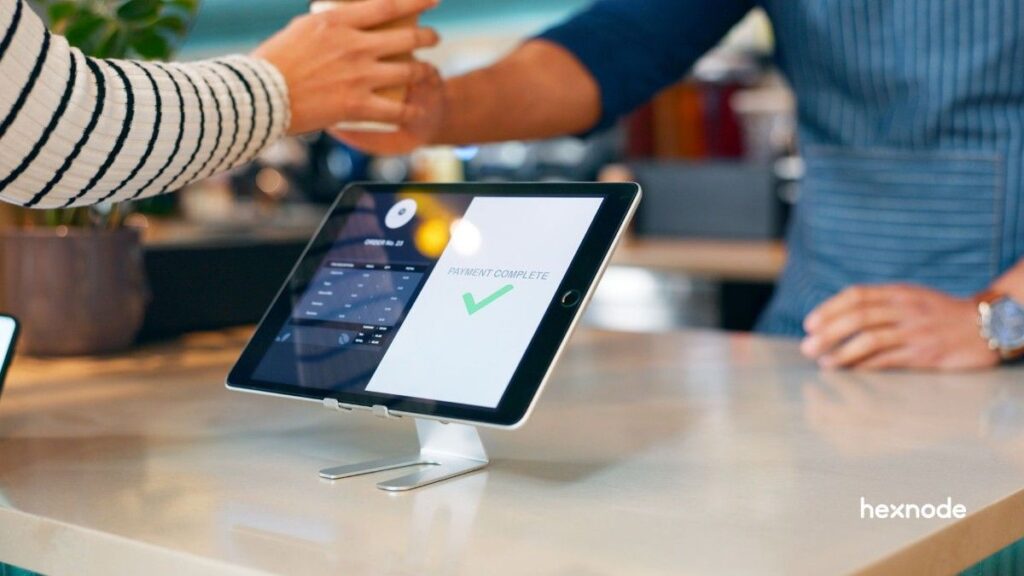
By 2026, the iPad kiosks has transitioned from a high-tech novelty into a foundational piece of enterprise infrastructure. Walk into any major airport, global retail flagship, or smart hospital, and interactive kiosks greet you to handle everything from biometric check-ins to AI-powered product recommendations. This hardware now serves as the digital “face” of the modern brand.
The scale of this shift is reflected in the numbers. The self-service kiosk market is projected to reach $16.24 billion in 2026, on a fast track toward $28.41 billion by 2031. This expansion is driven by a fundamental change in consumer psychology. In a post-pandemic, labor-constrained economy, customers no longer just tolerate iPad kiosks. They prefer them for their speed, accuracy, and lack of social friction.
However, a professional kiosk deployment is a sophisticated hardware-software symphony. A “tablet in a stand” is not a kiosk; it is a vulnerability. An iPad kiosks project is far more likely to fail because of hardware oversights, thermal mismanagement, or lack of remote scalability than from the iPad itself.
Hexnode serves as the unifying layer for this stack, transforming consumer-grade iPads into hardened, enterprise-ready appliances managed from a single, authoritative console.
To build a reliable kiosk, procurement teams must distinguish between the physical components and the digital management layer. Failing to do so results in orphaned devices, hardware that are physically present but digitally unmanaged and insecure.
The device refers to the total physical assembly. It is a four-part system:
Software lockdown is what prevents a customer from closing your business app to access system settings or play games.
Hexnode’s Self-Healing Architecture: Hexnode uniquely secures this lockdown by providing self-healing kiosk policies. If an app crashes or a user attempts a hardware-level bypass, the Hexnode agent detects the anomaly and re-enforces the iPad kiosk mode within seconds, ensuring zero downtime for your self-service interface.
The 2026 hardware landscape is defined by three specific trends that must dictate your procurement strategy. Purchasing 2022-spec hardware for a 2026 deployment guarantees a costly ‘rip-and-replace’ cycle within 18 months. Future-proof your investment by choosing iPad models that support current AI and OS demands.
2026 is the year AI moved from the cloud to the edge. Apple Intelligence provides on-device writing assistance, real-time translation for international tourists, and smarter Siri support workflows.
Critical Requirement: Apple Intelligence is not universal. It requires an M-series chip (M1–M5) or the iPad mini (A17 Pro). If you purchase a base-model iPad with an older A-series chip, you are effectively locking your business out of the AI revolution and the enhanced customer interactions it enables.
Manual configuration where an IT staffer manually taps through “Hello” screens is dead. In 2026, professional deployments use Zero-Touch Provisioning.
The Hexnode Integration Layer: By linking your hardware vendor to the Hexnode console via ABM, the iPad kiosk hardware arrives at their destination already owned by your company. The moment the box is opened and the device hits Wi-Fi, Hexnode pushes the kiosk policy, the Wi-Fi credentials, and the business app. This eliminates the need for expensive on-site IT technicians.
Enterprises are now focusing on the circular economy. An iPad Pro (M5) has a higher upfront cost, but its residual value after a 36-month cycle is significantly higher than any budget competitor.
The Hexnode Advantage: Hexnode assists in lifecycle management by tracking battery cycles and hardware performance. When the console indicates a device’s battery health is dipping below 80%, you can proactively plan a replacement before the device fails in the field.
Before selecting hardware, define the environment. An iPad in a rainy outdoor train station has different needs than one in a luxury hotel lobby.
Hardware selection is driven by the specific job the kiosk must perform. Below is how the iPad kiosks are utilized across key sectors in 2026.
High-end boutiques utilize the 13″ iPad Pro to accurately showcase intricate fabric textures that standard screens might wash out.
Hexnode’s Operational Efficiency: Configured with 5G cellular fallback, the device remains online even if store Wi-Fi fluctuates. By configuring Network Usage Rules in the Hexnode console, you ensure that your kiosk app has priority access to 5G bandwidth.
Modern clinics use the iPad mini for its lightweight, approachable form factor, allowing patients to easily hold the iPad kiosk hardware while completing digital forms.
The Hexnode Security Guardrail: Privacy is the priority. Leveraging Hexnode’s automated session management, kiosks are set to wipe the screen and clear cache after 60 seconds of inactivity, protecting sensitive patient data from the next user.
Factories use VESA-mounted iPads as ruggedized “Time-on-Tool” logging stations, prioritizing durability and high-contrast visibility for dim lighting.
Hexnode’s Fleet Visibility: Managing hardware across a vast facility is simplified through the Hexnode UEM console. IT teams remotely monitor hardware health including battery and network status, ensuring 24/7 uptime without physical shop-floor inspections.
Selecting the wrong model is the most common cause of “Project Regret.” Below is the authoritative 2026 baseline for professional iPad kiosks.
| Use Case | Recommended iPad | Key Spec |
| High-End Retail | iPad Pro 13″ (M5) | 1000+ Nit Brightness |
| General Self-Order | iPad Air 11″ (M3) | M-Series AI Support |
| Clinical/Small Space | iPad mini (A17 Pro) | Compact/Lightweight |
| Basic Forms/Visitor Log | iPad 10th Gen (A16) | Cost Efficiency |
If your kiosk runs a “Web App” (Javascript-heavy), do not skimp on the processor. A budget iPad will “stutter” during transitions. For fluid, 60fps animations which are now the consumer expectation, the M3 chip is the baseline. Hexnode’s Kiosk Browser is specifically optimized to run these heavy web apps while preventing users from navigating to unauthorized URLs.
The enclosure is the primary physical defense for your investment. It must protect the iPad from theft, tampering, and the environment.
Hexnode’s Fleet Visibility: Physical enclosures can mask underlying software issues. Hexnode’s Remote View allows the IT team to bridge the distance, providing a live look at the screen of a wall-mounted iPad in a different city. This simplifies the process of diagnosing whether a reported ‘malfunction’ is a physical alignment issue with the mount or a digital UI bug, all without the expense of a site visit.
A kiosk is only as reliable as its connection to the world.
iPads are designed for mobile use, but interactive kiosks are stationary. Keeping an iPad at a 100% charge for years can lead to battery swelling.
Hexnode’s Granular Control: Use Hexnode to monitor battery health remotely. If the console shows an iPad kiosk hardware consistently running at high temperatures, you can remotely lower the screen brightness or schedule “Off Hours” where the screen is powered down, extending the lifespan of the battery and the backlight.
For most indoor retailers, Wi-Fi 6E is sufficient. However, if your kiosk is “Revenue Critical” (it takes payments), 5G fallback is mandatory.
The Hexnode Advantage: Hexnode manages these cellular settings remotely. You can restrict data usage to only the kiosk app, ensuring that an OS update doesn’t consume your entire monthly data plan in one afternoon.
2026 interactive kiosks are rarely standalone. They often require:
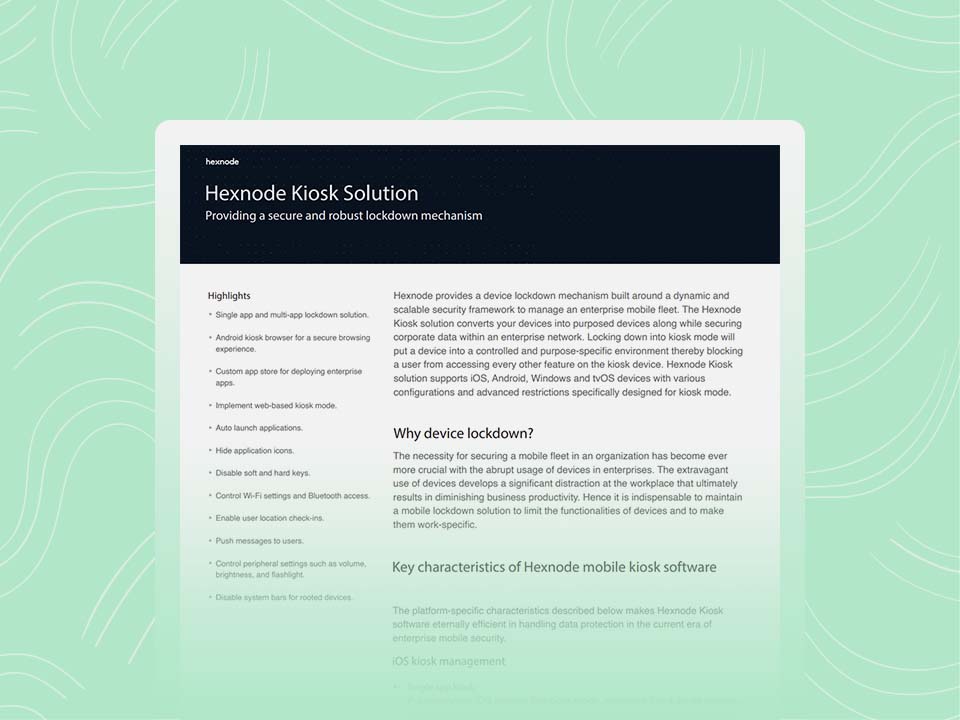
Understand how Hexnode's kiosk solution helps create the purpose-specific environment you desire.
Download the DatasheetThis is where the transformation from a consumer tablet to a professional tool is finalized. iPad kiosk mode within Hexnode offers granular controls that go far beyond standard iOS “locks.”
Professional iPad kiosks should feel like a custom-made machine. Through the Hexnode console, you should disable:
The Hexnode Advantage: Hexnode’s Custom Branding feature is a unique value proposition. You can replace the standard iOS background with your company’s logo and color palette, creating a fully branded UI that makes the hardware feel like a bespoke corporate asset.
In 2026, data privacy is not just a feature; it is a legal liability (GDPR/CCPA). If a user enters their email on a lead-capture kiosk, the next person in line must not be able to see it.
Interactive kiosks must clear browser history, cookies, and cache automatically between users.
The Hexnode Advantage: Hexnode’s Auto-Reset triggers are designed for high-traffic environments. You can define an “inactivity timeout” (e.g., 60 seconds of no touch). Once triggered, Hexnode automatically wipes the browser cache and returns the app to the “Home” screen, ensuring the next customer starts with a clean slate.
A floor stand that you don’t bolt down creates a security risk. Anchor your mounts or use high-tensile security cables. Furthermore, Hexnode’s Geofencing sends an immediate alert if someone moves an iPad out of its designated area.
Don’t be fooled by the retail price of an iPad. That is only about 30-40% of the actual cost over a three-year lifespan.
While the 40/15/20/25 breakdown is a reliable baseline for 2026, these buckets are not static. The specific industry, the scale of the deployment, and the physical environment will cause these percentages to shift.
To justify the cost to stakeholders, use this framework:
Hexnode’s Management Overhead Reduction: Hexnode dramatically reduces TCO by eliminating the need for manual IT intervention. If a kiosk in London is frozen, a technician in New York can reboot it from the Hexnode console. This eliminates the “Truck Roll”, the expensive cost of sending a physical person to a site to fix a software glitch.
In 2026, the iPad kiosks are more than just hardware; it is a managed business asset. Choosing the right iPad kiosk hardware requires a balance of high-performance Apple hardware, secure physical enclosures, and the authoritative control provided by Hexnode UEM.
You achieve success in an interactive kiosk deployment when the technology fades into the background, providing your customers with seamless, “always-on” service. By prioritizing managed deployments, AI-ready hardware, and automated session resets, you ensure that your investment drives revenue and efficiency for years to come.
From remote reboots to automated geofencing, manage every device from a single dashboard.
Try Hexnode NowThe iPad 11th Gen (2025) is the best choice for high-traffic retail kiosks due to its balance of affordability and reliability. It features a 10.9-inch Liquid Retina display and the A16 Bionic chip, providing more than enough power for POS systems and check-in apps. Its standard dimensions also ensure maximum compatibility with the widest range of VESA-mounted security enclosures.
A VESA-mounted iPad provides three primary benefits: security, ergonomics, and cable management. By using the industry-standard 75mm or 100mm hole patterns, businesses can attach iPads to heavy-duty floor stands or articulating wall arms. These mounts typically feature tamper-proof locks to prevent theft and internal routing to hide USB-C charging cables, ensuring a clean and professional look.
Yes, you can leave an iPad kiosks plugged in 24/7, but you should enable iPadOS “Charging Management Mode.” Modern iPads, such as the iPad Air M3 and iPad 11th Gen, include this feature to prevent battery degradation. It limits the maximum charge level when you permanently connect the device to power. For the best results, always use an MFi-certified high-wattage USB-C power adapter.
To lock an iPad into a single app, use the built-in “Guided Access” feature or “Single App Mode” via a Mobile Device Management (MDM) provider like Jamf.