Installing apps from unknown sources exposes entire organizations to security, stability, and legal risks that native OS protections alone can’t fully block.
Both corporate and BYOD devices are vulnerable, Play Protect and iOS restrictions catch known threats but miss new ones, and personal devices create a blind spot once they touch corporate data.
Unknown-source apps can carry malware, cause crashes, and trigger copyright or compliance violations.
Hexnode UEM closes the gap with app catalogs, blocklist/allowlist policies, and work container isolation for BYOD.
Understanding the importance of securing sensitive information and protecting your network from potential threats is one of the keys to cybersecurity for enterprises and personal use alike. Knowing this becomes especially important when your corporate data flows through multiple devices; either corporate-owned or employees’ personal devices. But did you know that something as simple as installing apps from unknown sources can put your entire organization at risk? Unfortunately, most companies overlook this threat. This blog will uncover the potential consequences of installing apps from unknown sources. We will also look at the steps your IT team can take to mitigate those risks.
The primary trusted source for installing apps on Android devices is the Google Play Store. For iOS devices, the only trusted source for app installation is the Apple App Store. Apart from this, apps can also come from enterprise app stores, used by organizations to distribute in-house developed apps or apps specifically designed for their employees. Any source other than the ones mentioned above can be considered unknown.
Why are these sources trusted? The main reason for this is that these app stores have strict regulations for app developers. They also examine each app before they are available for download. This helps to ensure they are secure and free of any malicious code. Additionally, these stores require the apps to be digitally signed and will also have the developer information visible.
How your device tries to protect you (and where it falls short)
Both Android and iOS build in safeguards against unknown-source installs by default.
On Android, this protection works on a per-app basis since Android 8.0. Instead of a single device-wide toggle, users must grant installation permission to each individual app requesting it. Google also runs Play Protect in the background, scanning apps for malware regardless of where they came from.
Apple takes a stricter approach. iOS doesn’t allow sideloading through normal settings at all; installing outside the App Store typically requires a jailbroken device or a compromised enterprise certificate, both major red flags in a corporate environment.
Here’s the catch: these protections were never designed to be foolproof. Play Protect can only catch known malware signatures and behavioral patterns, so newer or well-disguised threats can slip through before they are flagged. Studies have shown devices installing apps outside official stores are significantly more likely to encounter a Potentially Harmful App than devices that stick to the Play Store.
In other words, native OS protections are a helpful first layer, not a complete defense. For organizations managing dozens or thousands of endpoints, relying solely on built-in prompts leaves the door open for a single distracted employee to bypass them. This is exactly the gap that dedicated app management policies are meant to close.
Perils to watch out for
Here are a few reasons why it’s not a good idea to install apps from unknown sources:
Security risks
Apps from unknown sources may have yet to be adequately tested for security vulnerabilities. Unfortunately, this means they might contain malware or other harmful software that could damage your device or steal your data. So, let’s take a bit deeper look into the different kinds of malware and other risks these apps might contain:
Adware: These are pieces of software that display unwanted advertisements. Users may experience significant disturbance from them, and they may even secretly gather personal data.
Spyware: Some apps may contain spyware, which can monitor your activity on your device and steal sensitive information such as passwords, credit card numbers, and social security numbers.
Phishing: Phishing is a type of cyber-attack that involves deceiving people into giving their personal or financial information by posing as a trustworthy source. Cyber criminals commonly do this through email or text messages but also through third-party app stores. Once the user installs the malicious app, it will trick the user into inputting their login credentials. It might also surveil the device for sensitive data.
Stability issues
Apps from unknown sources may not have been built with the same level of care and attention to detail as those we install from official app stores. As a result, they may be more vulnerable to causing stability issues on your device.
Compatibility: These apps may not be designed to work with your specific device, operating system, or other apps and can cause the app to crash or not function properly.
Performance: Poorly coded or optimized apps can excessively use memory and battery or slow down your device.
Error and crashes: Apps published in unknown sources are more prone to having bugs or errors that can cause them to crash or stop functioning altogether.
Interfere with other apps: These apps might conflict with other apps that are running on your device, causing them to stop working correctly or stop responding.
Lack of Support: Versions of the app downloaded from unknown sources may not be supported by the developer, and you might face issues troubleshooting the app or getting help.
Legal issues
There is a high chance of facing legal consequences when using apps installed from sources that the governing agencies do not approve.
Copyright infringement: Some apps from unknown sources may be pirated copies of paid apps or contain copyrighted content without the holder’s permission. These may result in copyright violations.
Intellectual property infringement: Some apps from unknown sources may use intellectual property such as trademarks and patents without permission. This can also lead to legal action.
Privacy violations: Some apps collect and process your personal information in ways that violate privacy laws.
Non- compliance: Some apps might not comply with the laws and regulations of specific countries and regions. Installing and using these apps can lead to legal penalties.
The ground-level perspective
We have spoken a lot about how apps installed from unknown sources can land you in big trouble. But how much of this is happening out there in the real world? According to recent studies, four companies fall victim to malware attacks every minute. Cybercriminals use apps distributed through third-party stores as a primary means to spread malware. Unfortunately, this has been common in the past few years.
In 2020, a sophisticated mobile banking malware called ‘Cerberus’ was found to be distributed through third-party app stores. This app could secretly send and steal SMS codes, including the 2FA codes from Google Authenticator, and even access credit card and contact information. In 2021, a malicious app called ‘Anubis’ was distributed through third-party app stores and was designed to steal financial information and perform other malicious actions.
You might be familiar with the famous video game Cyberpunk 2077, released in December 2020. But did you know, a ransomware was being spread as the Android version of the game on a third-party website? Once you install the app, it will encrypt all the device information. This means you have to pay the ransom or lose all your files.
The story doesn’t end here. Studies show more than 1 billion malware programs are on the internet. So, if you don’t tread the water cautiously, you can be greatly impacted.
Better safe than sorry
It’s always better to stay away from third-party app stores and web pages when looking for an application. You don’t want any nefarious software lurking through your device. However, there might be situations where you might have to go for untrusted sources to install your apps, for instance, when the app is in the beta-testing phase. It would be best if you took a few precautions to avoid danger in such cases.
The most crucial step is to check the permissions that the app seeks from you. For example, a gaming app asking permission to send SMSs and access your camera doesn’t make sense. Some apps will have long lists of permissions. It is better to go through them thoroughly before installation rather than regretting them later. If you happen to install a malware-infected app by accident, you will have to uninstall the same and do a factory reset to ensure you remove all the infected files or programs.
How to simplify Application Lifecycle Management (ALM) with UEM
See how a UEM like Hexnode provides a suitable app lifecycle management solution that supports all major platforms.
The BYOD blind spot
Corporate-owned devices aren’t the only concern. Personal devices used for work, commonly called BYOD, introduce a blind spot IT teams often underestimate.
Employees are far more likely to sideload apps on their own phones than on a company-issued one. A gaming APK from a third-party site, a modified streaming app, or a “free” version of paid software can all seem harmless on a personal device. But once that same phone accesses corporate email, files, or VPN, any malware on it now has a path into your network.
This is where work profiles and containerization become critical. Rather than managing the entire personal device, IT can isolate corporate data and apps into a separate, secured work container. Unknown-source installations within that container can be restricted or blocked entirely, without touching the employee’s personal apps or data outside it.
This separation matters for both security and privacy. Employees keep control over their personal space, while IT retains the ability to enforce app restrictions where it actually counts: the corporate side of the device.
For any organization allowing BYOD, addressing unknown-source risks without a containerization strategy is only solving half the problem.
Are trusted sources truly trustworthy?
Around 100,000 apps are added to Google Play Store in a month. This number is even more than that of the Apple App Store, which has around 40,000 new app releases per month. These app stores have processes in place to review apps for security and quality before releasing them to the public. However, even these are not 100% foolproof. Although Google will remove them as soon as they detect any malicious content, there is a decent chance that some users will download them before that. Hence you should still exercise caution and be mindful of the app’s permissions and reviews before installing apps from unknown sources.
Fortify your app environment with Hexnode
Malicious apps can compromise your enterprise security big time. If you can provide your employees with all the apps they would require for work activities, you can avoid them installing apps from unknown sources willy-nilly. A UEM solution such as Hexnode can be beneficial in such a scenario. Hexnode’s app management capabilities let you remotely deploy and manage applications over multiple devices simultaneously.
Hexnode lets organizations deploy and install applications with zero user intervention. There are also a variety of app management policies available for managing the apps. You can either blocklist all the unwanted apps or allowlist only the necessary apps to ensure no unwanted apps are getting into the devices. You can even configure an app catalog from which the end-user can download all the required apps. This preventing the employees from installing these apps from elsewhere.
Make the most out of your apps
Not only does Hexnode help your organization stay away from cyber threats, but it also helps to improve the experience of your employees. With Hexnode, you can configure the apps in your devices with customized configurations. This means when the employee opens the app for the first time, it will be pre-configured, saving valuable time. You can set up what each app can do or have access to, even before installing them on the devices, by setting up custom app permissions. This feature not only adds another layer of security but also helps you reduce battery and memory usage.
Troubleshooting is a crucial part of app management from an IT admin’s perspective. Features such as remote view and collecting app logs make it easier for your tech pros to analyze and rectify errors. In addition, app logs provide valuable information about the state of the apps as they contain all the errors, warnings, and other events along with the respective timestamps.
Featured resource
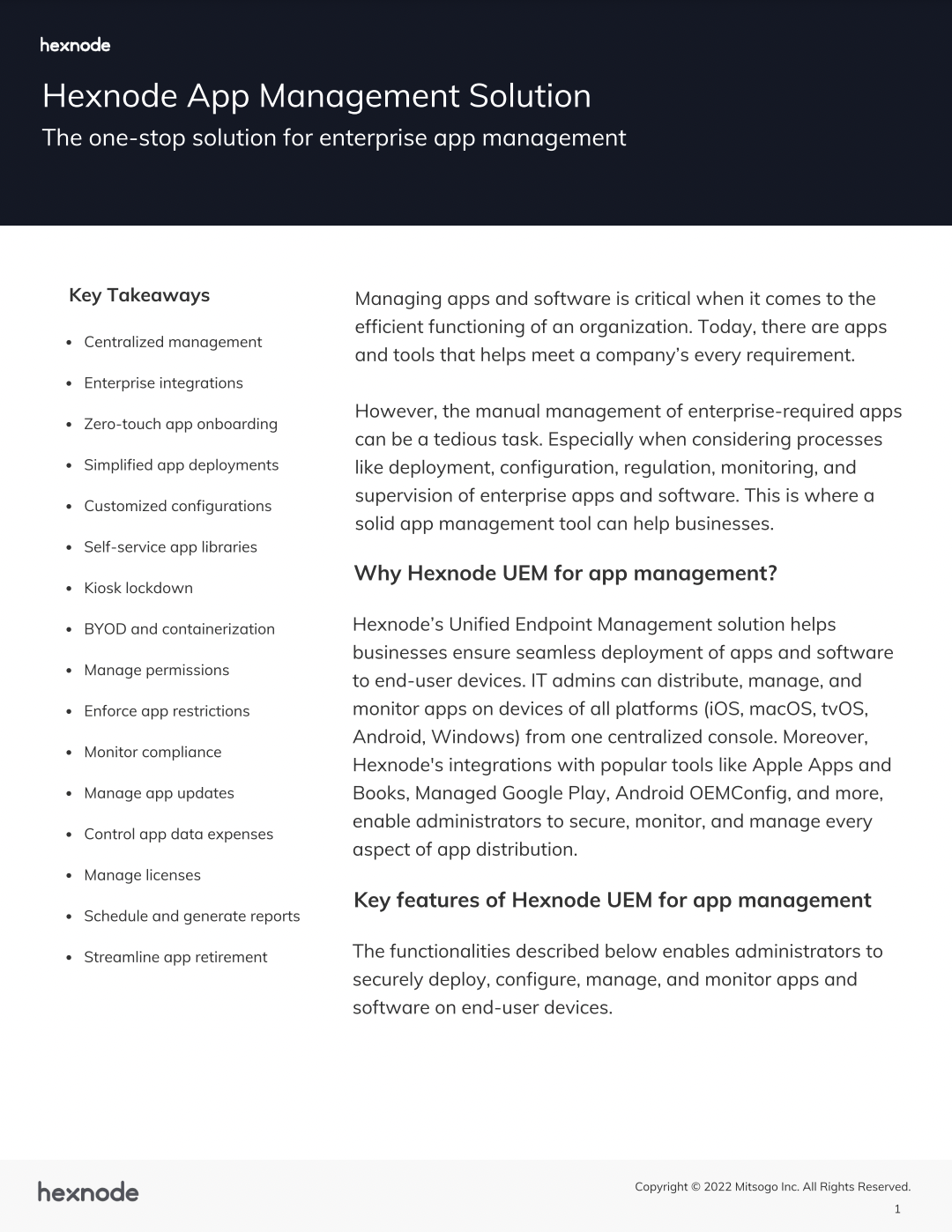
Hexnode App Management Solution
Learn how Hexnode’s App Management solution helps businesses ensure seamless deployment, monitoring, and supervision of enterprise apps on end-user devices.
Another way in which Hexnode streamlines app management is through the dynamic grouping of devices. You can set compliance rules, say a particular enterprise app must be present in the device for it to be compliant, and group all the devices that don’t follow the rules. This feature lets you automate remedial actions on all non-compliant devices. In this case, you can set up a Per App VPN policy. This policy establishes a private network for the necessary corporate apps for added security.
Hexnode contains numerous such features under the hood that can make device and app management a breeze. So what are you waiting for? Sign up today and test all the features out for free!
Keep your endpoints safe from malicious apps
Sign up for a 14-day free trial to unlock robust management capabilities for your app fleet and protect your organization from cyber threats.
What should I do if I’ve already installed an app from an unknown source?
Uninstall the app immediately and run a full device scan for malware. If the device shows signs of compromise like unusual battery drain, unexpected pop-ups, or unrecognized permissions, perform a factory reset to remove any hidden files. For enterprise devices, IT teams should also revoke and reissue any credentials the device had access to.
Can IT admins block unknown-source installations remotely without physically accessing the device?
Yes, admins can push restriction policies remotely through a UEM console to disable unknown-source installations across managed devices. These policies apply instantly once synced, without requiring any action from the end user. This works for both corporate-owned devices and the managed work container on BYOD devices.
How is sideloading different from installing apps from unknown sources?
Sideloading refers specifically to installing an app package directly onto a device instead of through an app store. It’s one method of installing from an unknown source, but not the only one; unknown sources also include third-party app stores and direct web downloads. All sideloaded apps come from unknown sources, but not all unknown-source installs involve sideloading.
Does disabling unknown sources affect legitimate enterprise app distribution?
Not when managed properly. Enterprise apps distributed through a trusted MDM or UEM console are treated separately from general unknown-source installs, since they come through an approved, verified channel. Organizations can restrict general unknown-source installs while still allowing IT-approved enterprise apps to deploy normally.
How often should app permission policies be reviewed on managed devices?
App permission and installation policies should be reviewed at least quarterly, or immediately after any major OS update. Operating system changes can alter how permissions or installation settings behave, so policies need to be checked for continued effectiveness. Regular reviews also help catch outdated app allowlists or blocklists that no longer reflect current business needs.
Share
Aiden Ramirez
Product Evangelist @ Hexnode.
Hey Ferb, I know what we're gonna do today!



 Aiden Ramirez