
Create and Manage Kiosks from Anywhere

Create and Manage Kiosks from Anywhere
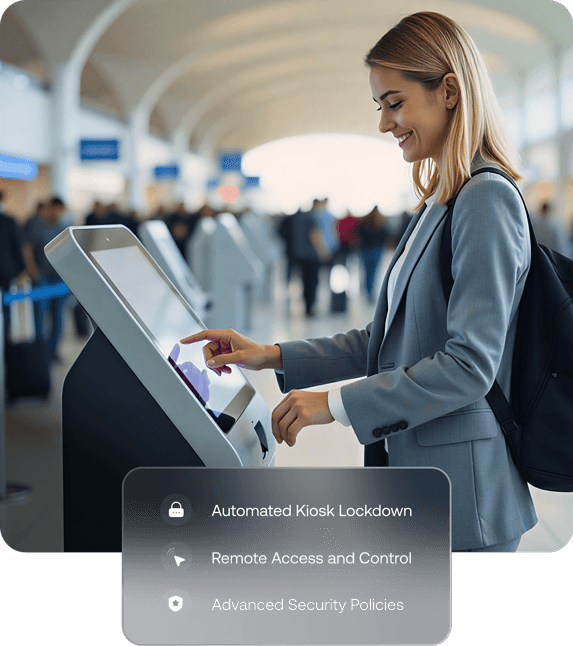
Remotely create purpose-built kiosk experiences on any device, and manage them all from one place.

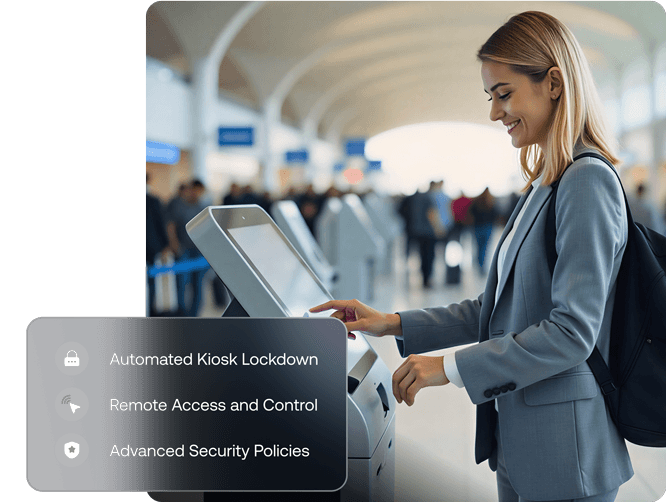
Image of a woman interacting with a self-service kiosk, representing Hexnode’s ability to create and manage kiosks from anywhere with automated lockdown and advanced security policies.

Kiosk mode for every form, screen, and OS

Devices across different form factors and platforms don’t need to be managed separately. Manage all your screens from a single dashboard with complete visibility and control
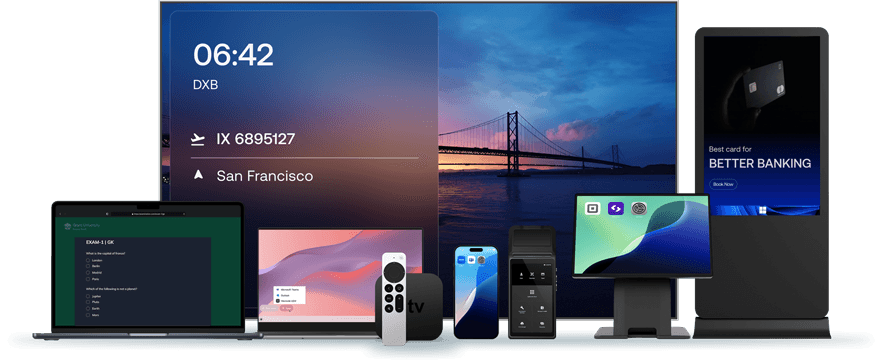
Collection of devices including laptops, smartphones, dedicated digital signage screens, etc., illustrating kiosk mode support across every platform, screen, and OS.

The complete feature set for any use case

Multiple Lockdown Modes

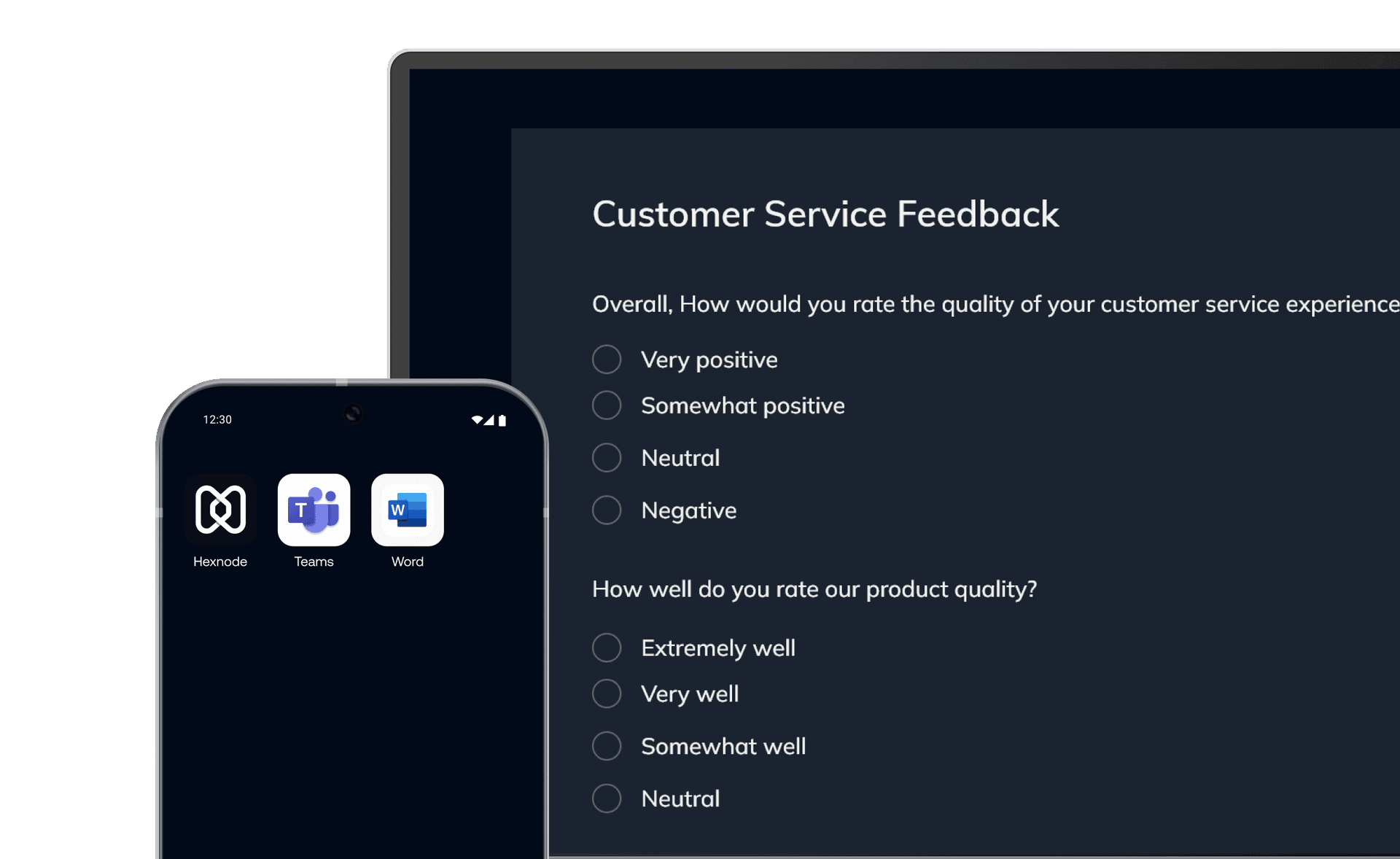
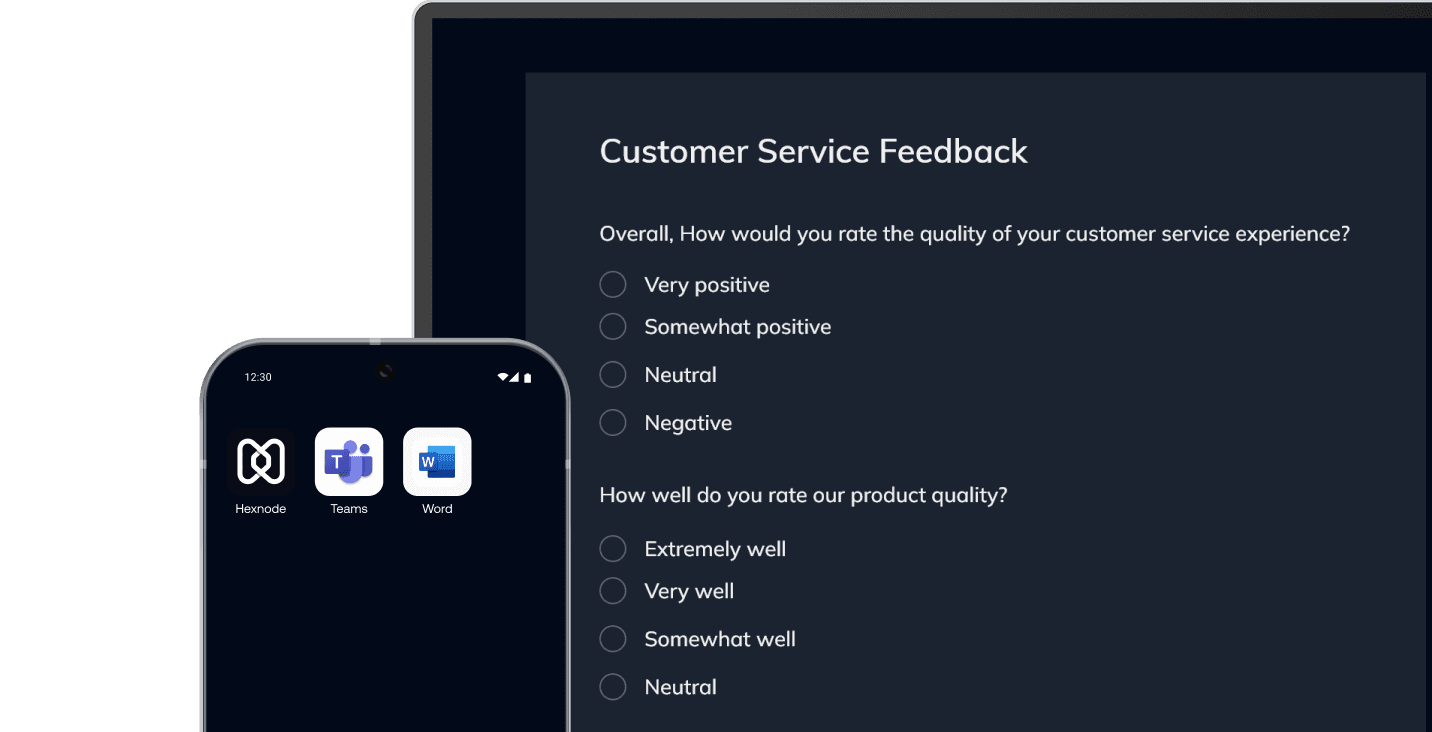
Create a tailored kiosk experience with multiple lockdown options that let you control what users can see and do.

  • Single-app mode
  • Multi-app mode
  • Web-based kiosk
  • Hexnode kiosk browser
Image showing a tablet displaying a customer feedback form and a smartphone with enterprise apps, illustrating multiple kiosk lockdown options including single-app, multi-app, and web-based.

Why Hexnode for Kiosk Management?

Cross-platform support

From a centralized dashboard, manage all your kiosks regardless of their platform or device type.
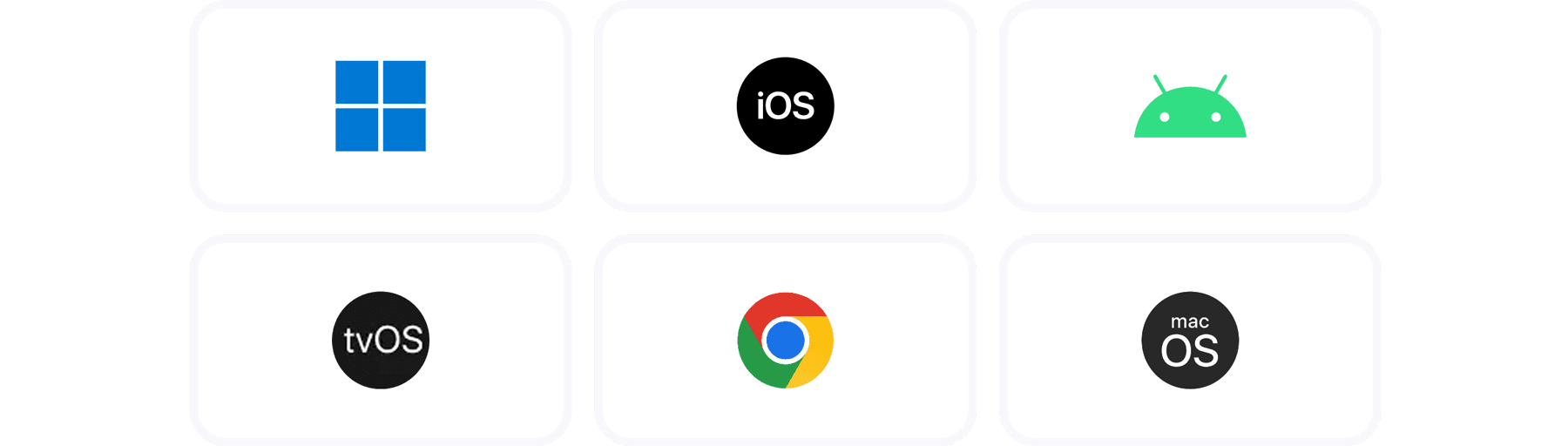
Graphic showing logos for Windows, iOS, Android, macOS, ChromeOS, and tvOS, representing cross-platform support for centralized device management from a single dashboard.Graphic showing logos for Windows, iOS, Android, macOS, ChromeOS, and tvOS, representing cross-platform support for centralized device management from a single dashboard.
Automated Management

Automate routine kiosk tasks to reduce IT effort and ensure devices stay updated and compliant at all times.
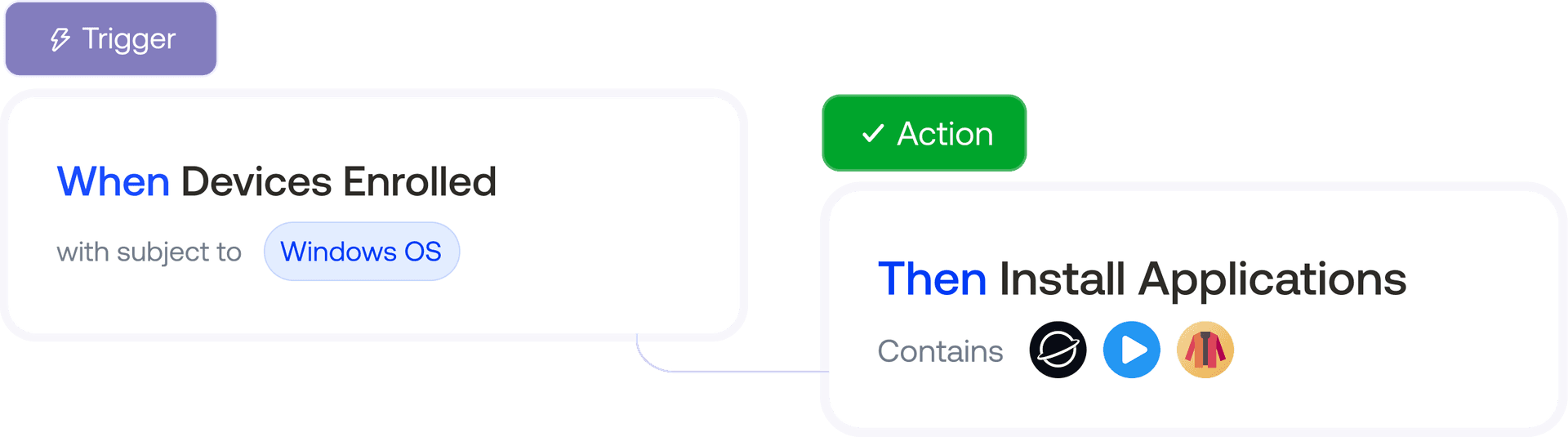
Flowchart graphic demonstrating event-based automation: when devices are enrolled, applications are automatically installed, illustrating automated management workflows.Flowchart graphic demonstrating event-based automation: when devices are enrolled, applications are automatically installed, illustrating automated management workflows.
Easy Deployment

Set your kiosks up in minutes with multiple zero-touch onboarding methods and ready-to-use kiosk templates.
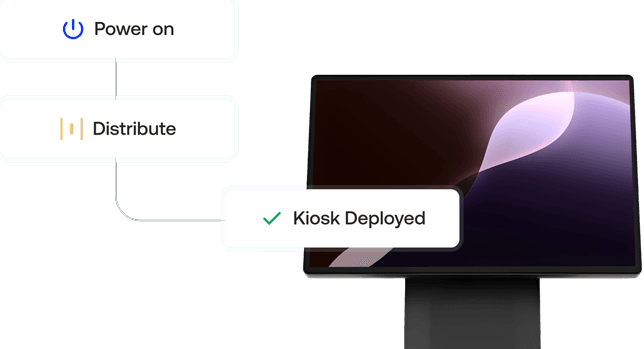
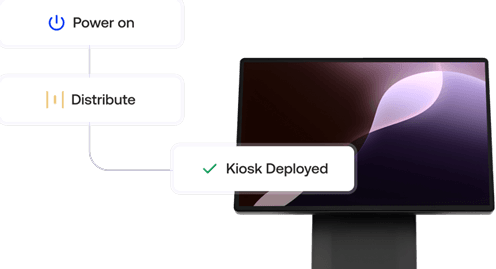
Flowchart graphic showing the process for deploying a large monitor kiosk (Power on, Distribute, Kiosk Deployed), highlighting easy deployment and zero-touch provisioning for digital screens.Flowchart graphic showing the process for deploying a large monitor kiosk (Power on, Distribute, Kiosk Deployed), highlighting easy deployment and zero-touch provisioning for digital screens.

See why enterprises around the world chose Hexnode

Quotes

"By using Hexnode, the productivity and time savings have been very big. The time spent actually deploying a device has gone down. It used to take us about 20 minutes now it just takes us about 10."

Daira Natividad

Technology Solution Specialist

San Juan Texas logo
Quotes

... and then we found Hexnode and it checked all of the boxes

David Goodyear

Information Technology Manager,

DoMyOwn logo
Poster image
Quotes
Quotes
Donaldson logo

Streamlining device management with Hexnode

Read more
Marriot logo
Merck logo
Costco logo
Lowes logo
Hilton logo
Wolt logo
Gorillas logo
Saic logo
Group1 logo
Polaris logo