




Provision every device and user without the manual work
Loved by all. Recognized by the best.



Devices Ready for Work from First Boot


Instant Configuration
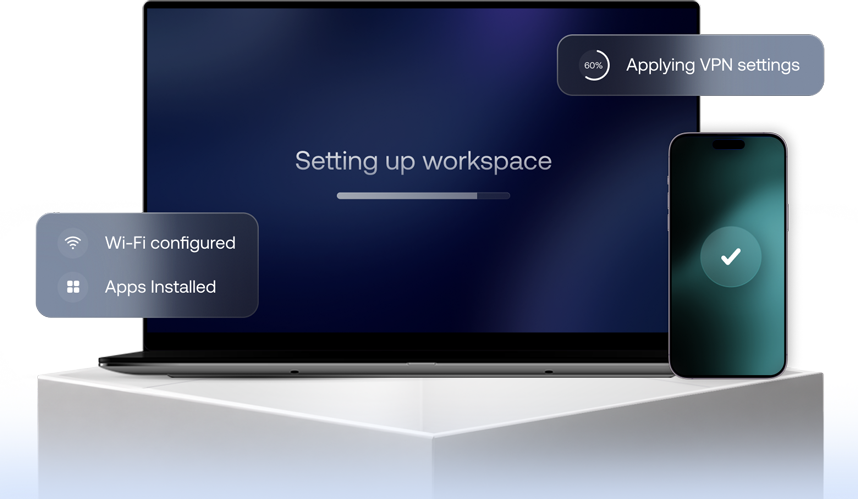
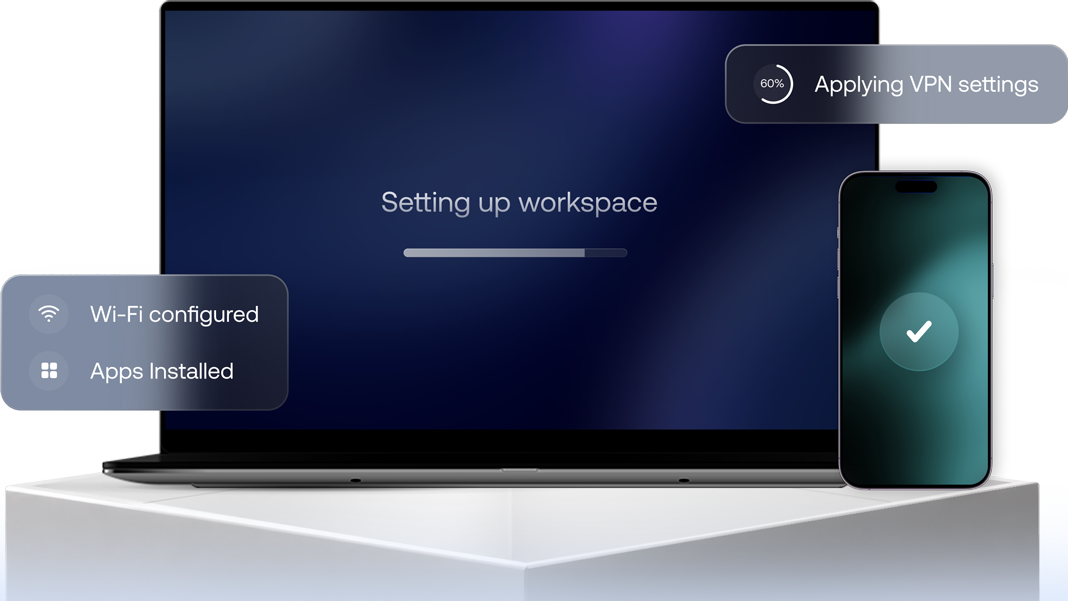
Policies, restrictions, apps, and settings are automatically applied during enrollment, eliminating manual setup and reducing IT workload.

Cross-Platform Provisioning
Provision and configure iOS, Android, macOS, Windows, ChromeOS, and other endpoints from a single unified console.

Provisioning at Scale
Roll out configurations to hundreds or thousands of devices simultaneously while maintaining consistency across every deployment.
Automate Every Step of Device Provisioning
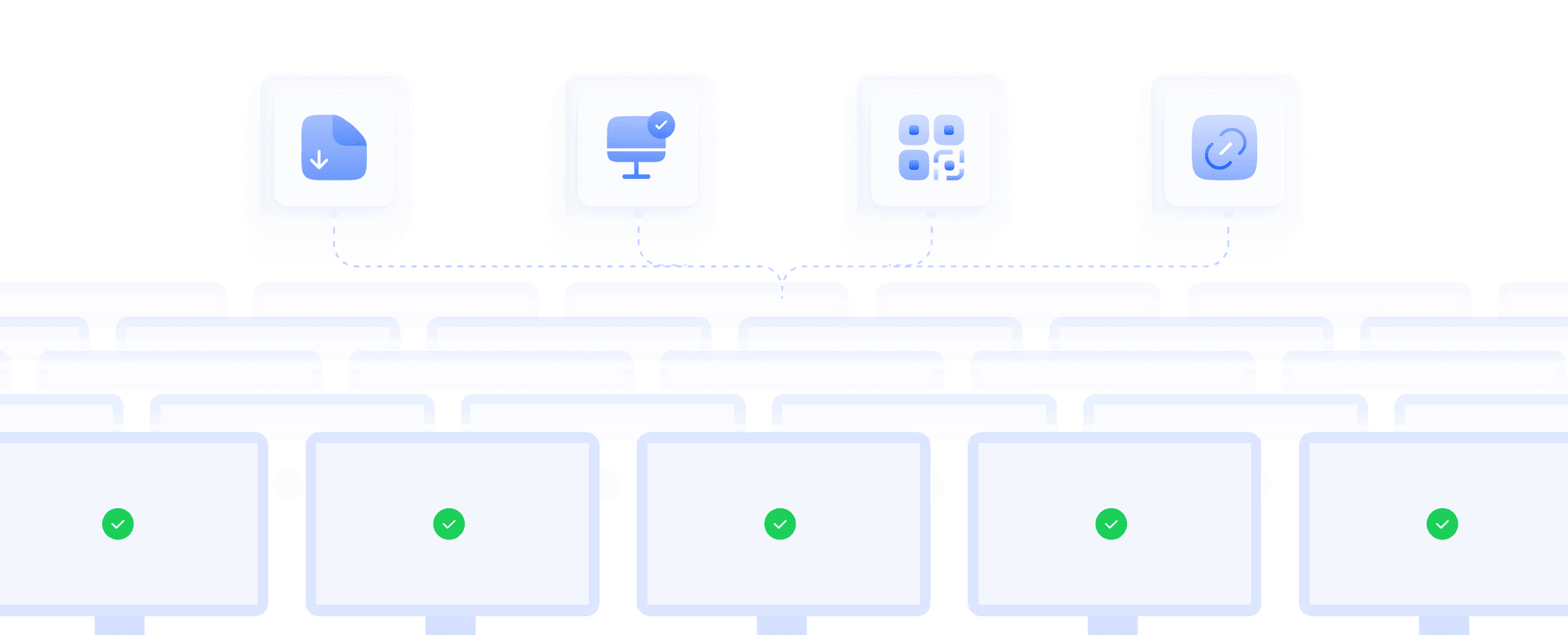
Bulk Enrollment and Fleet Deployment
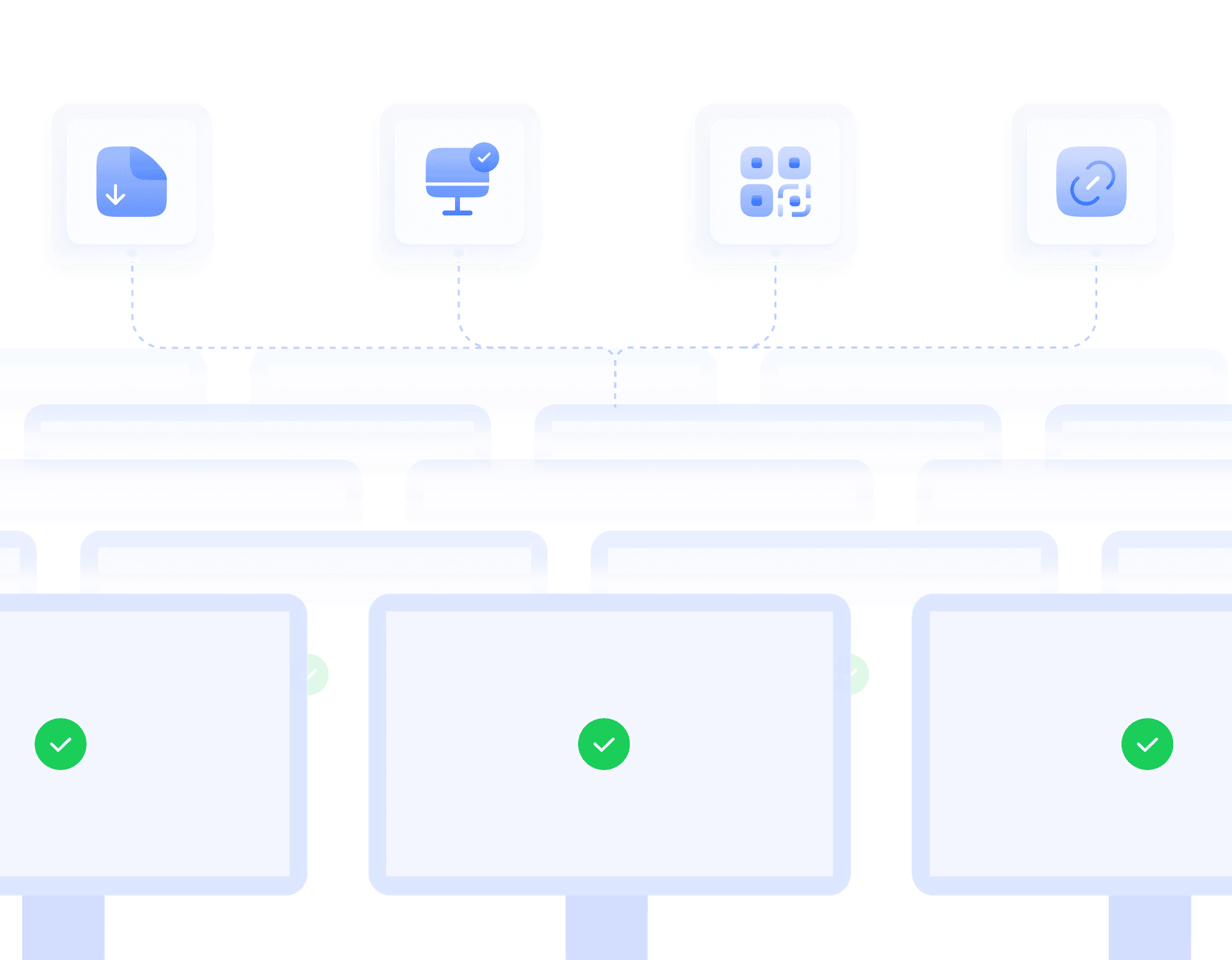
Roll out hundreds of devices simultaneously using bulk import, zero-touch enrollment, QR-based enrollment, or enrollment links while automatically applying provisioning configurations at setup.
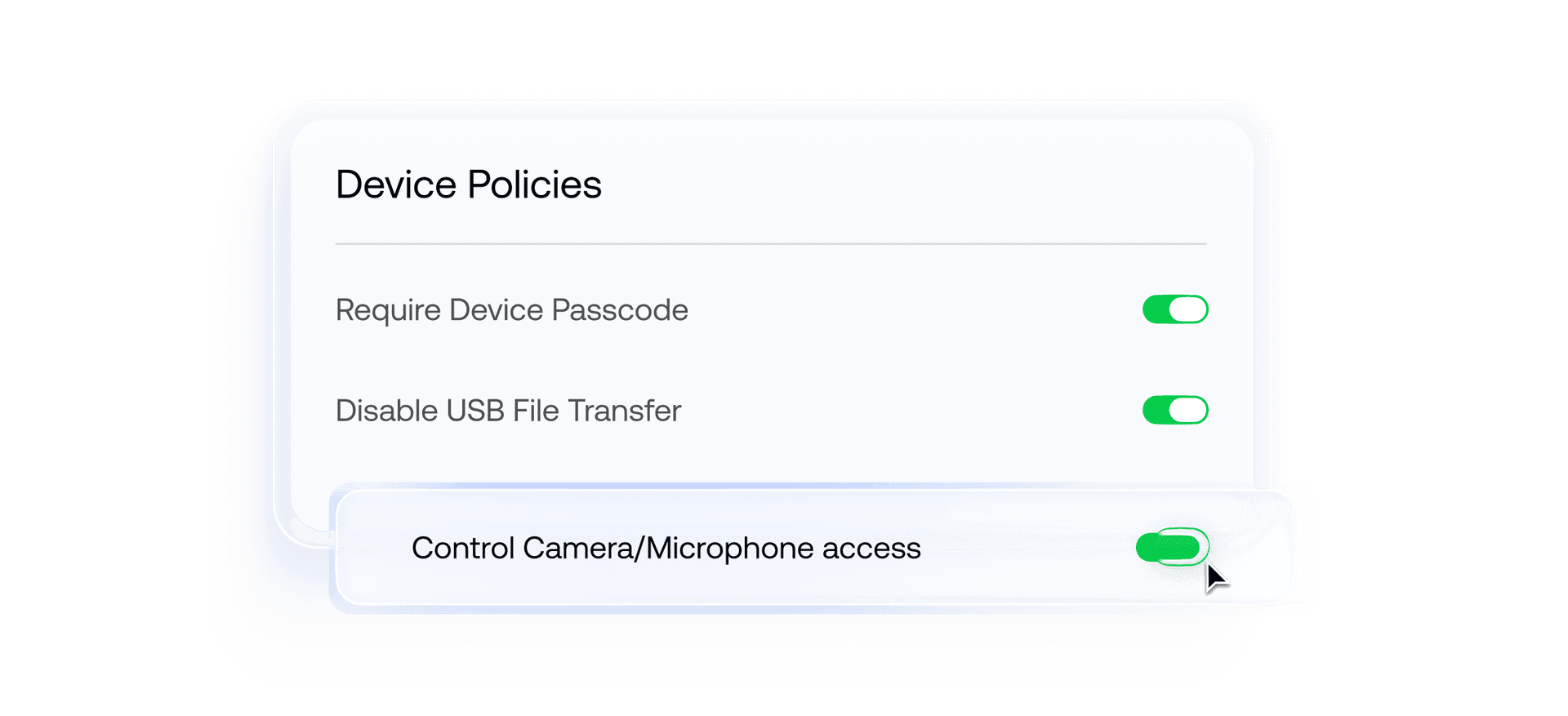
Policy and Restrictions
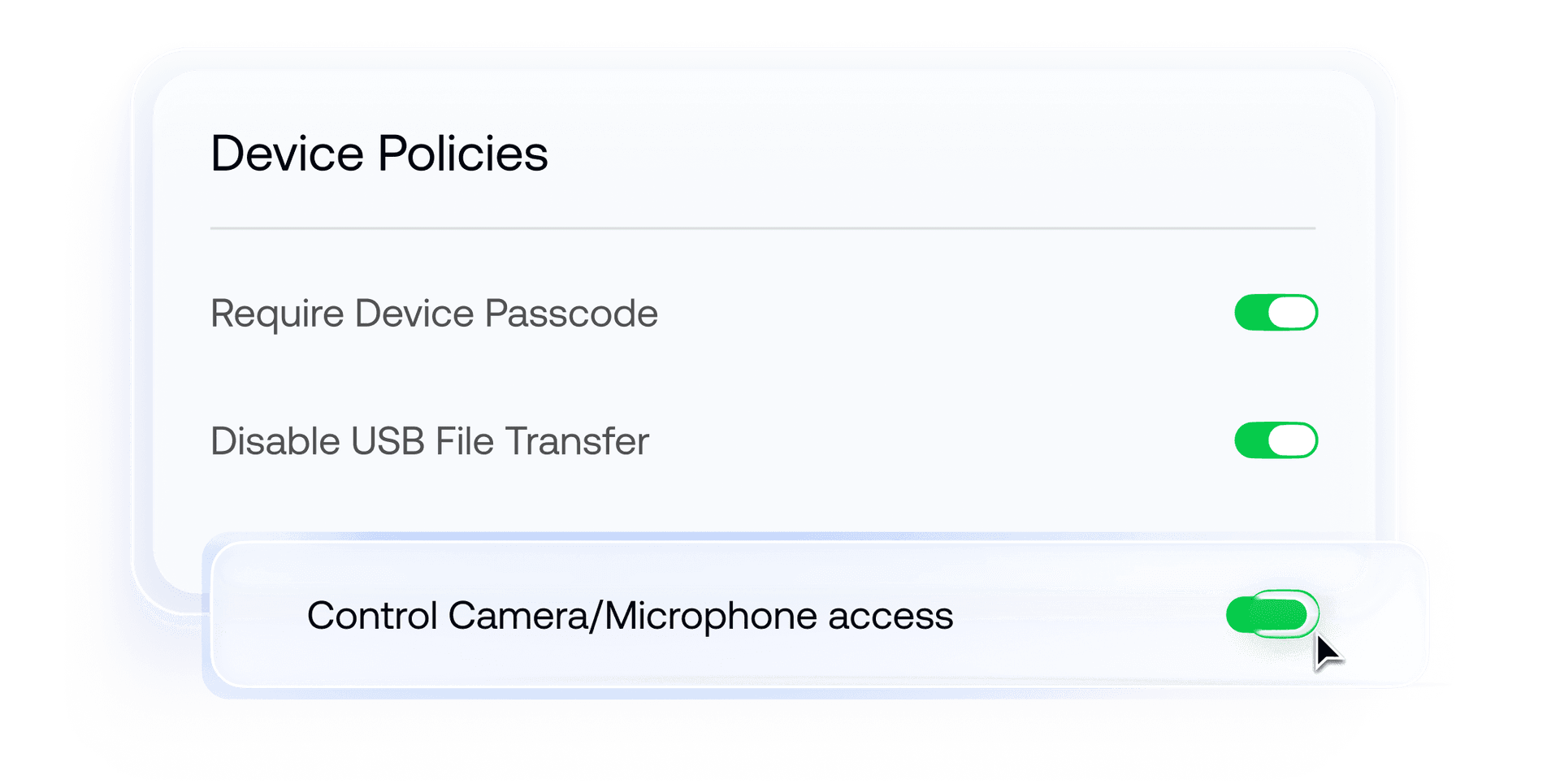
Enforce passcodes, device restrictions, USB controls, camera access, and more during enrollment. Apply standardized security configurations across every managed device from a single console.
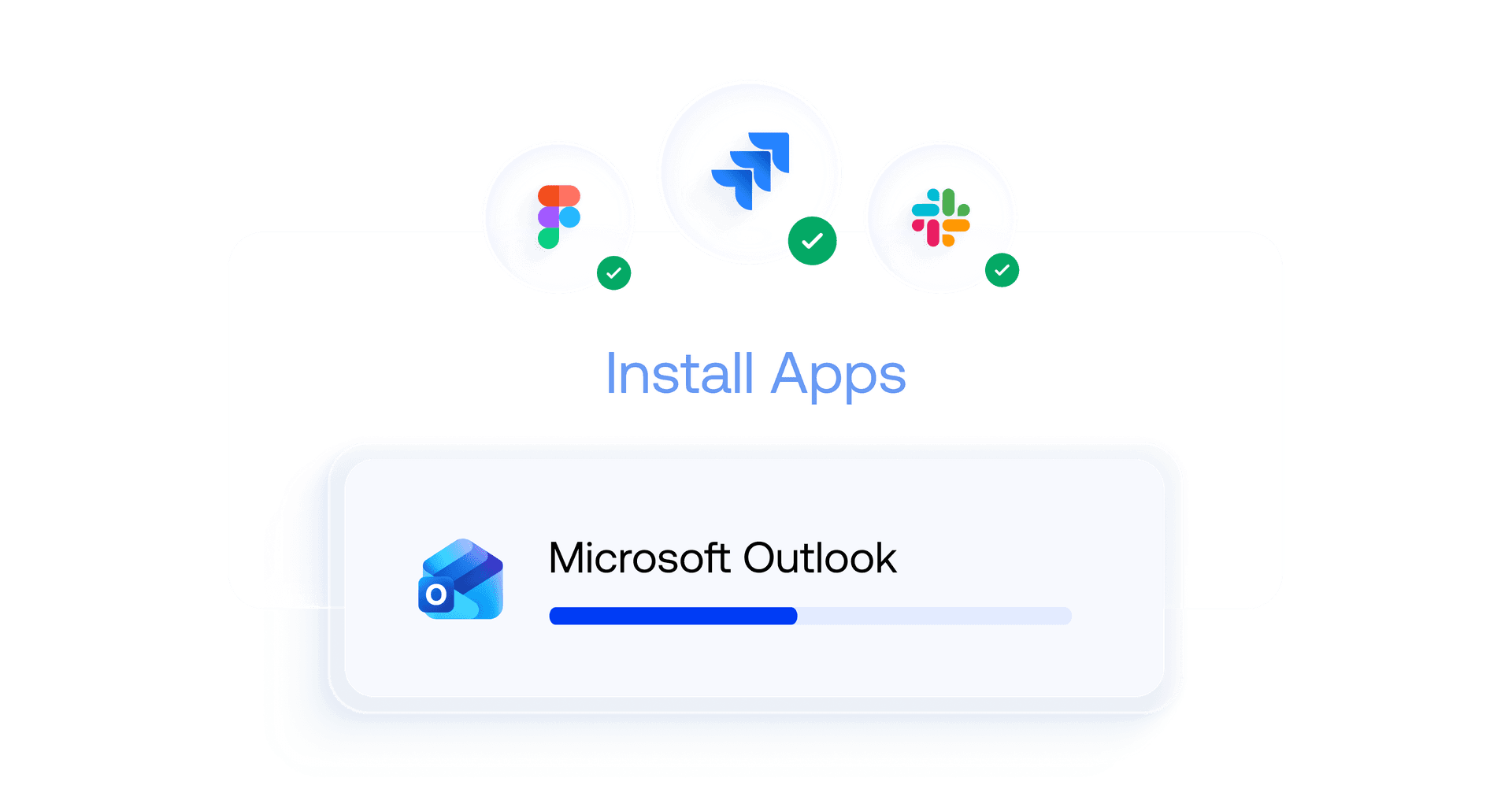
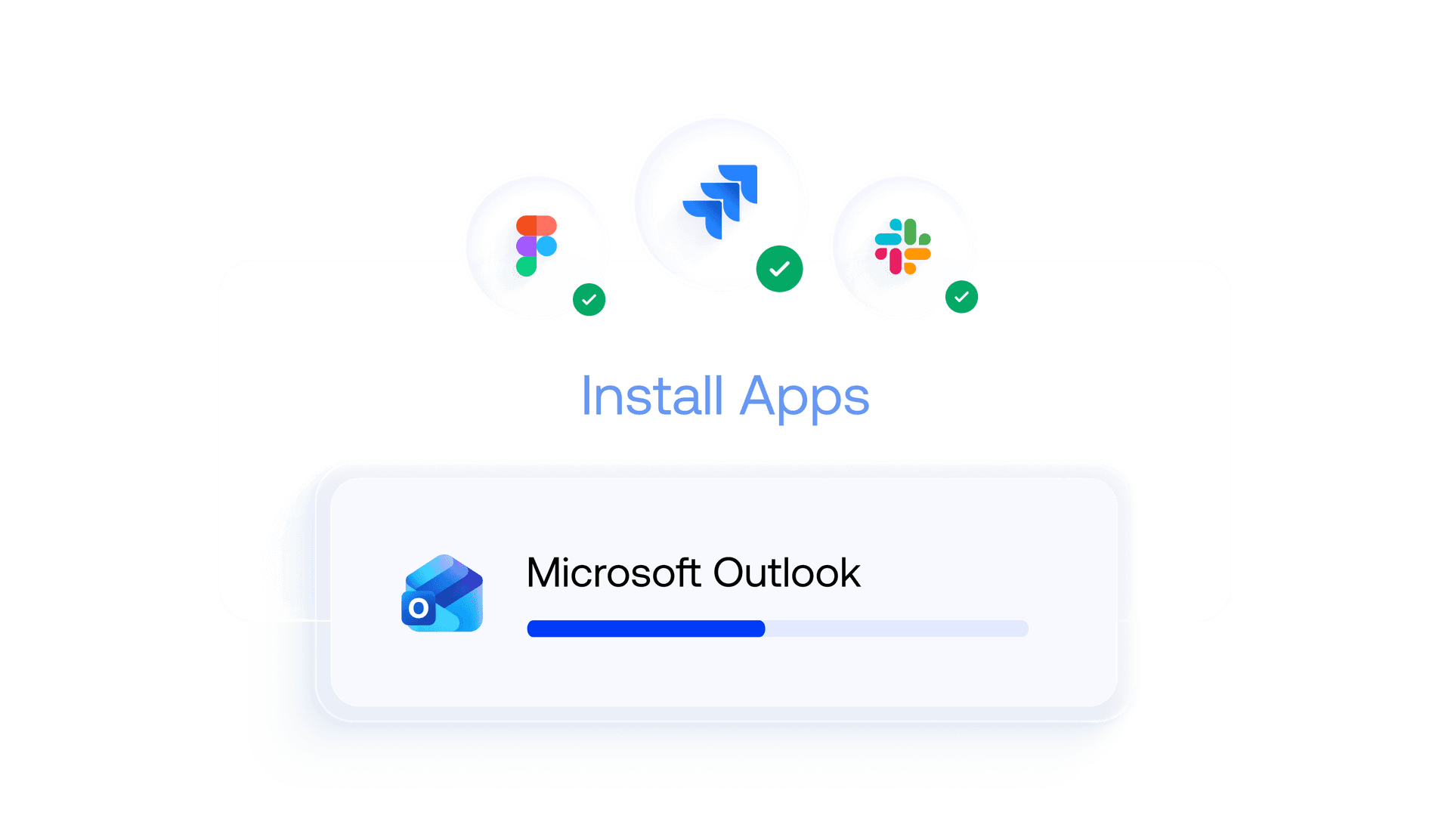
App Provisioning
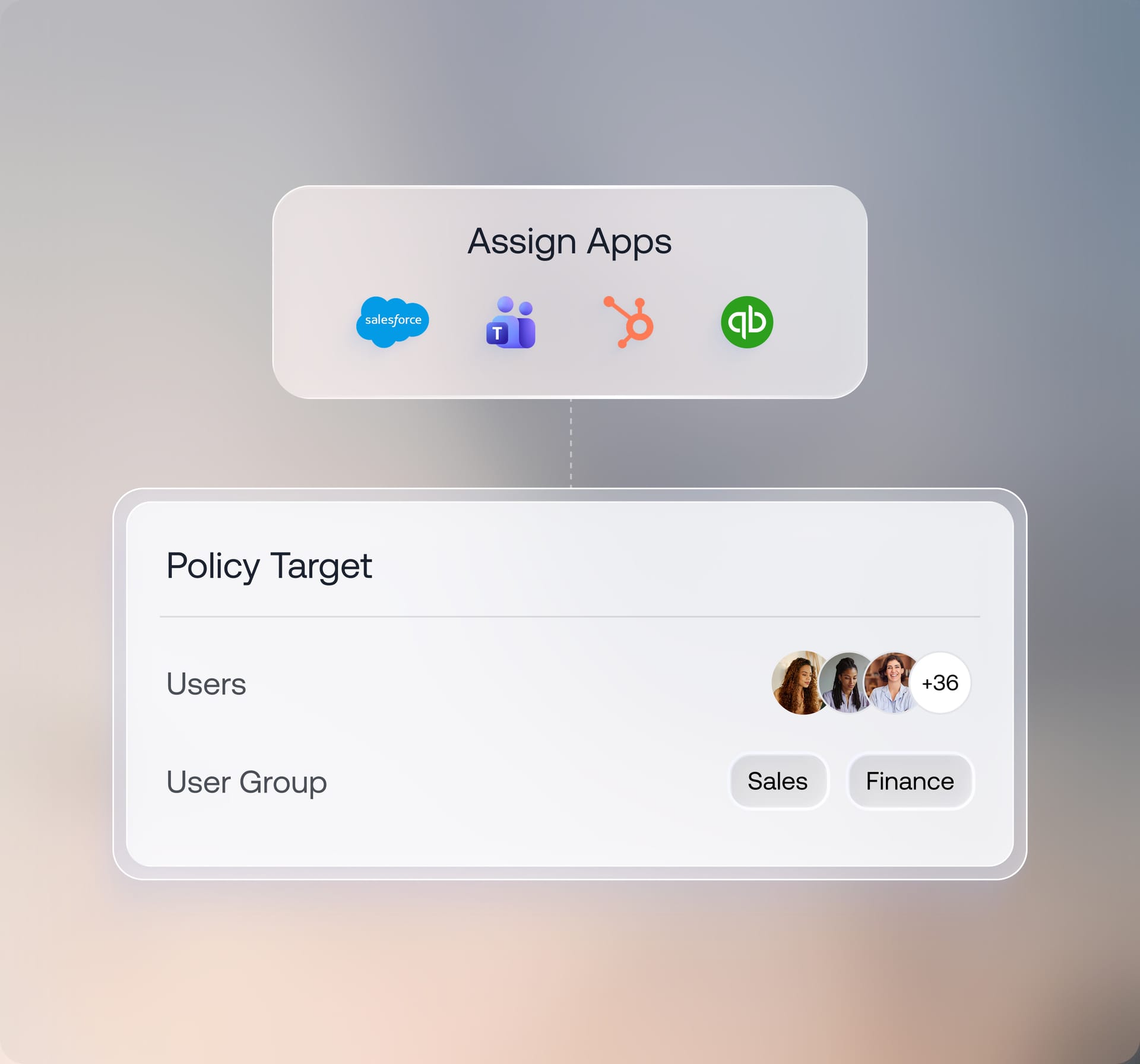
Deploy business-critical apps automatically during setup & assign them based on users, roles, or device groups to keep every endpoint deployment-ready.
Wi-Fi and Network Configuration
Configure Wi-Fi, VPN, and APN settings in advance, so devices connect securely to corporate networks without manual setup or credential entry.
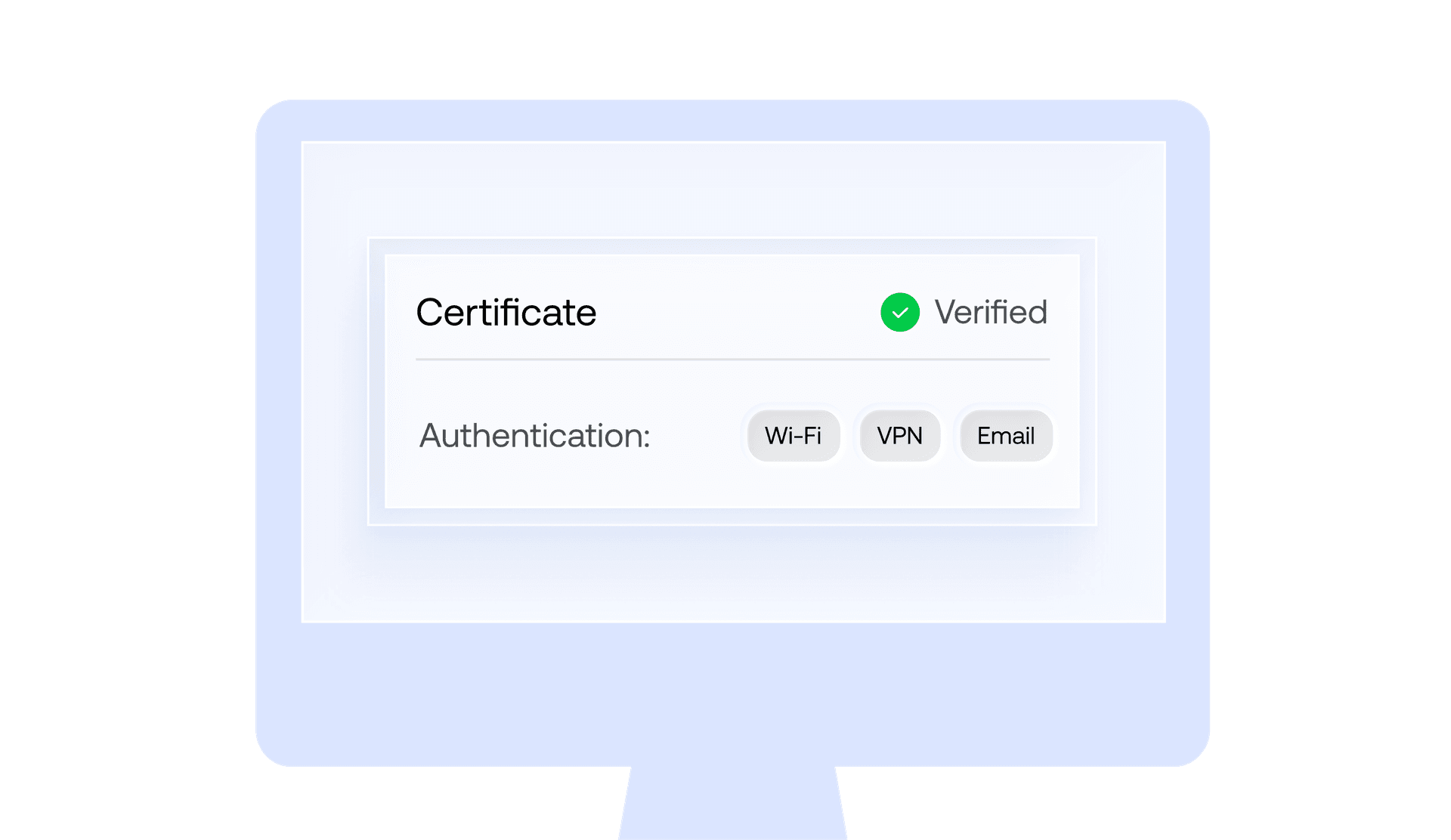
Certificate Distribution
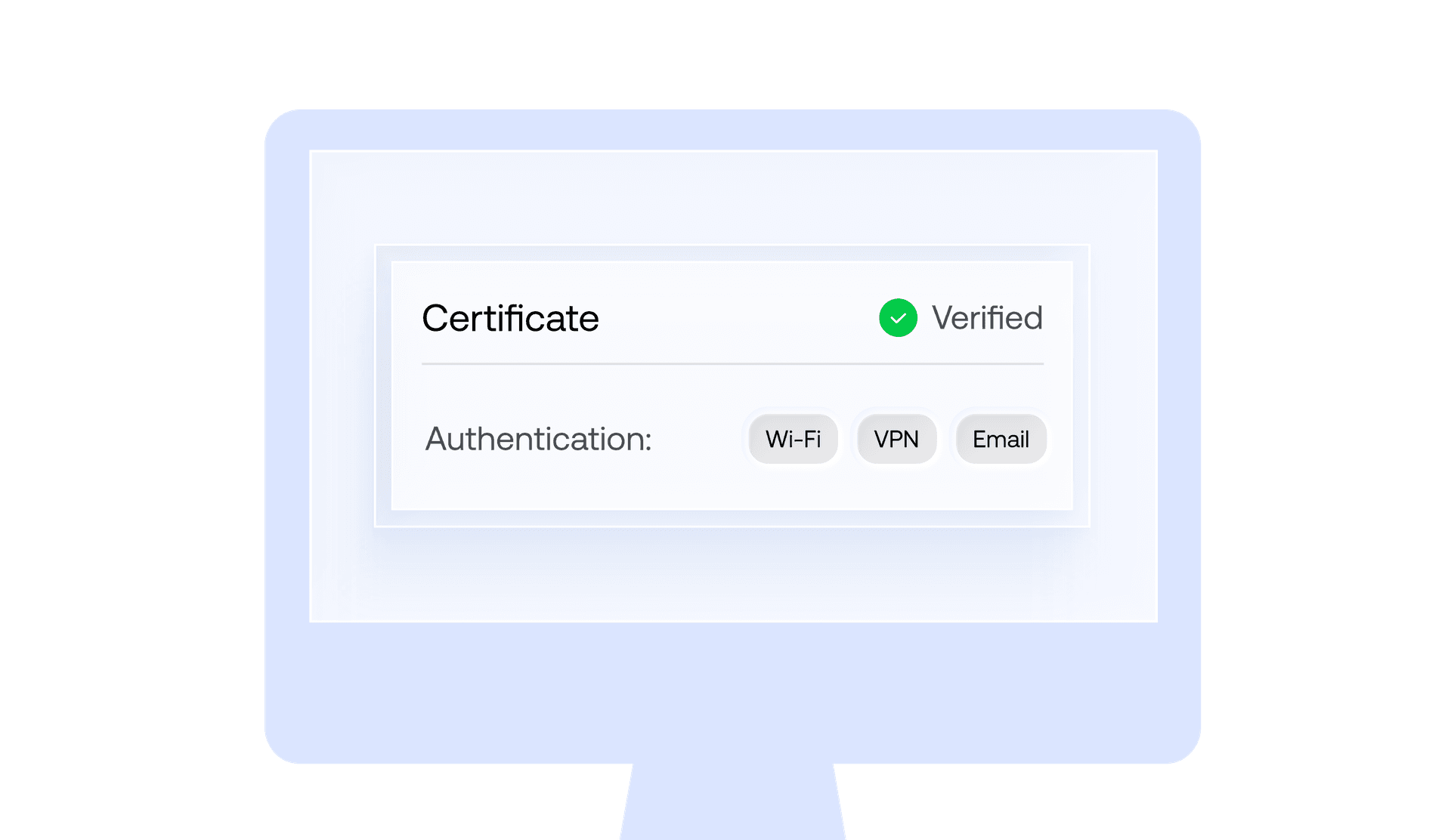
Deliver digital certificates over the air to enable secure authentication for Wi-Fi, VPNs, email, and internal enterprise resources.
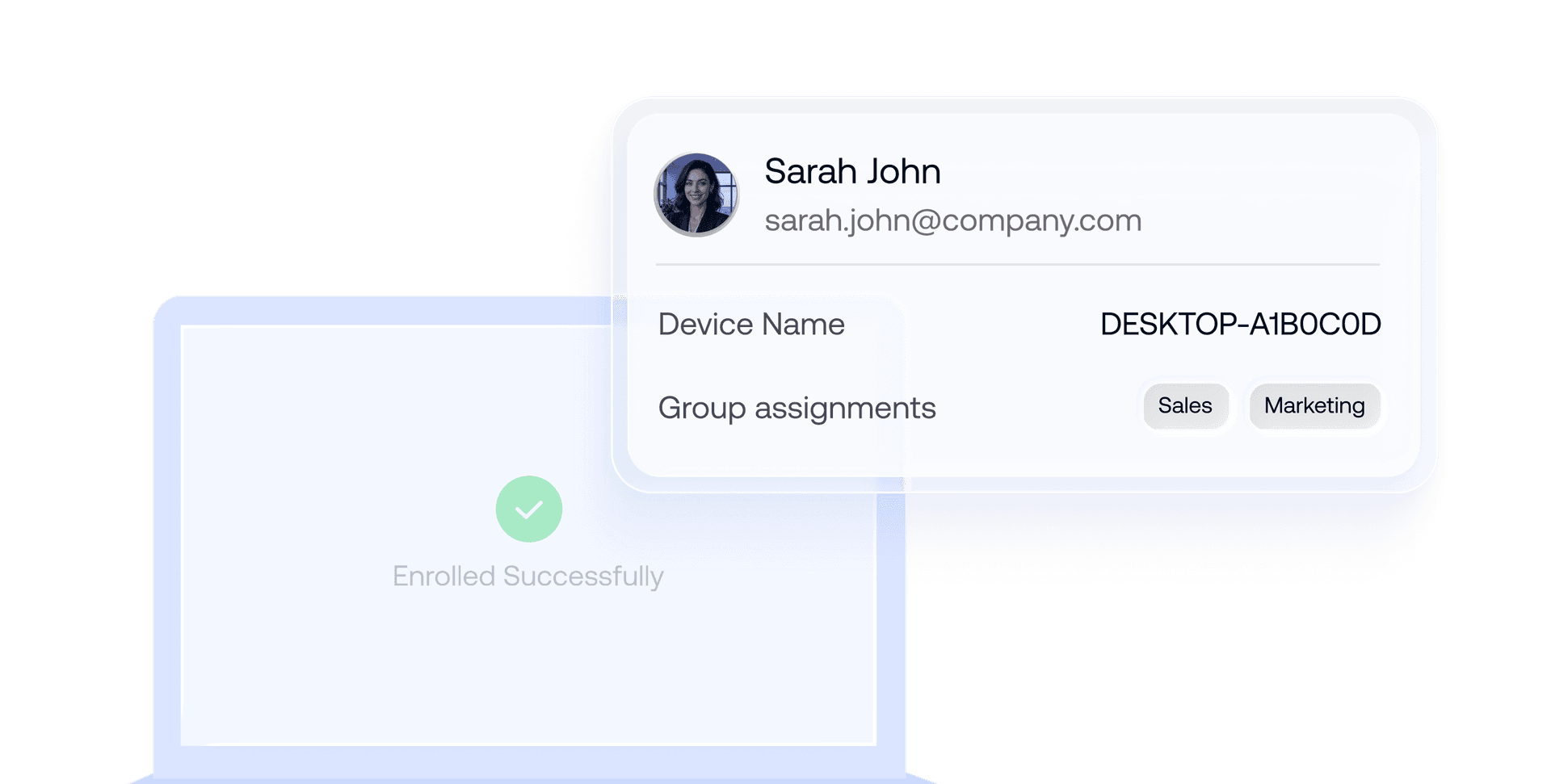
Device Naming and Organization
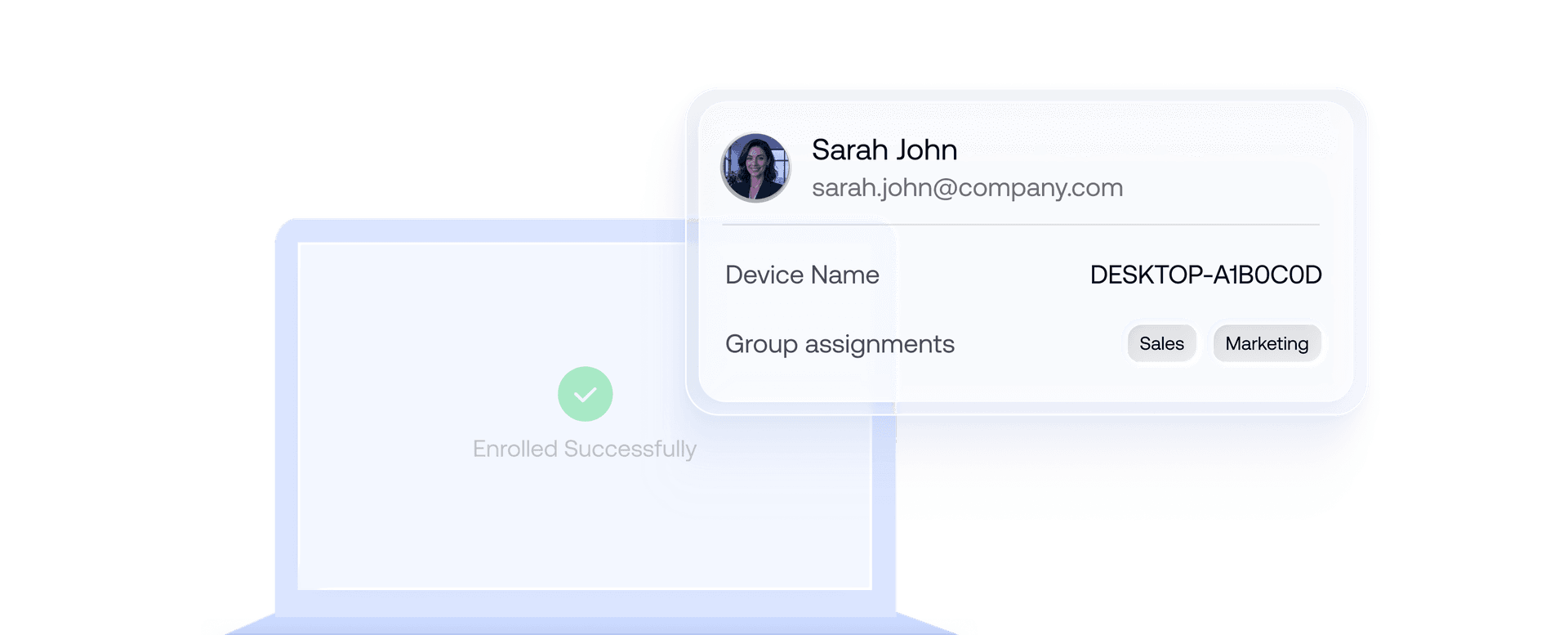
Apply device names, tags, ownership details, and group assignments automatically right after enrollment. Keep devices organized from day one across large deployments.
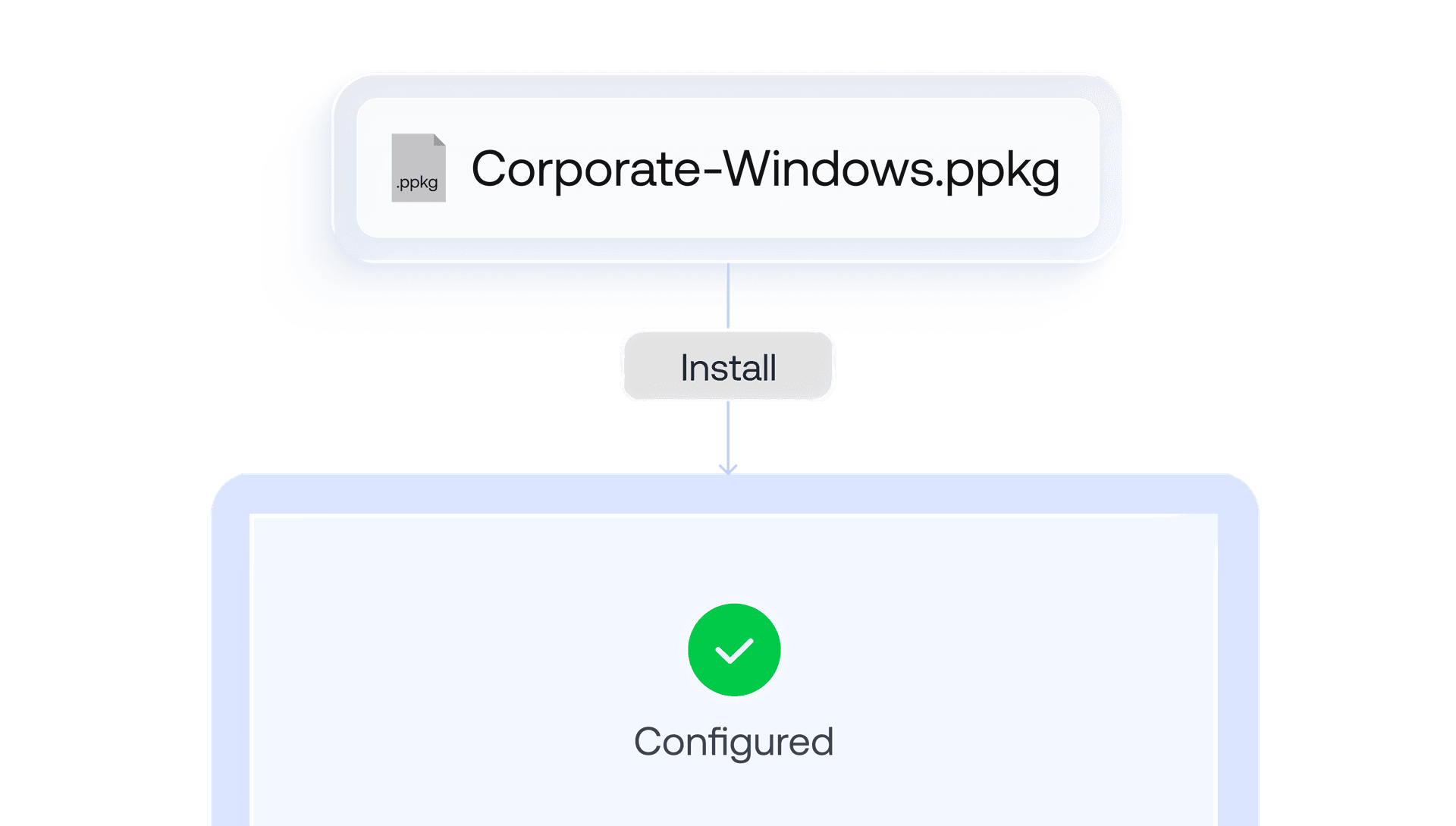
Windows Provisioning Packages (PPKG)
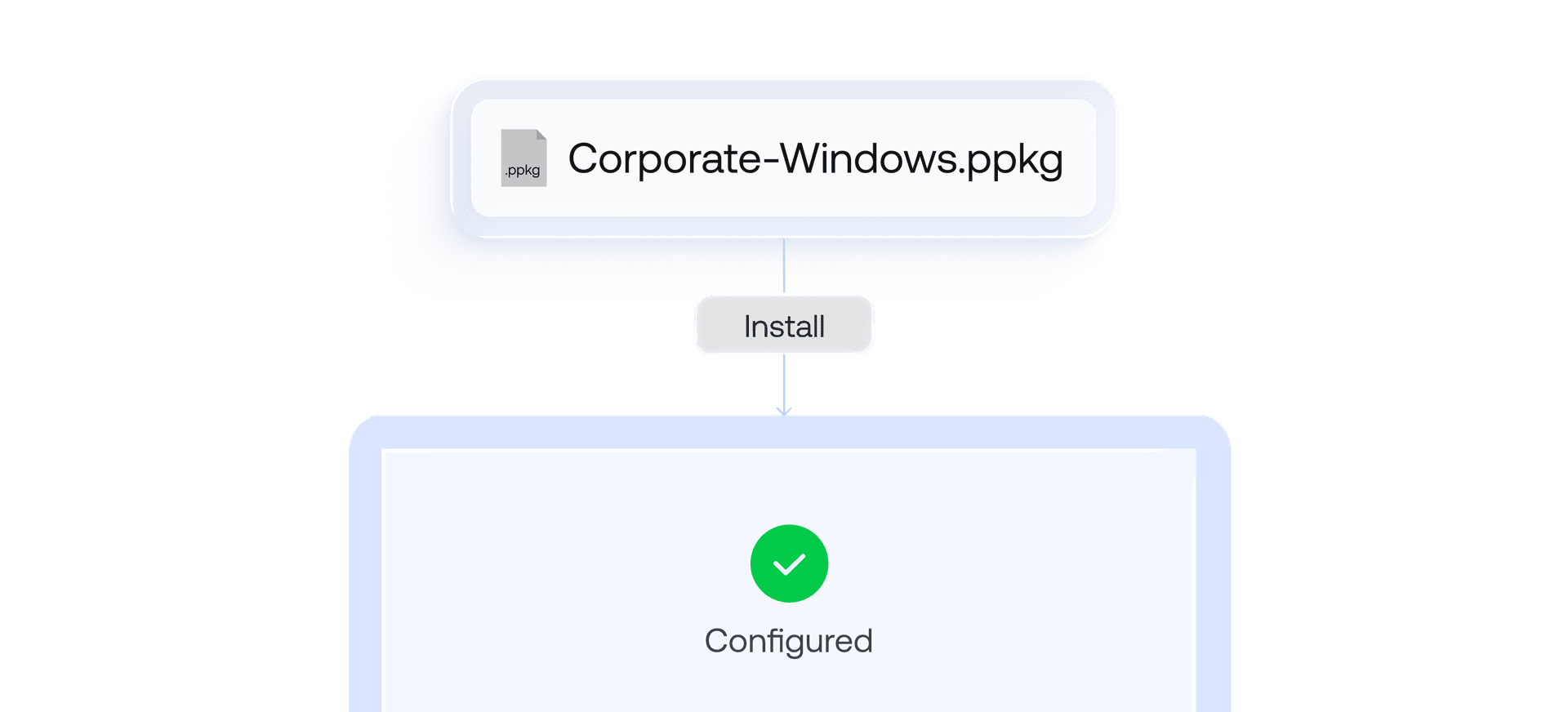
Provision Windows devices at scale without traditional imaging workflows using provisioning packages created with Windows Configuration Designer.
Simplify User Provisioning and Identity Management
Directory Integration and Synchronization
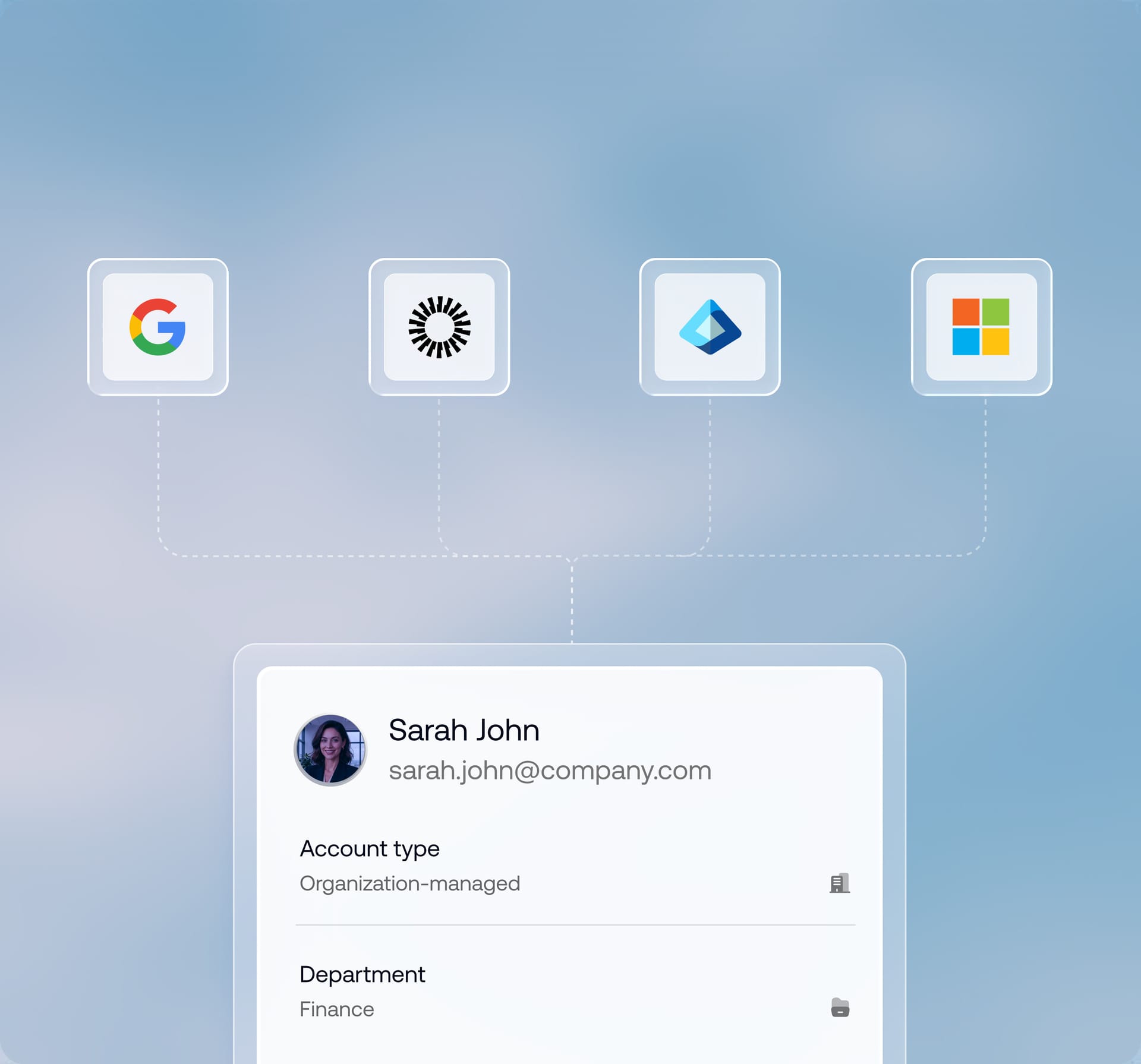
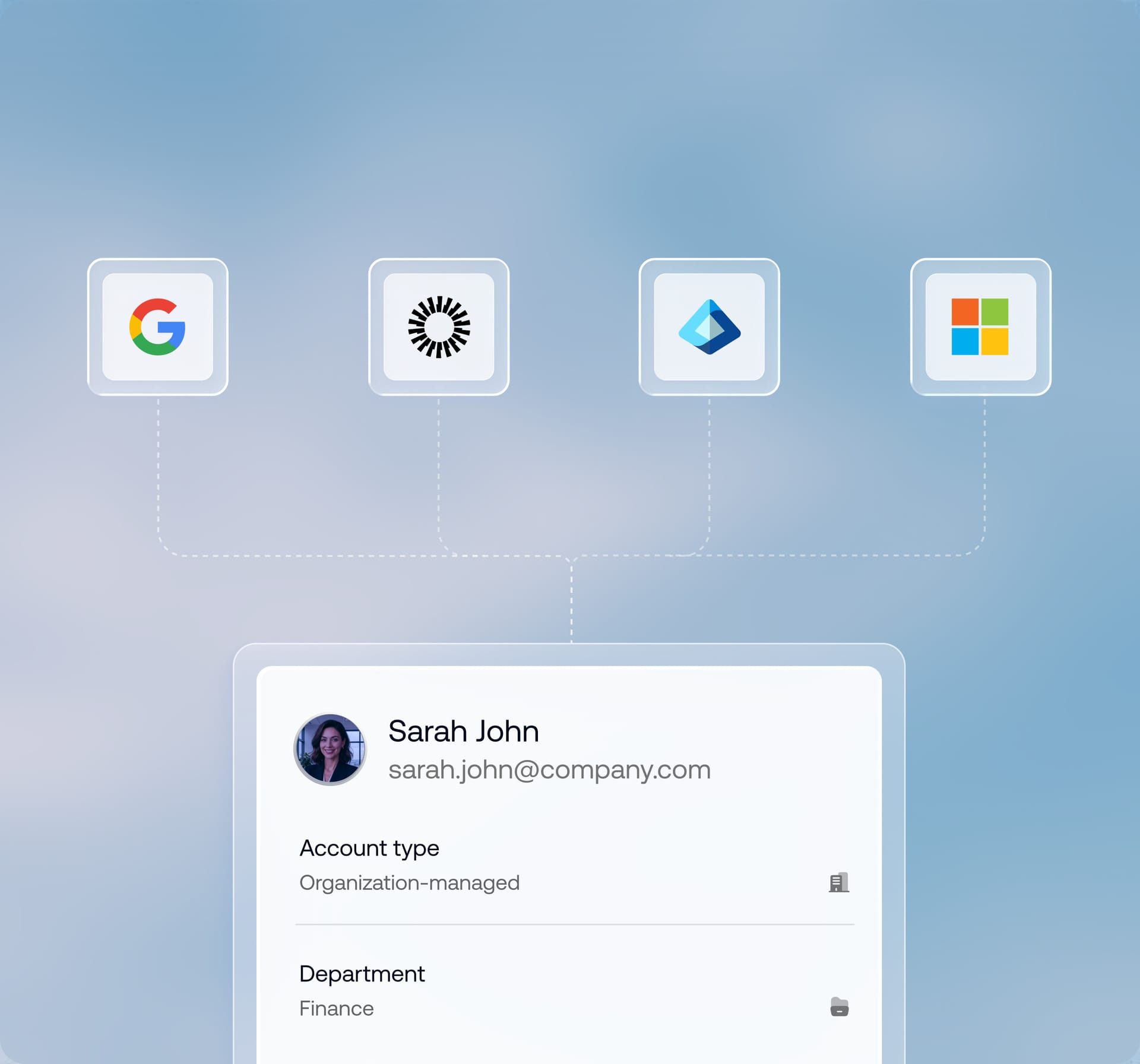
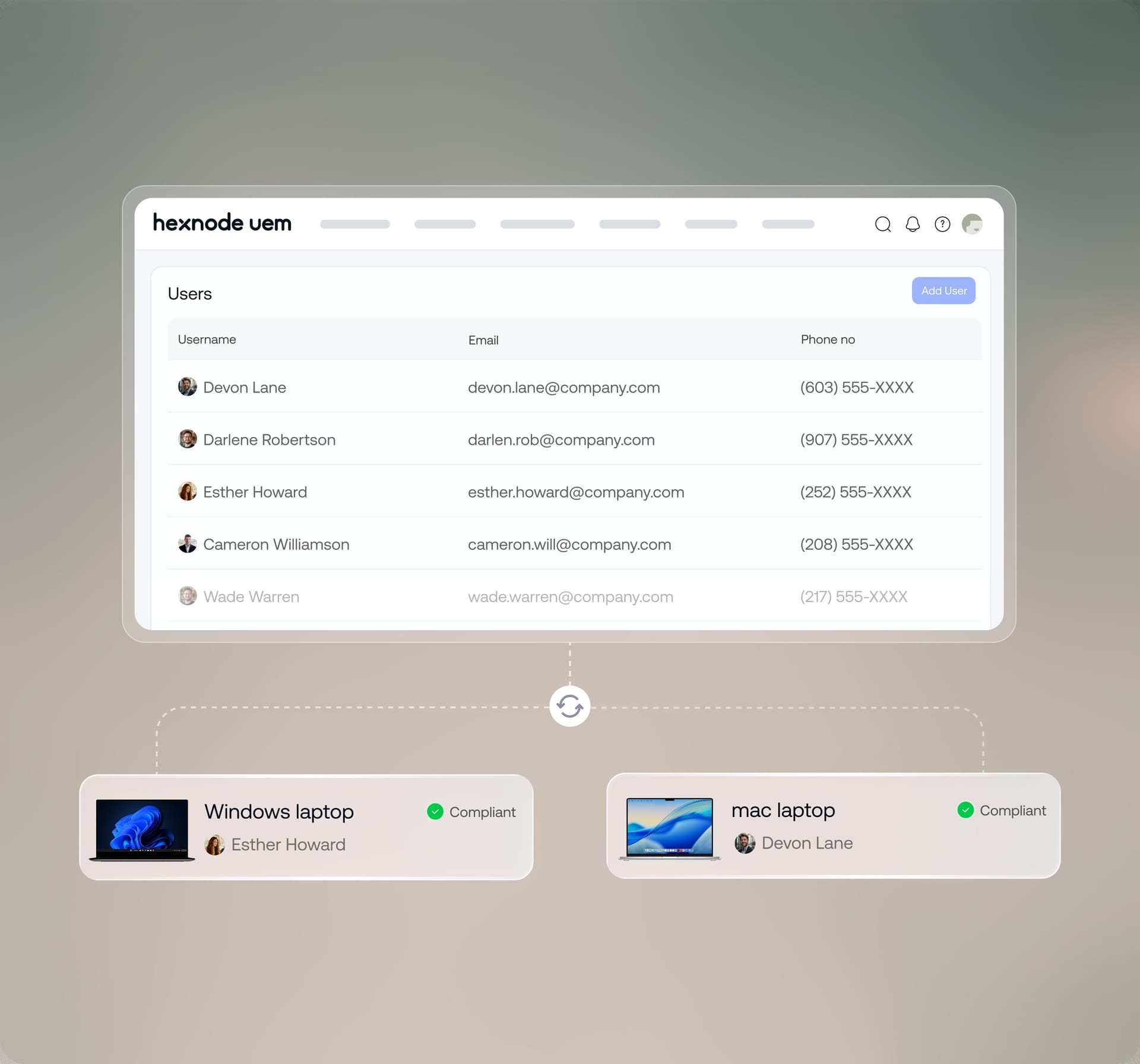
Connect with Active Directory, Microsoft Entra ID, Google Workspace, Okta, and other identity providers to automatically import and synchronize users and groups.
Role-Based Provisioning
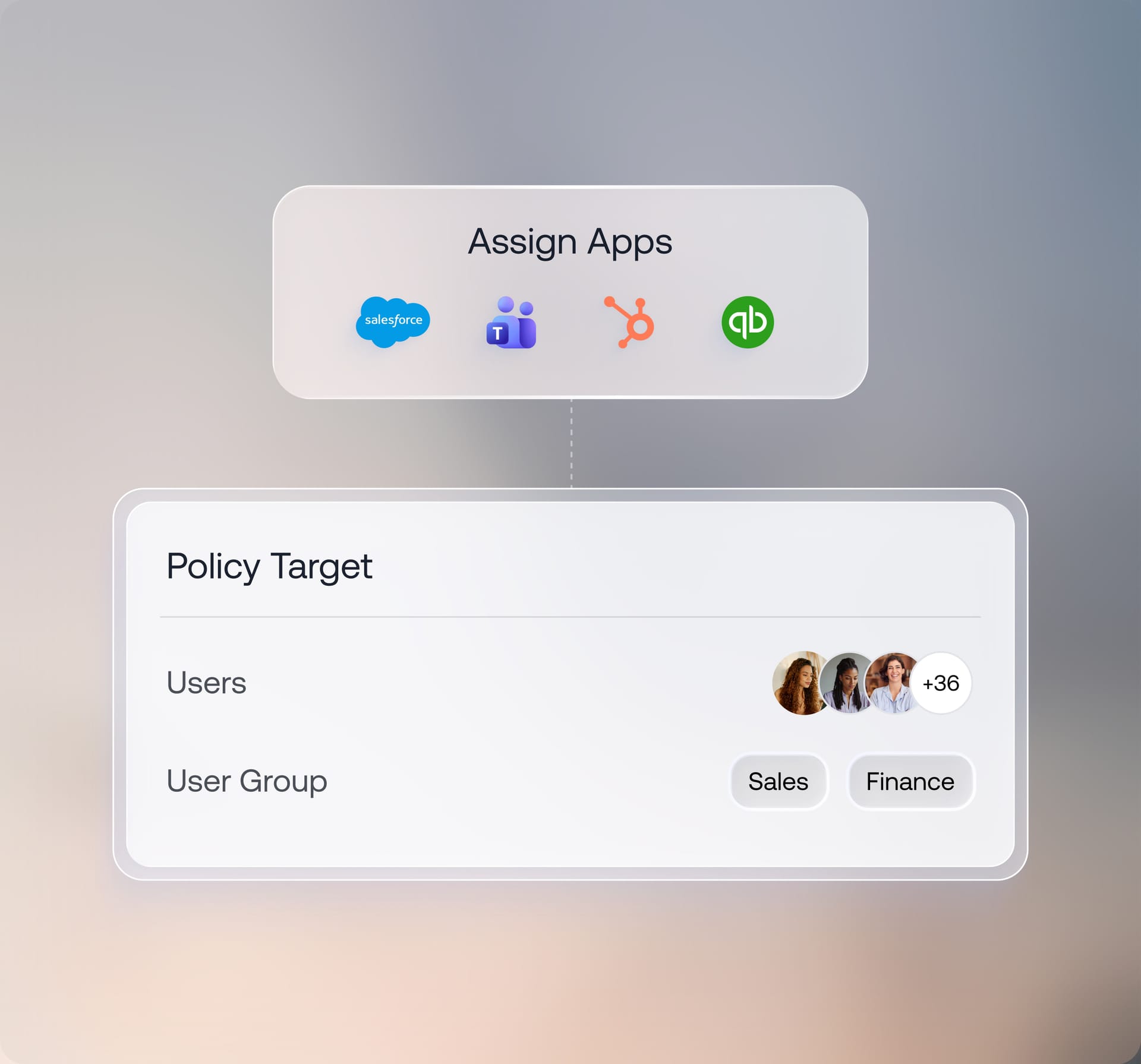
Assign apps, policies, configurations, and resources based on user roles, departments, groups, or organizational structure.
Secure Authentication
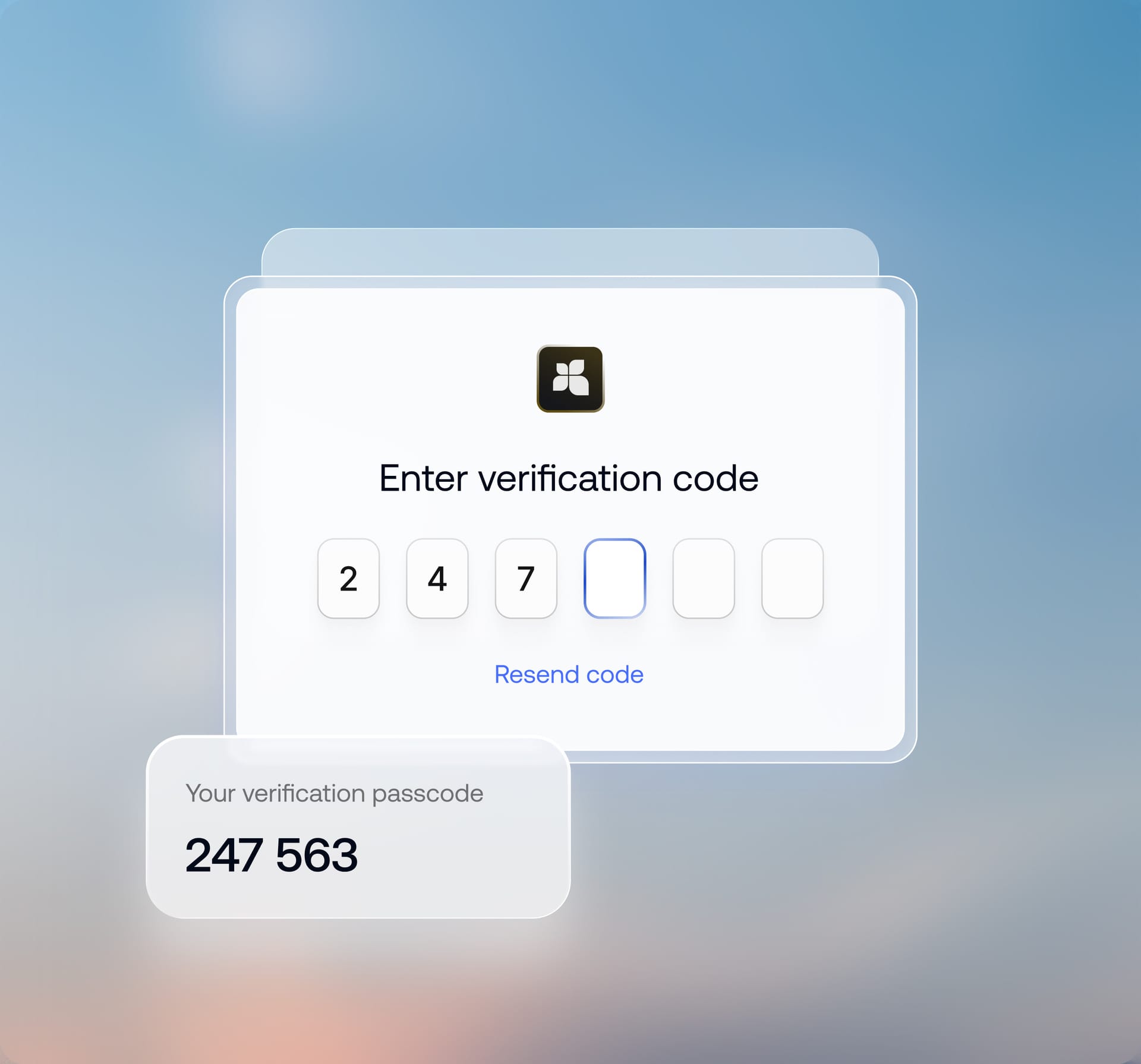
Enable federated authentication for seamless user enrollment and multi-factor authentication (MFA) for technicians to strengthen access security.
User Lifecycle Management
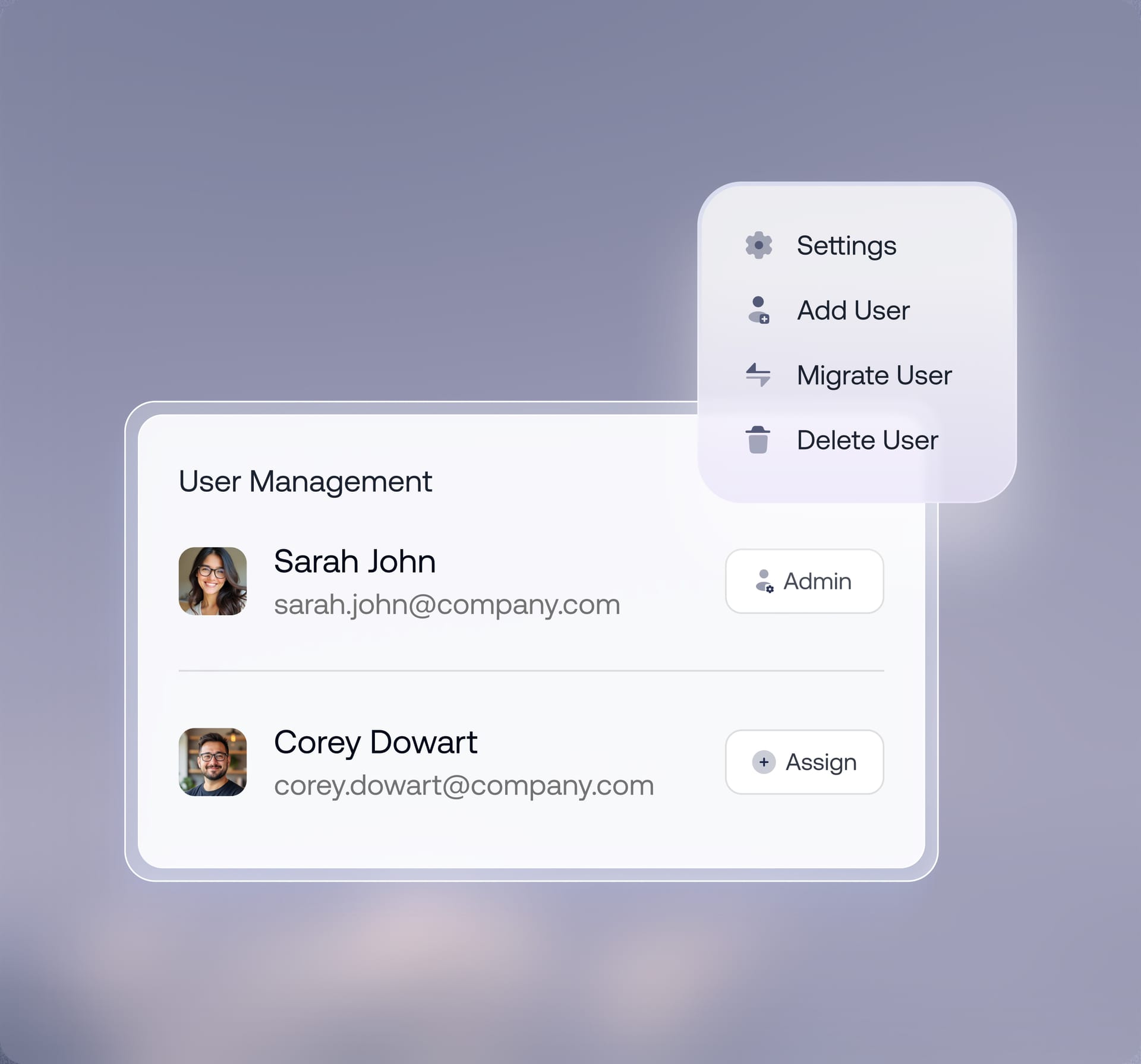
Streamline onboarding, role changes, and offboarding by automatically provisioning, updating, and revoking user access as organizational evolves.
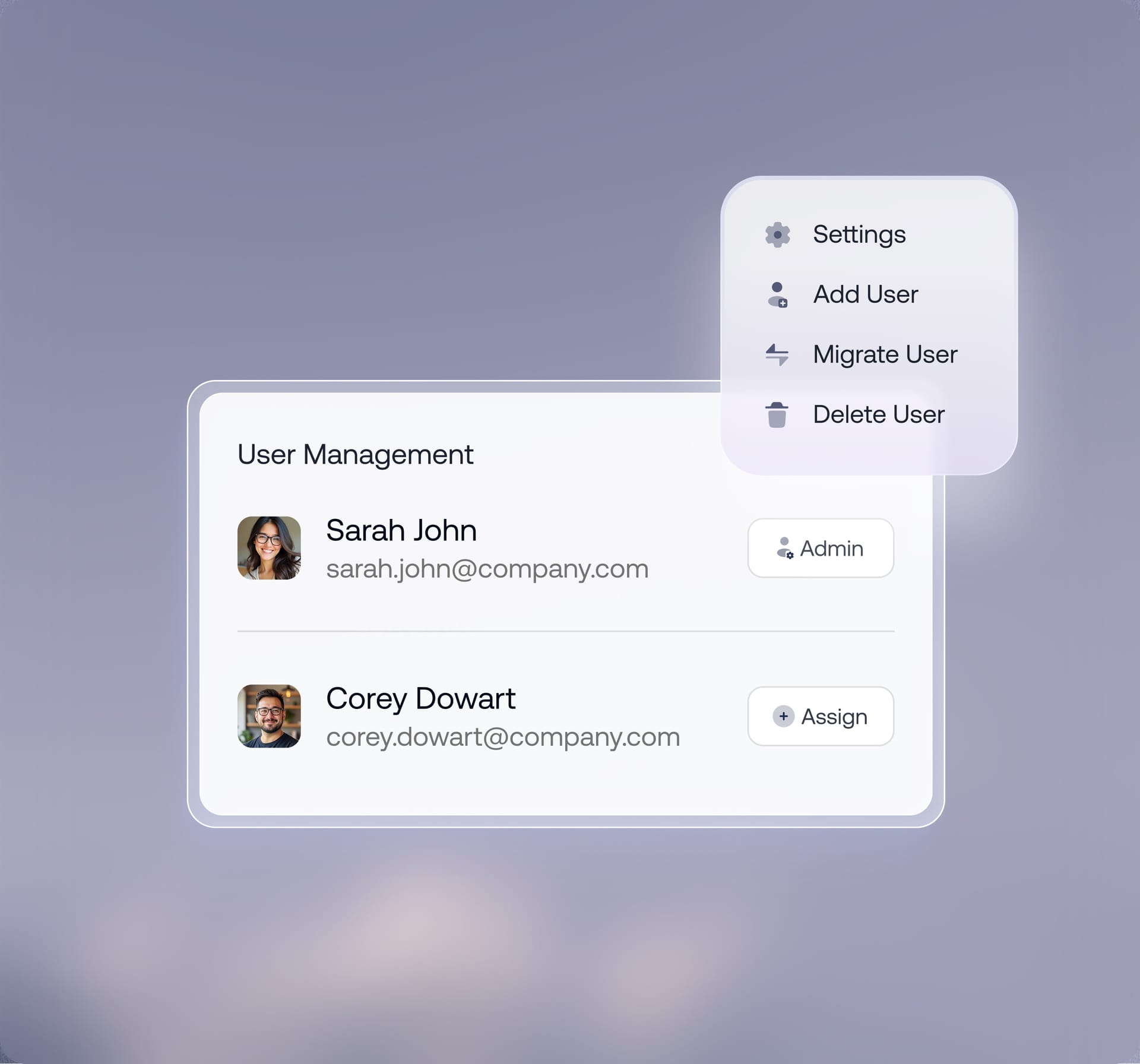
Local User Account Management
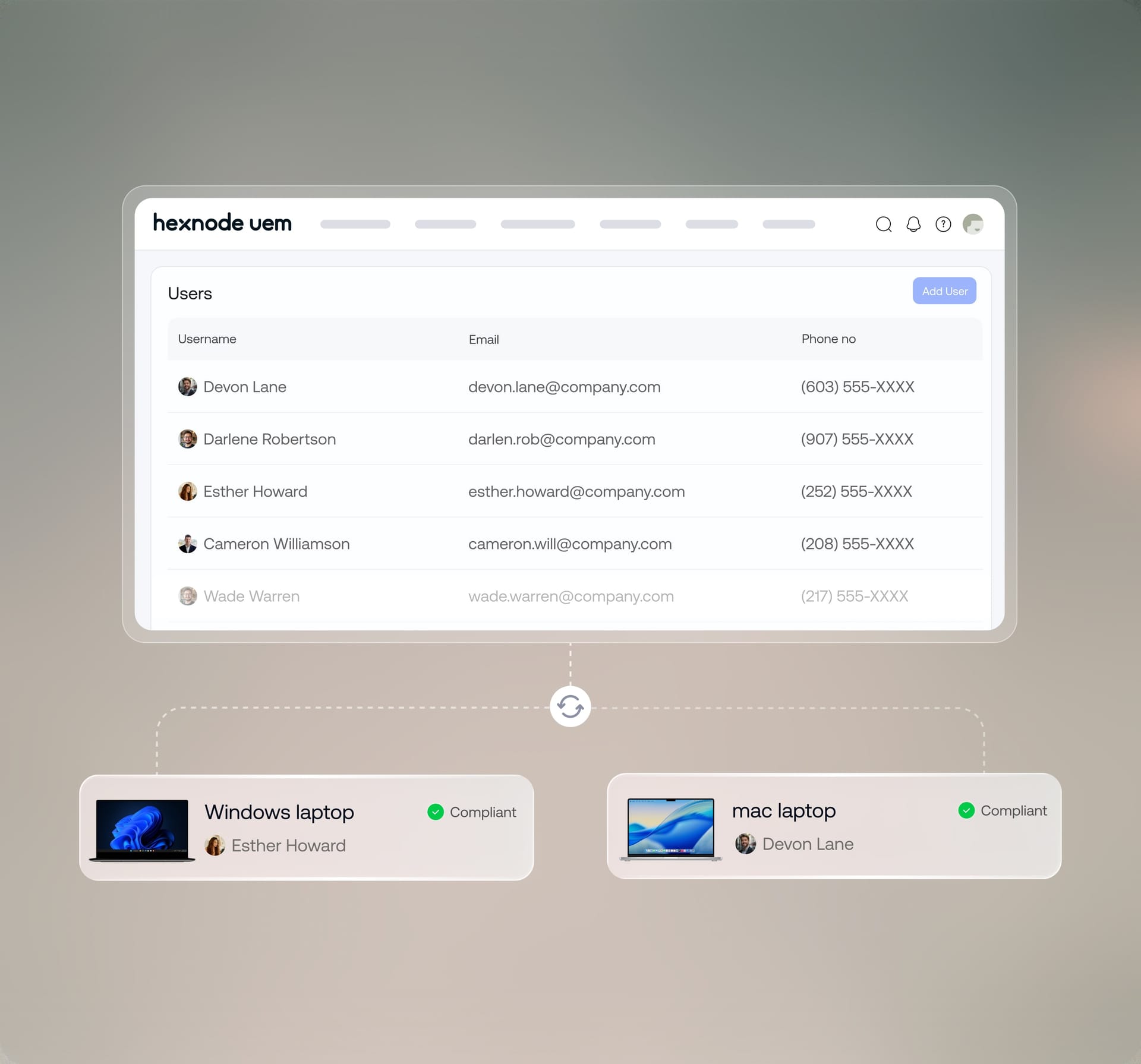
Create, synchronize, and manage local user accounts on Windows and Mac devices directly from the Hexnode portal, ensuring consistent access and security compliance.
See why enterprises around the world chose Hexnode

"By using Hexnode, the productivity and time savings have been very big. The time spent actually deploying a device has gone down. It used to take us about 20 minutes now it just takes us about 10."
Technology Solution Specialist







... and then we found Hexnode and it checked all of the boxes
Information Technology Manager,























14 day free trial
No credit card