



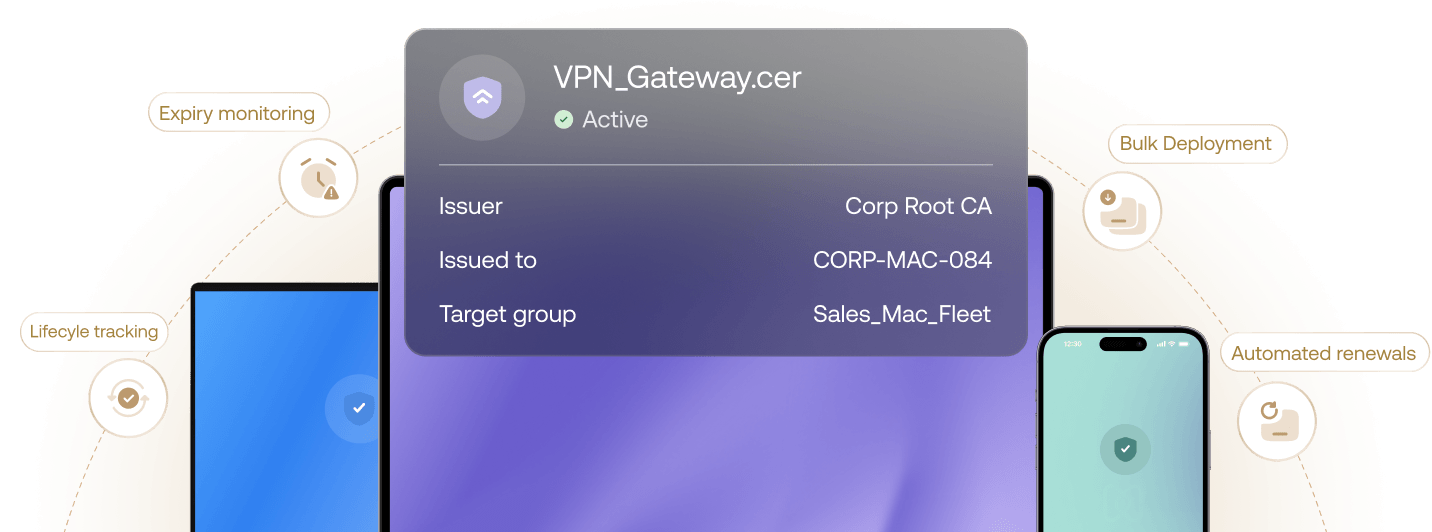
 Lifecyle trackingExpiry monitoringBulk DeploymentAutomated renewals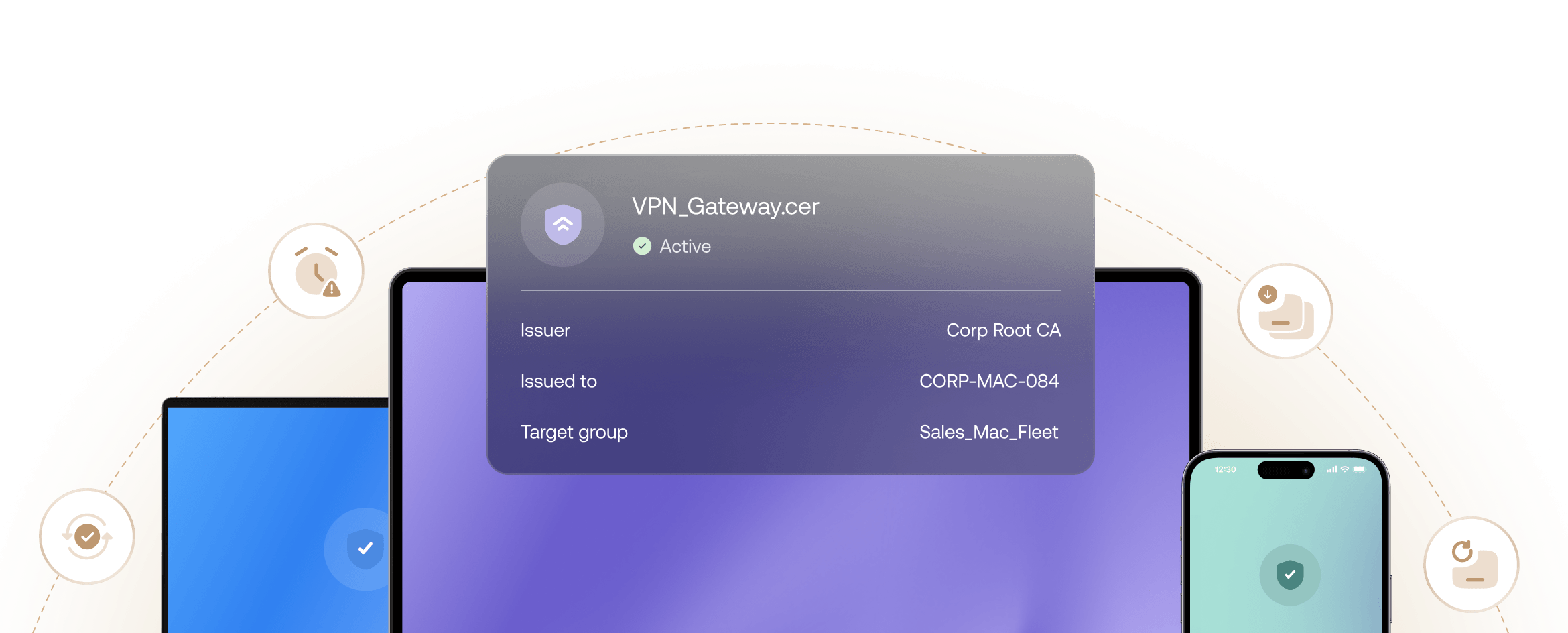



持续信任。轻松掌控。
跨平台预配
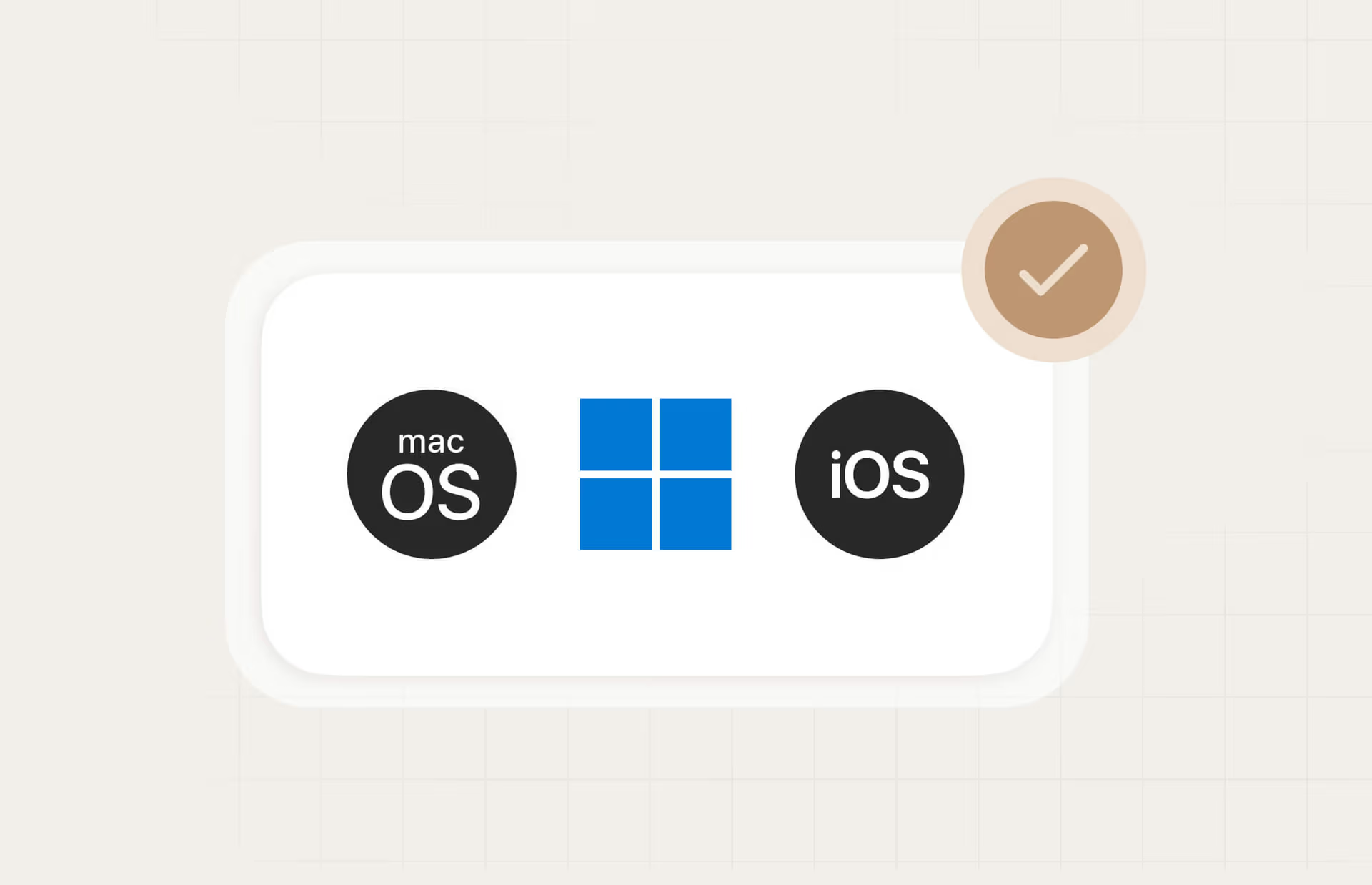
通过将 802.1X、VPN 和 S/MIME 证书原生预配到 Windows 存储和 Apple Keychain,在整个队列中标准化 endpoint 身份验证。
可扩展的 PKI 基础架构
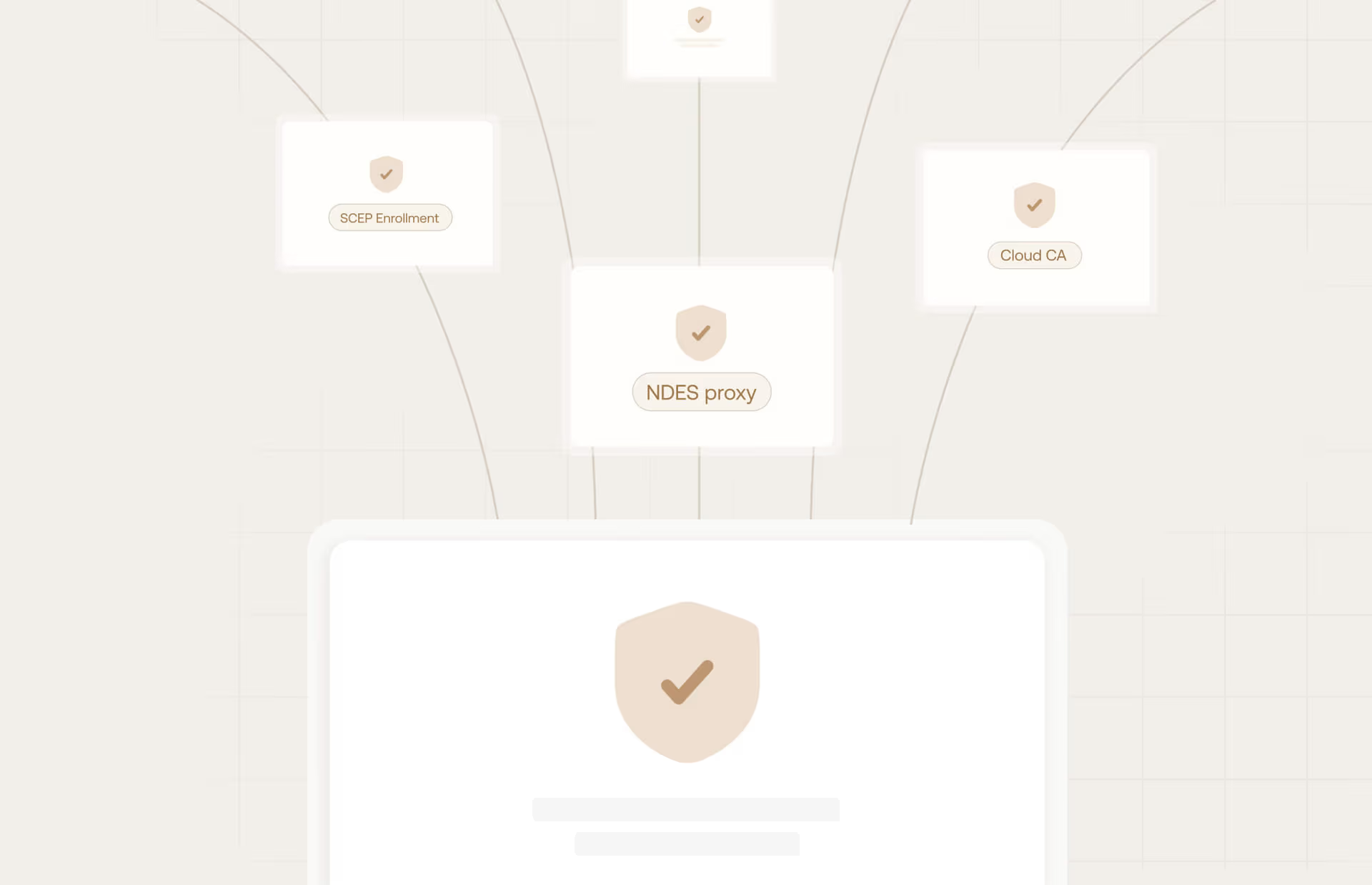
通过 NDES 代理或直接云 CA 集成大规模部署证书,确保每个注册请求都由动态 SCEP 验证把关。
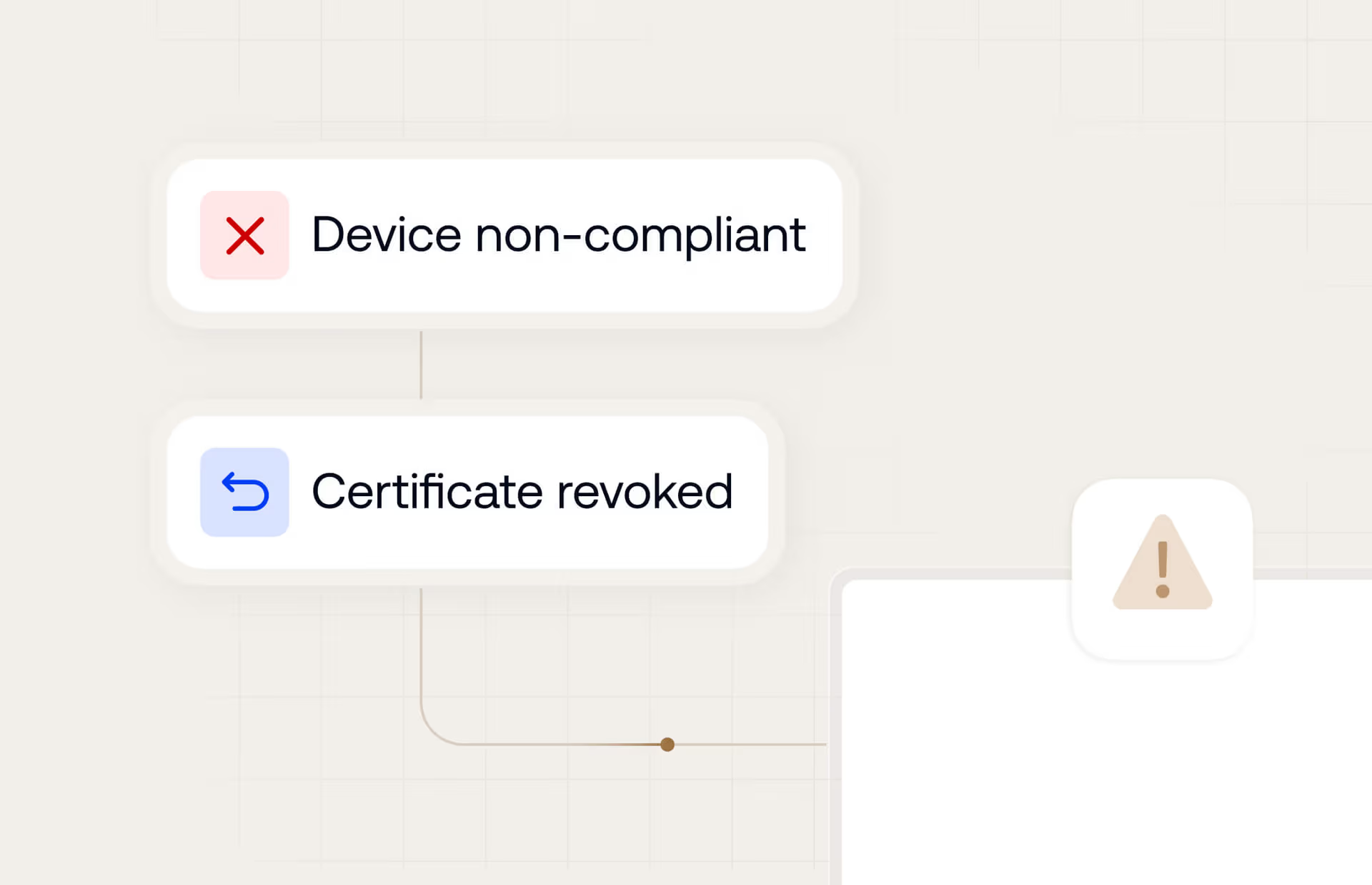
状态驱动的吊销
当设备被标记为丢失或不合规时,立即通过 CRL/OCSP 自动吊销证书,从而保护您的边界。
全面的证书支持。
网络身份验证证书
- Wi-Fi 证书 (802.1X)
- Always-On VPN 证书
安全通信证书
- S/MIME 电子邮件证书
身份与设备验证证书
- SCEP / 客户端身份认证证书
信任基础架构证书
- 受信任的根证书 (Root CAs)
- 中间证书



面向持续安全的自主设备信任
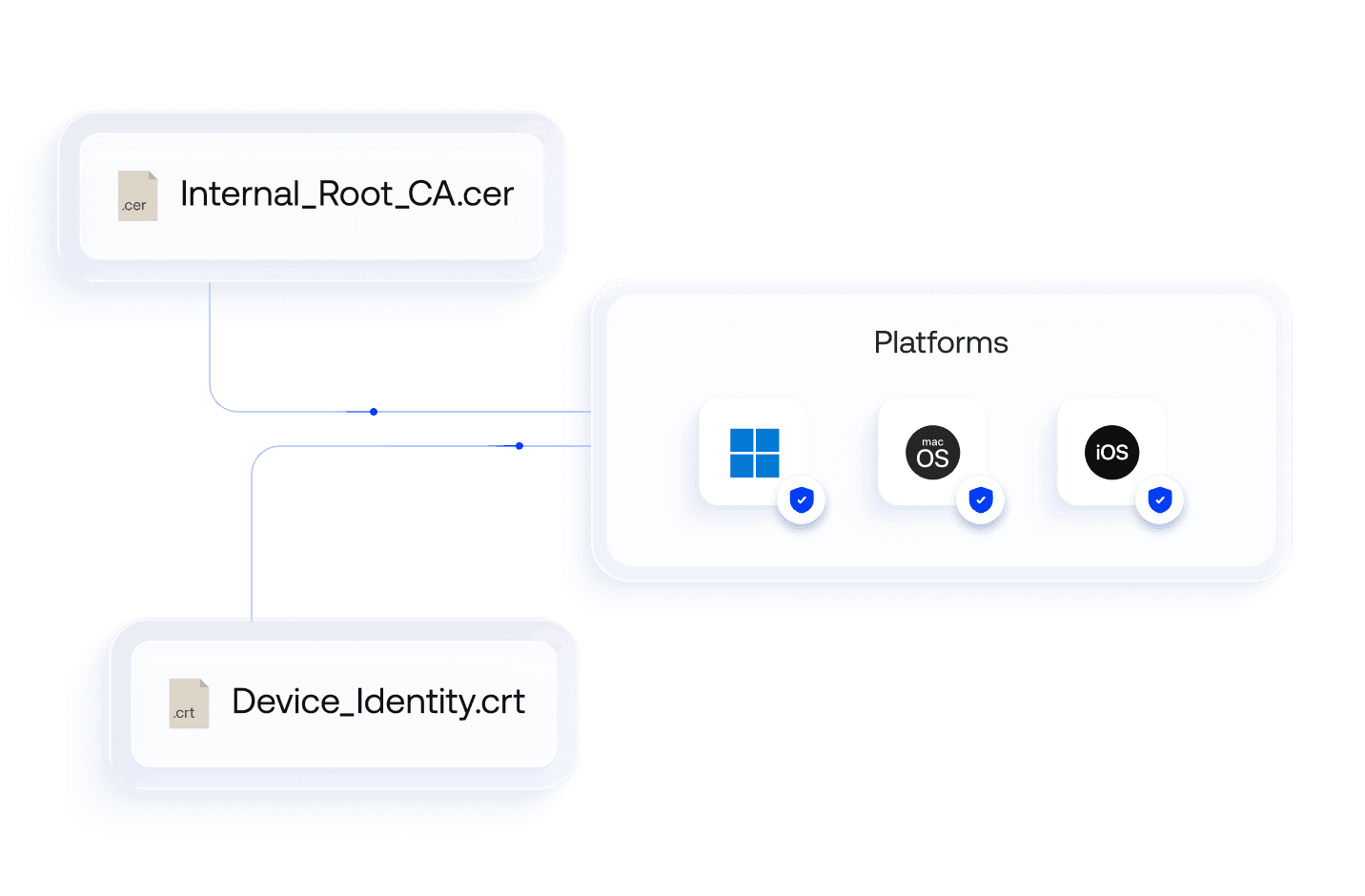
根证书部署
通过将根证书自动部署到所有操作系统存储,在整个队列中实现无缝 Zero Trust 安全和无密码身份验证。
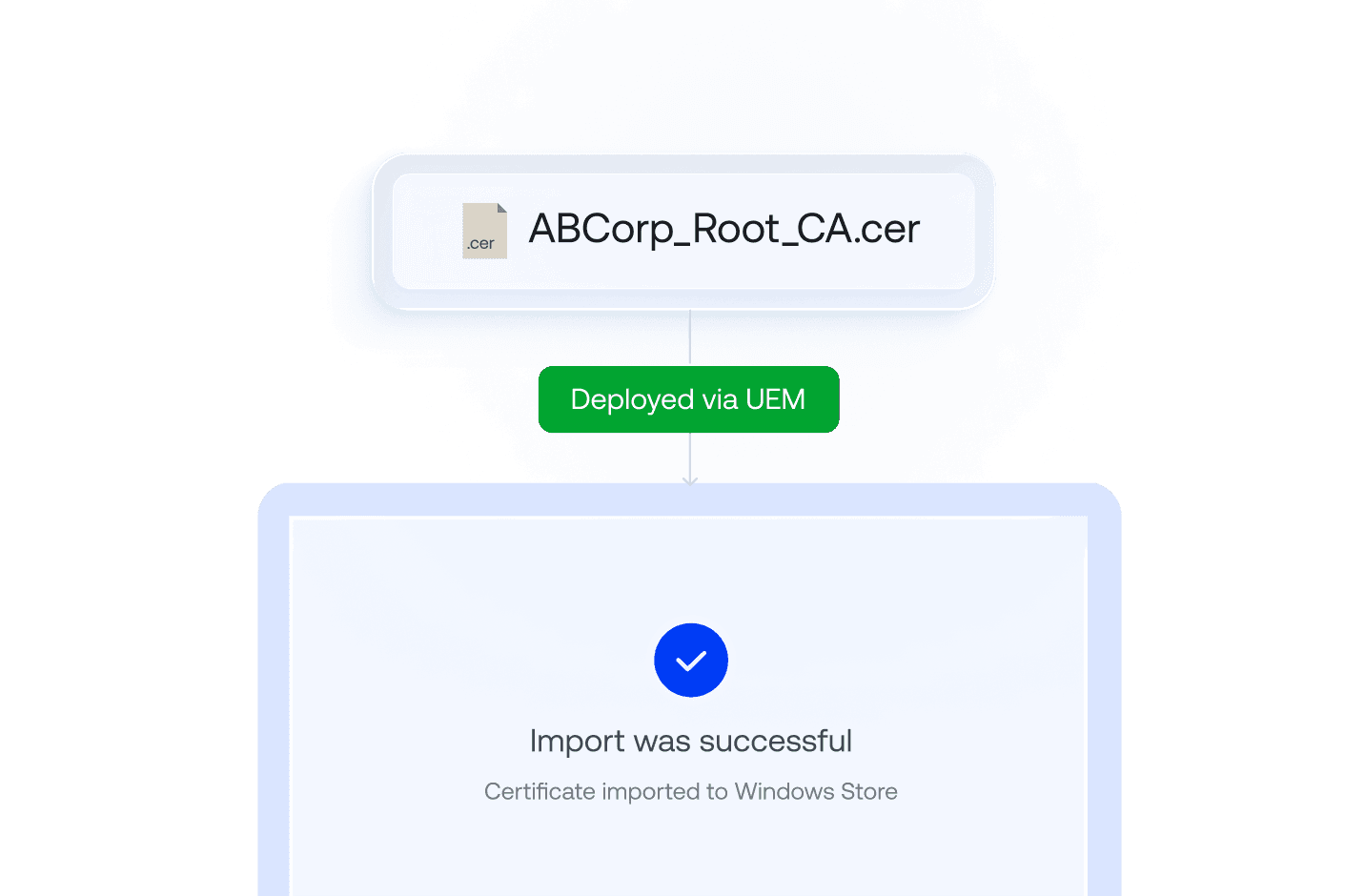
Windows 存储映射
无需笨重的 GPO 和脆弱的 PowerShell 脚本,通过简洁的 UEM 命令将证书原生注入 Windows 证书存储。
Always-on VPN 配置文件
部署在设备启动时无需用户提示即可强制建立加密 VPN 隧道的证书,从而保护远程操作中的传输中数据。

S/MIME 电子邮件安全
通过为每个用户预配专用证书,实现原生客户端电子邮件签名和加密,维护企业电子邮件的加密真实性和隐私。
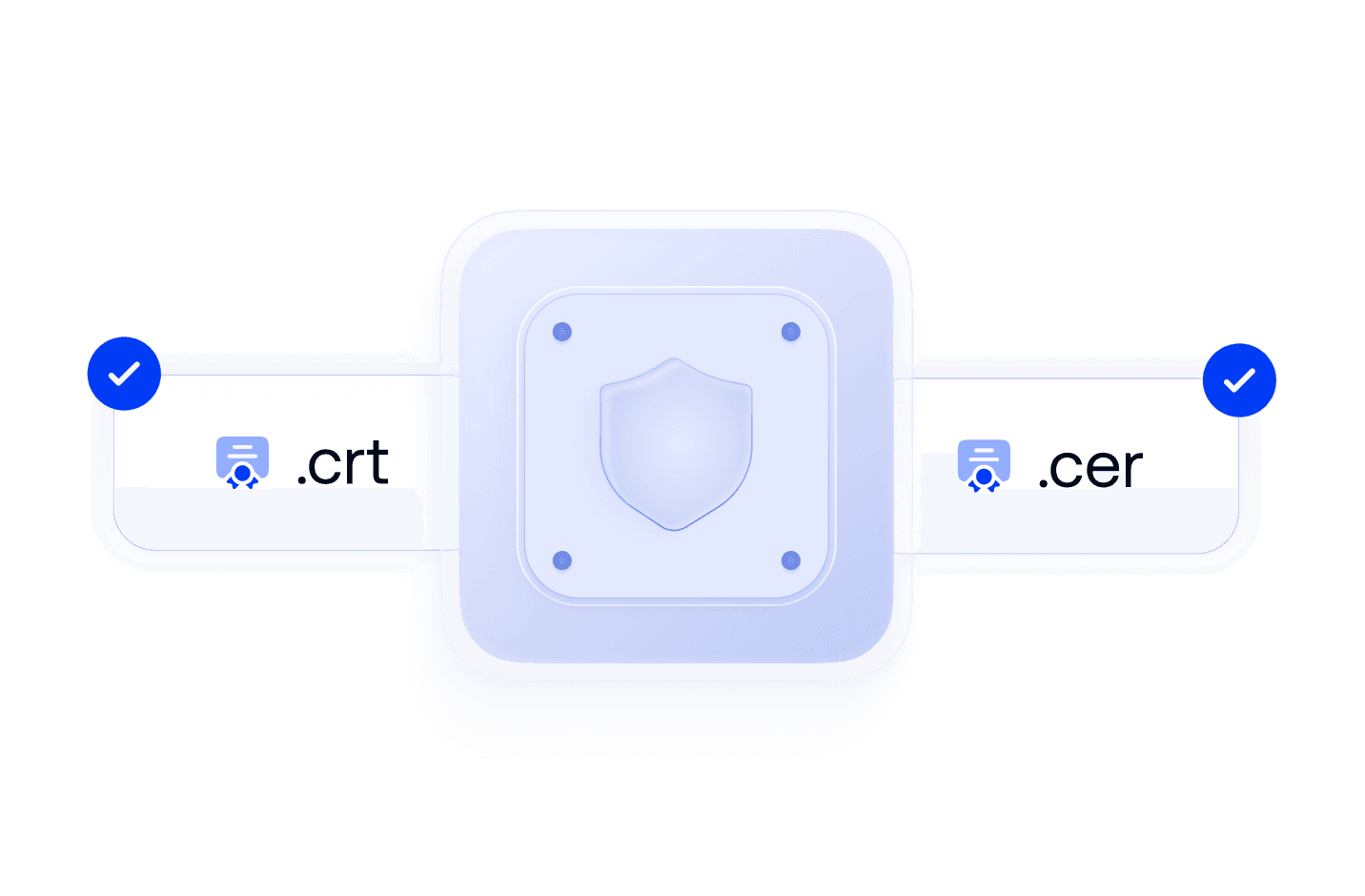
.cer 与 .crt 文件支持
通过开箱即用的解析、验证和部署,简化 .cer 和 .crt 等通用企业证书扩展的公钥分发。
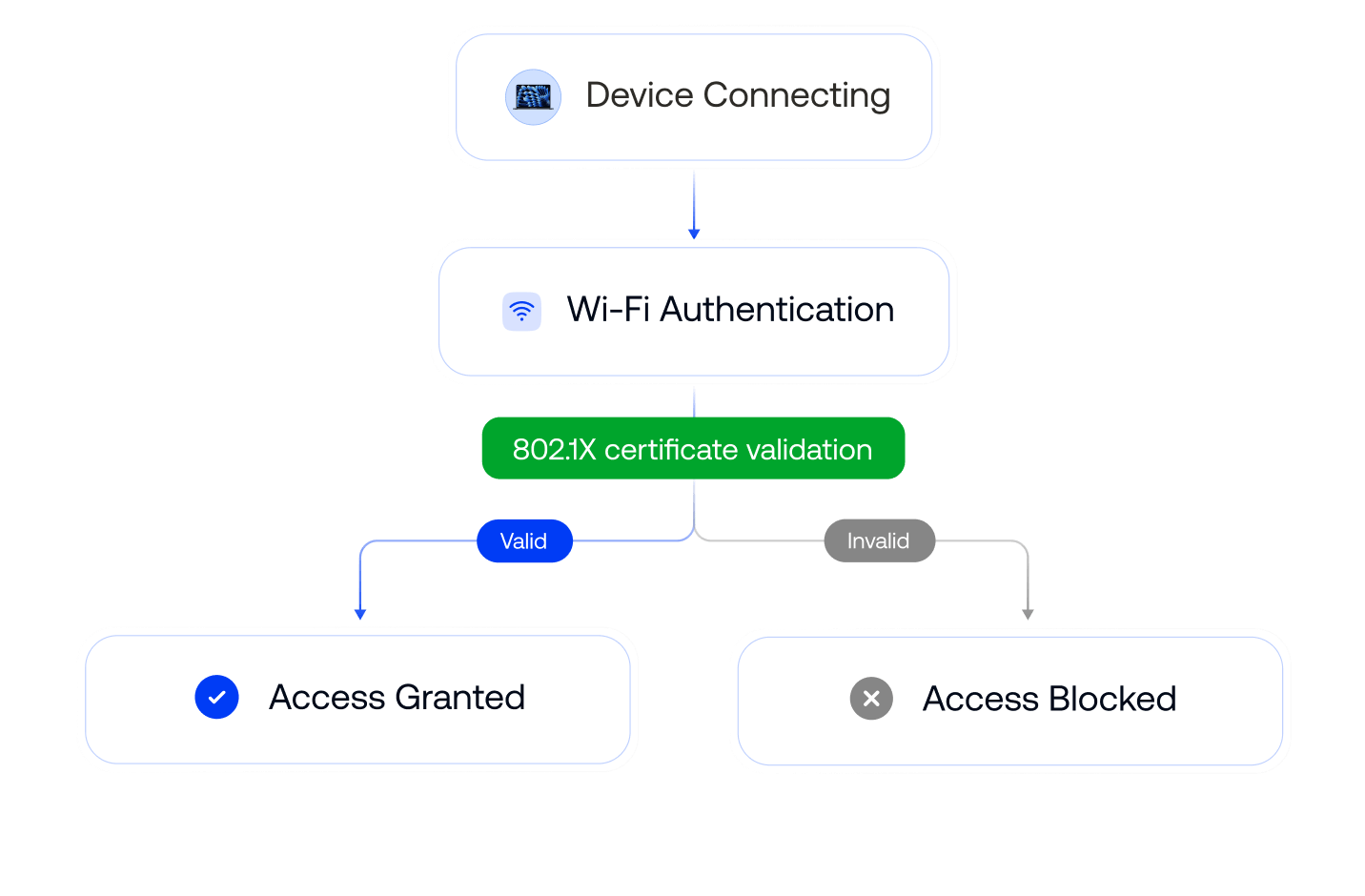
802.1X Wi-Fi 身份验证
部署唯一的 .cer 或 .crt 证书,用于验证不可共享且与硬件绑定的设备身份,从而消除非法 Wi-Fi 访问和凭据共享。
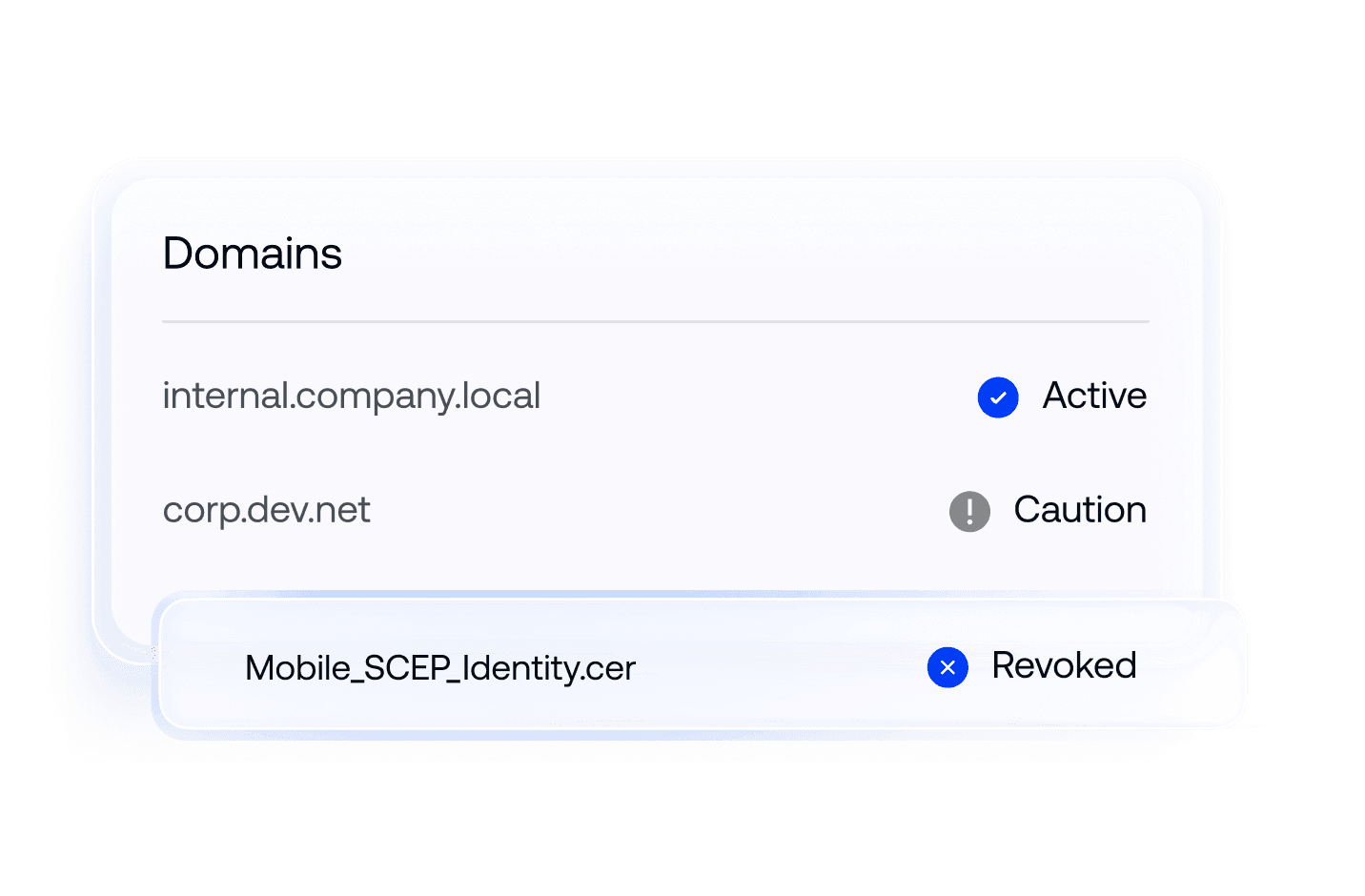
Apple CT Scan 排除项
使用单一策略管理 macOS 和 iOS 设备的证书透明度、吊销和信任首选项,从而简化 Apple 设备的证书式身份验证。


面向安全网络的无摩擦连接

本地 CA 集成 (AD CS)
通过出站代理和 NDES/SCEP 将云 UEM 连接到受防火墙保护的 Microsoft AD CS 服务器,保持设备信任连续性。

云 CA 提供商集成
通过原生 API 从首选云信任提供商大规模签发和部署凭据,在 endpoint 注册的瞬间自动完成证书签发。

IdP 集成
通过 Entra ID、Okta 和 Google Workspace 集成,将证书绑定到已验证身份,并填充用户属性、授权 CSRs。
查看全球企业选择 Hexnode 的原因

"使用 Hexnode 后,生产效率和节省的时间显著提高。部署设备所需的时间减少了,从以前的大约 20 分钟缩短到现在的大约 10 分钟。"
Technology Solution Specialist








...然后我们找到了 Hexnode,它符合我们的所有要求
信息技术经理,
























14 天免费试用
无需信用卡