


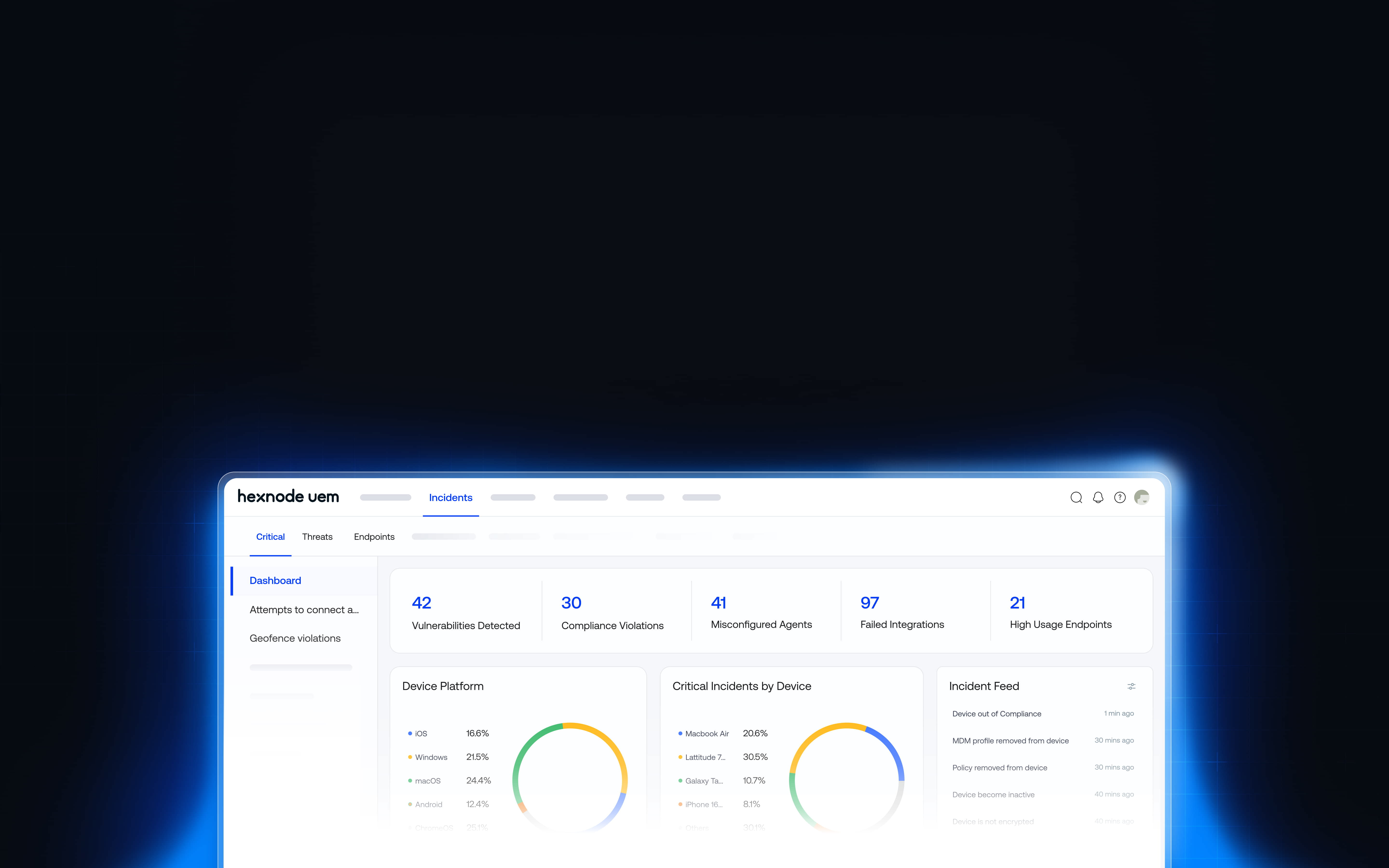
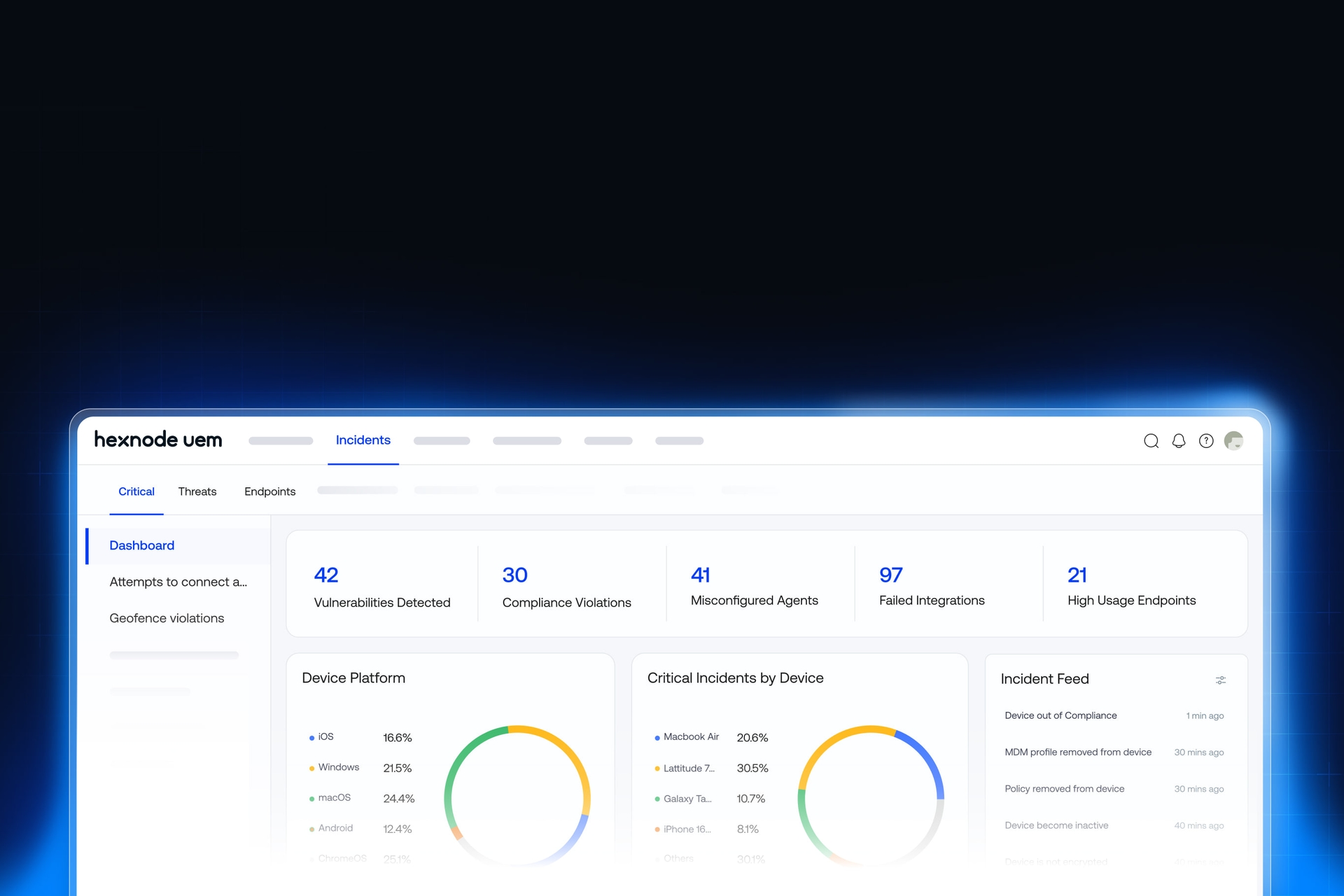



通过从源头预防攻击来降低风险
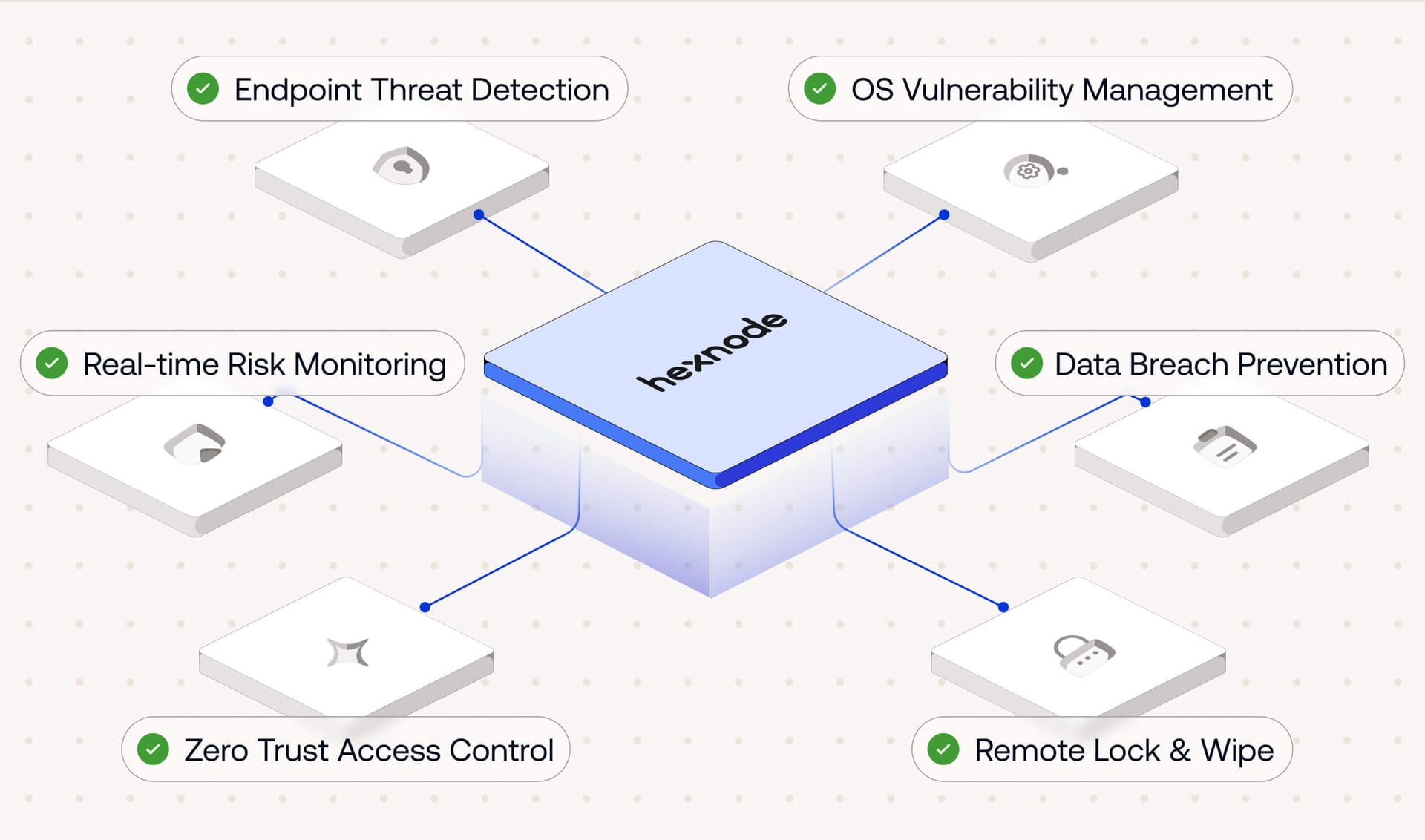











检测并修复事件
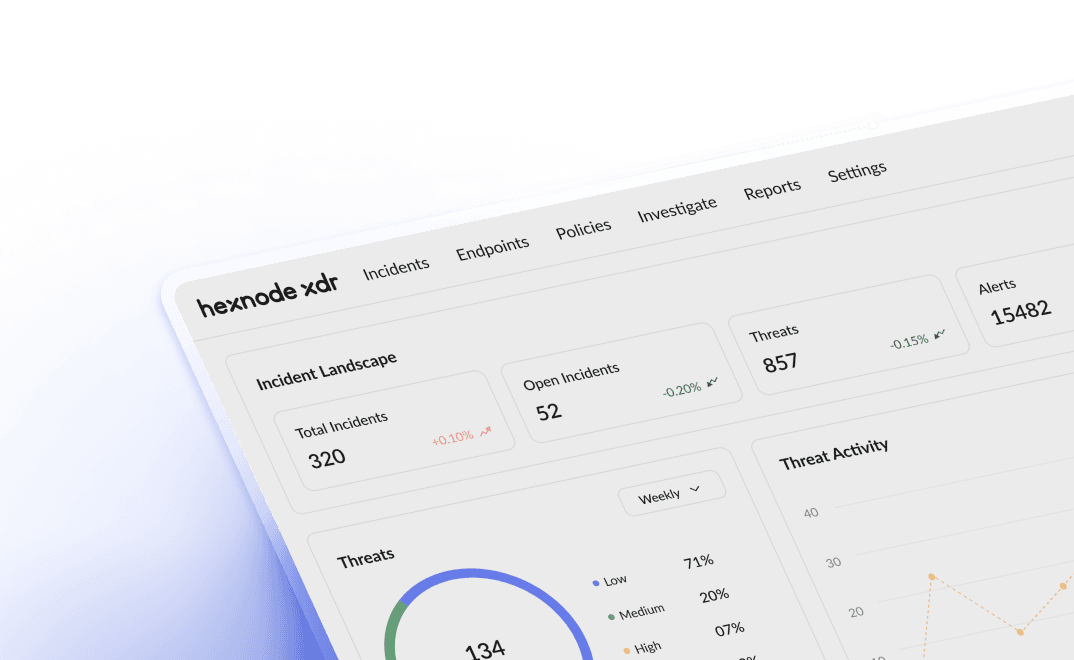
全面掌握设备状态,涵盖从潜在威胁到需要迅速采取行动的关键事件。 为您提供所有终端风险的统一视图,按用户、应用、补丁、集成等进行分类。

自动化操作系统更新和补丁管理
通过让设备保持最新的操作系统和安全更新来防止漏洞。 预先批准您想要部署的更新,将其分配给设备或组,并安排在您喜欢的时间进行安装。

在违规发生前进行预防
对于数据泄露,仅靠事后反应是不够的。通过限制数据传输、阻止通过不安全网络进行的拦截以及防止在受管设备上进行未经授权的访问,执行时刻保护企业数据的策略。


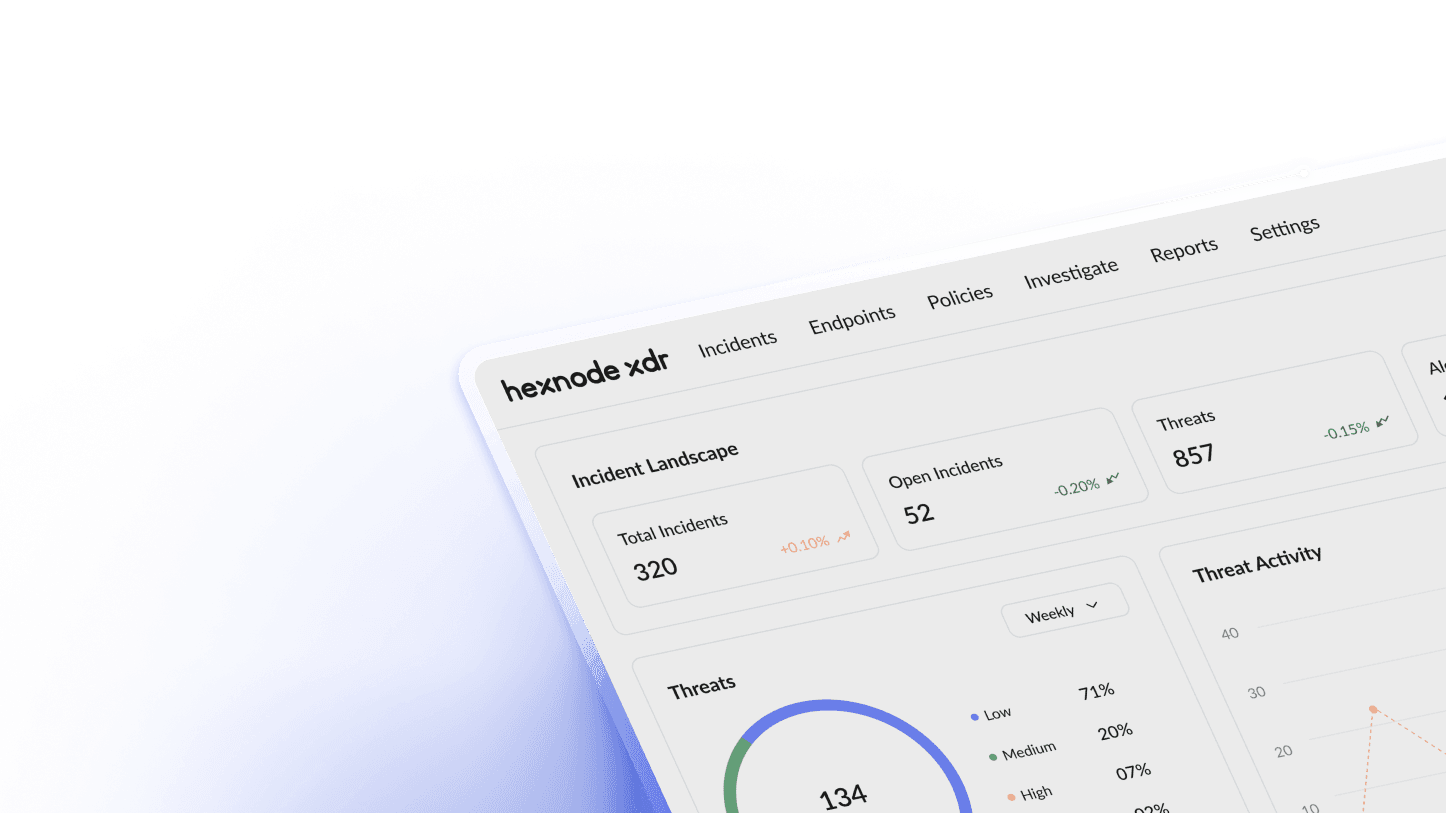
通过扩展检测与响应 (XDR) 实现全面的终端安全
将来自设备、应用和集成的信号与 Hexnode XDR 相关联,提前发现传统工具会遗漏的攻击。与 Hexnode UEM 配合使用,它使您的终端和设备组能够立即遏制并解决复杂的安全风险。
确保设备安全的功能
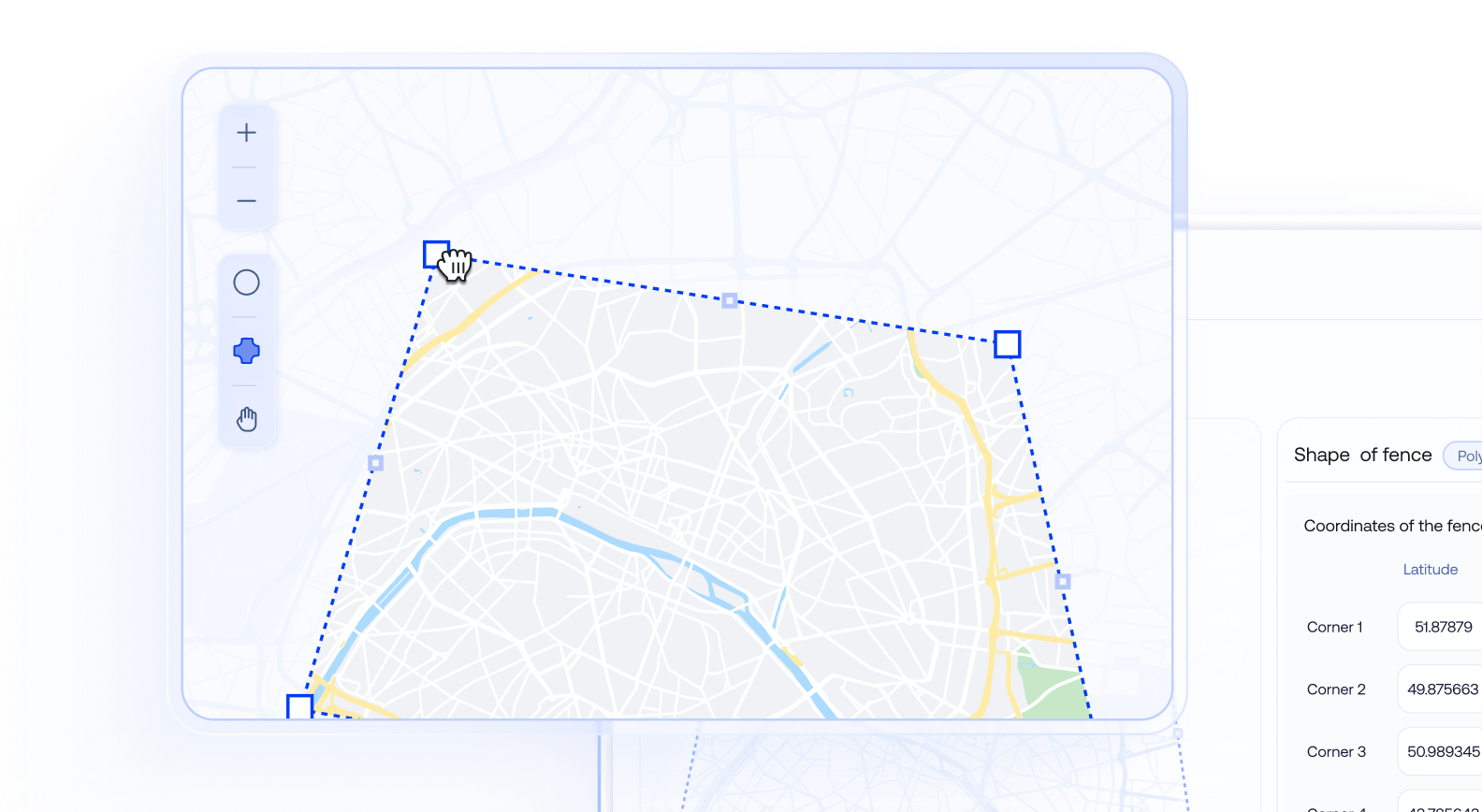
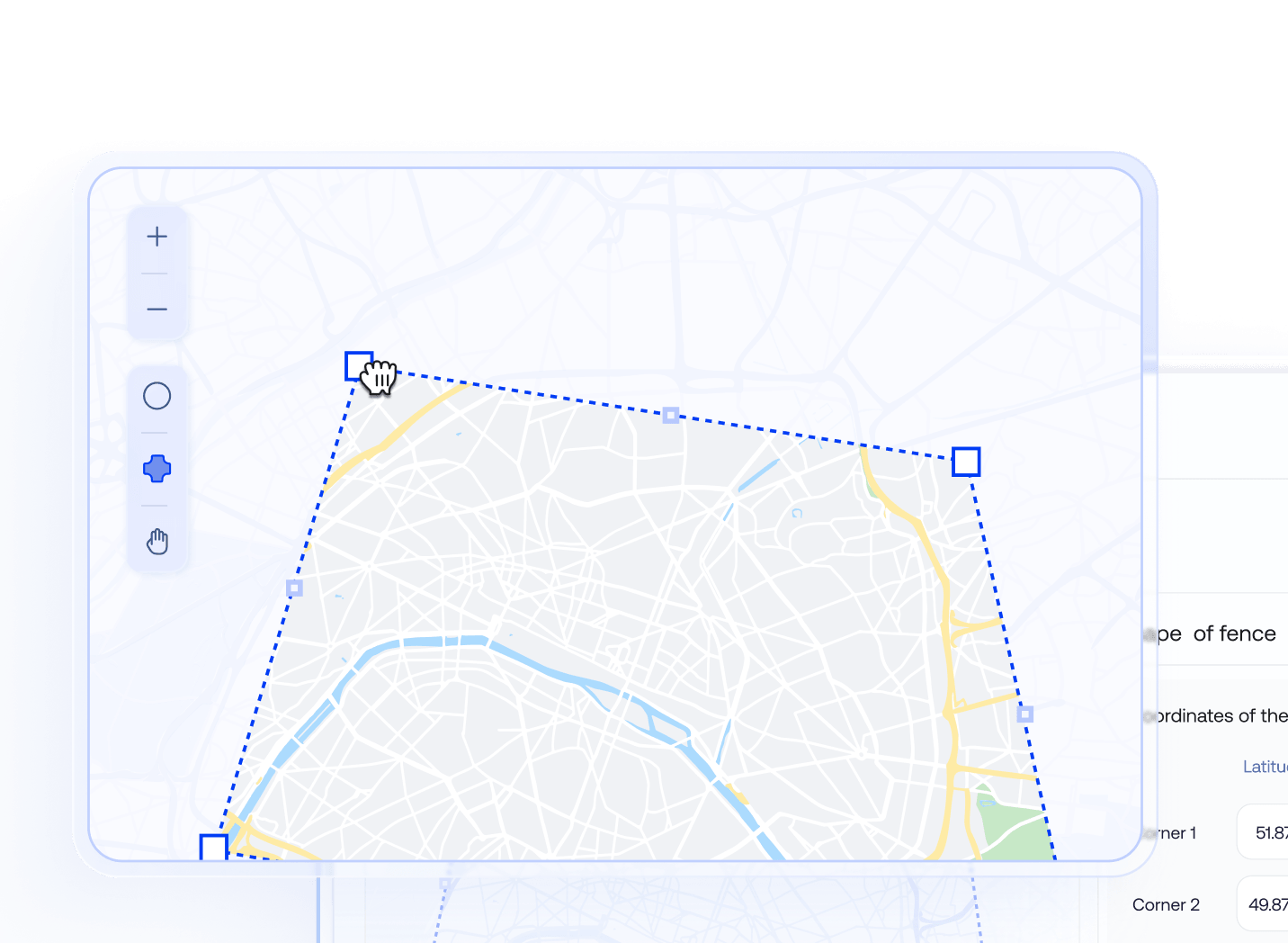
自定义地理围栏 (Geofencing)
使用简单的用户界面直接从 Hexnode 控制台构建精确、自定义形状的地理围栏。进入或离开区域的设备可以动态分配到组,在设备进入或离开地理围栏的瞬间触发预定义策略。
容器化
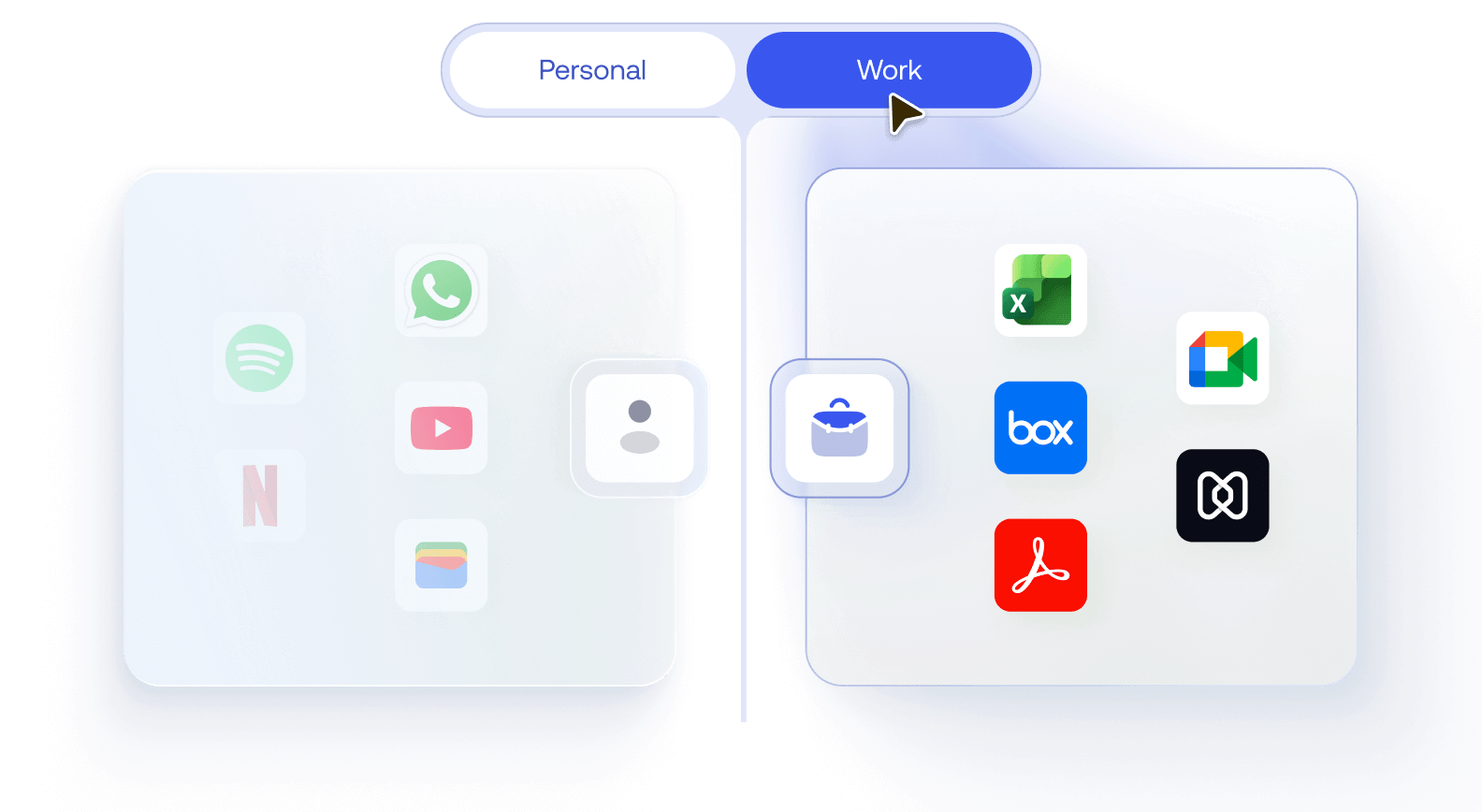
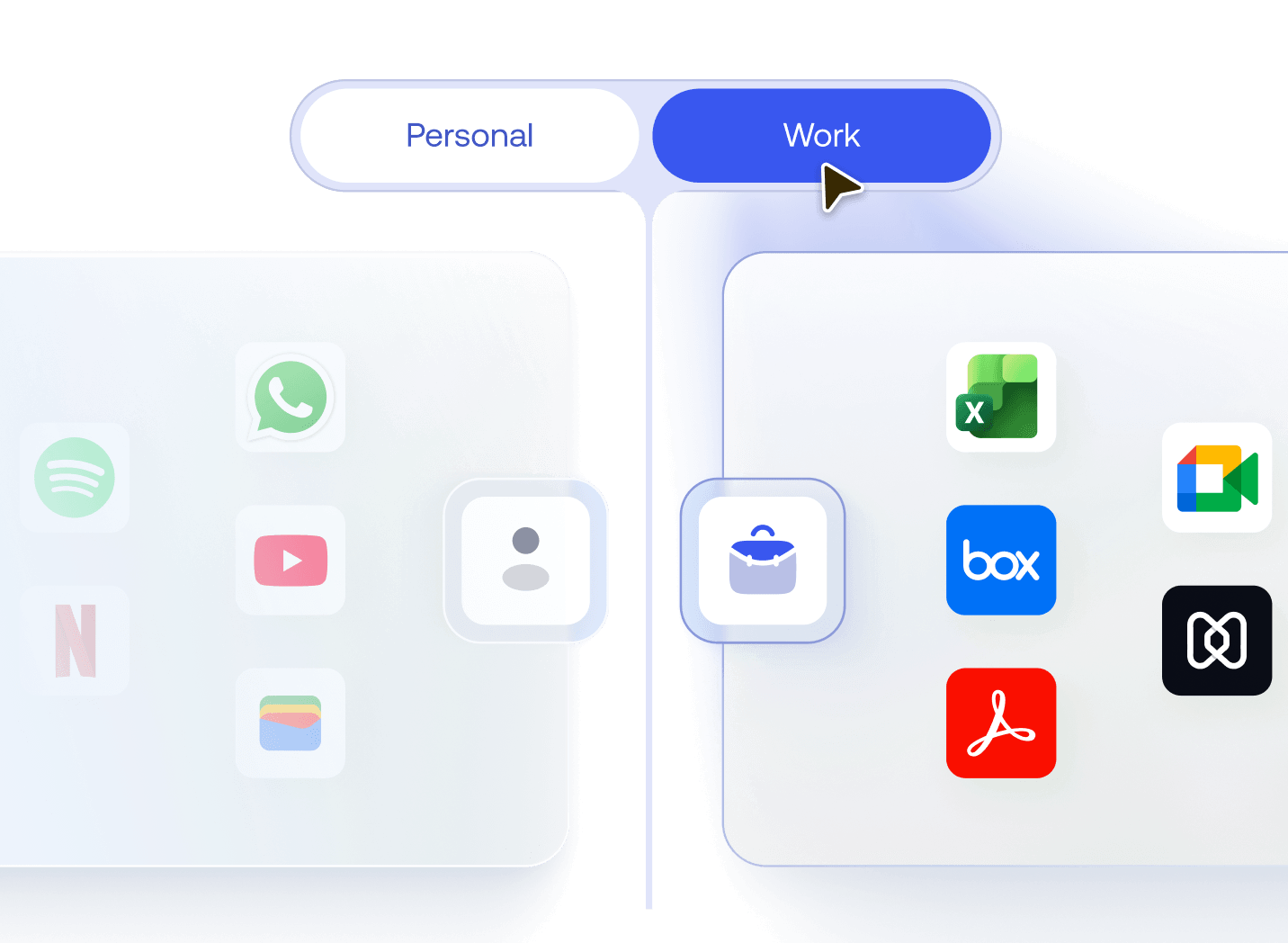
使用容器化技术将 BYOD 或共享设备上的企业应用和数据与个人使用隔离。执行“打开方式”限制和托管域等策略,确保企业数据永远不会与非托管应用或存储混合。
加密与密码策略
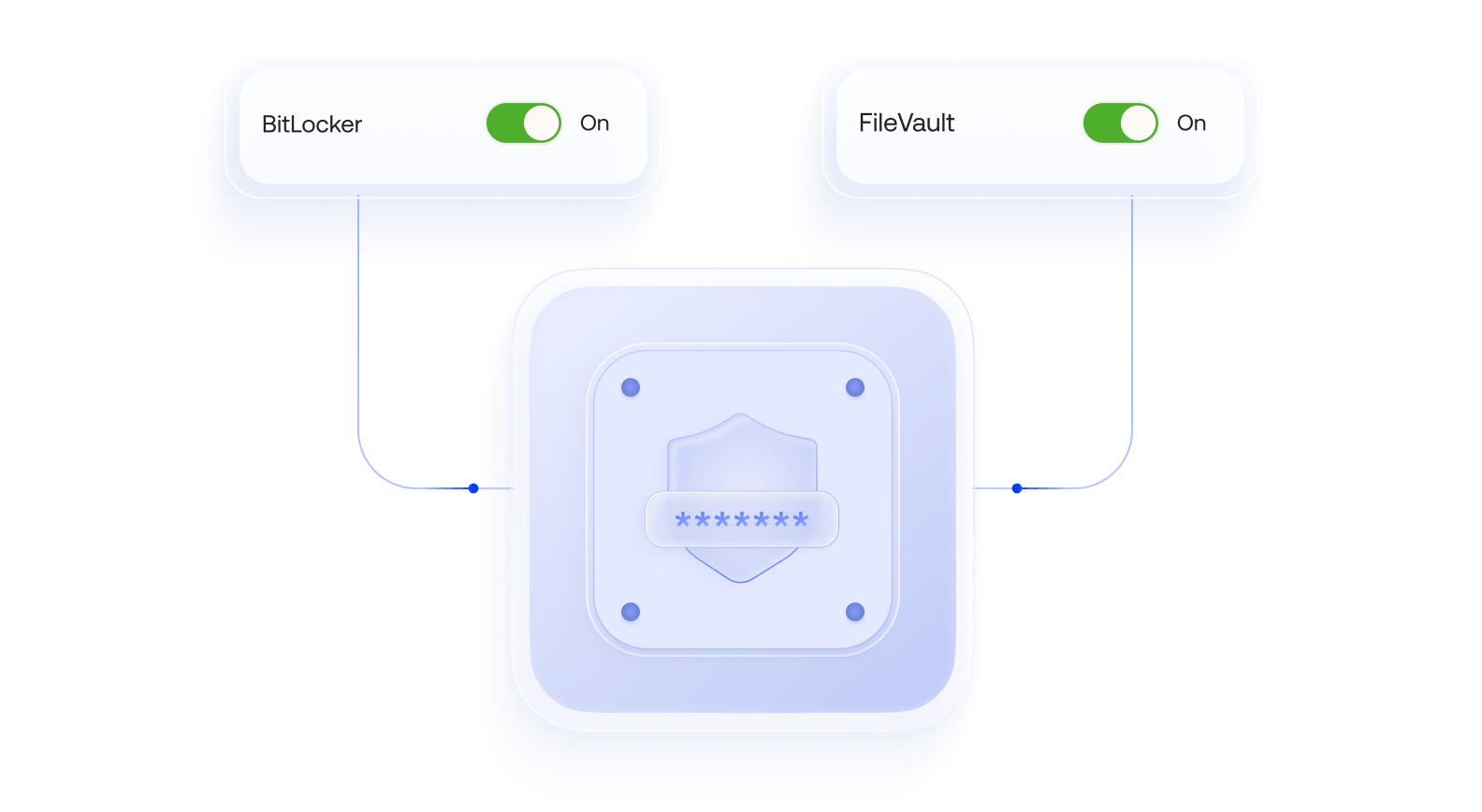
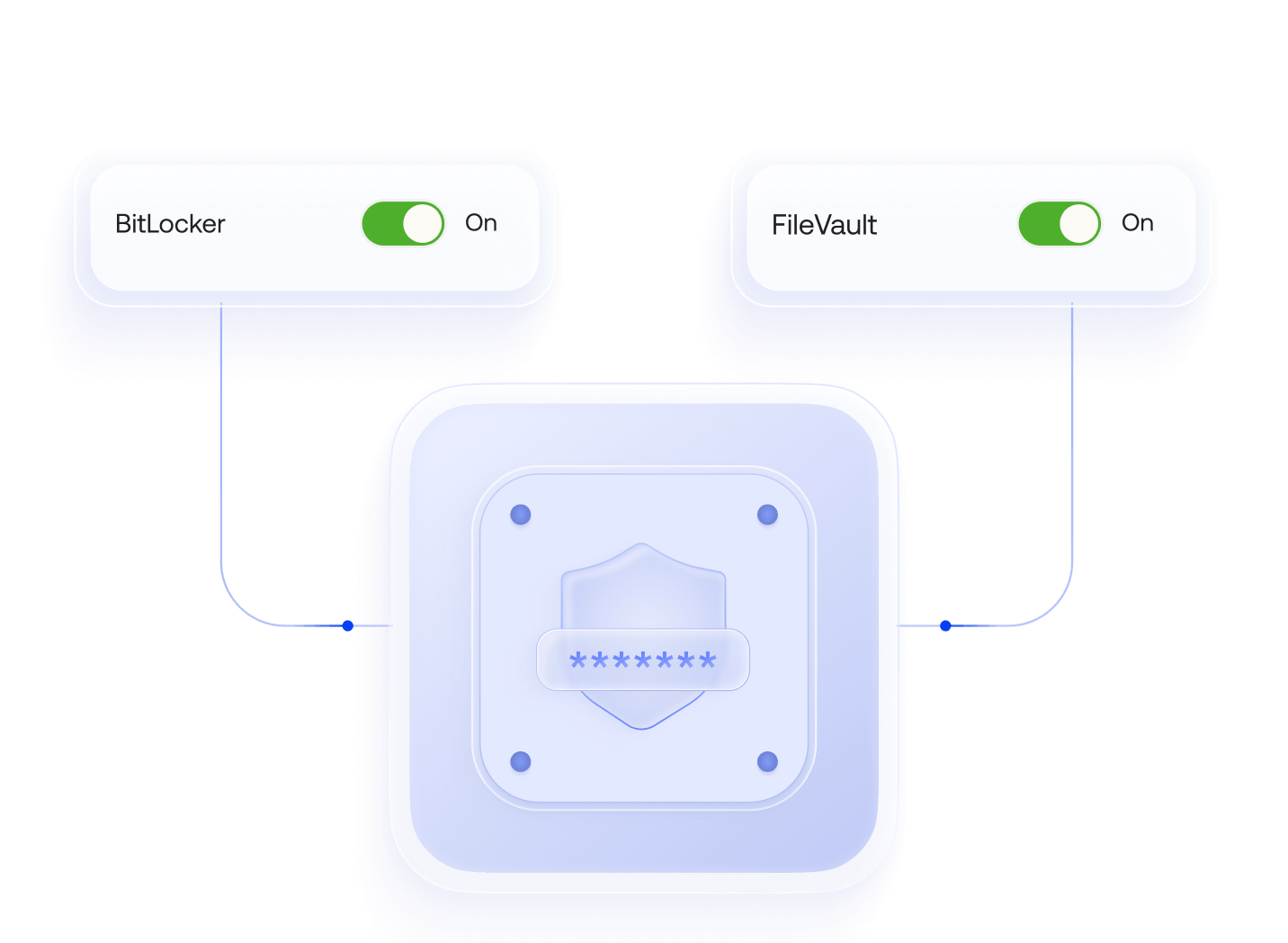
消除因密码重复使用带来的凭据风险,确保只有授权用户能够访问设备。强制实施 BitLocker 或 FileVault 加密,要求使用强密码,并使用 Hexnode LAPS 轮换本地管理员密码。
安全网络浏览
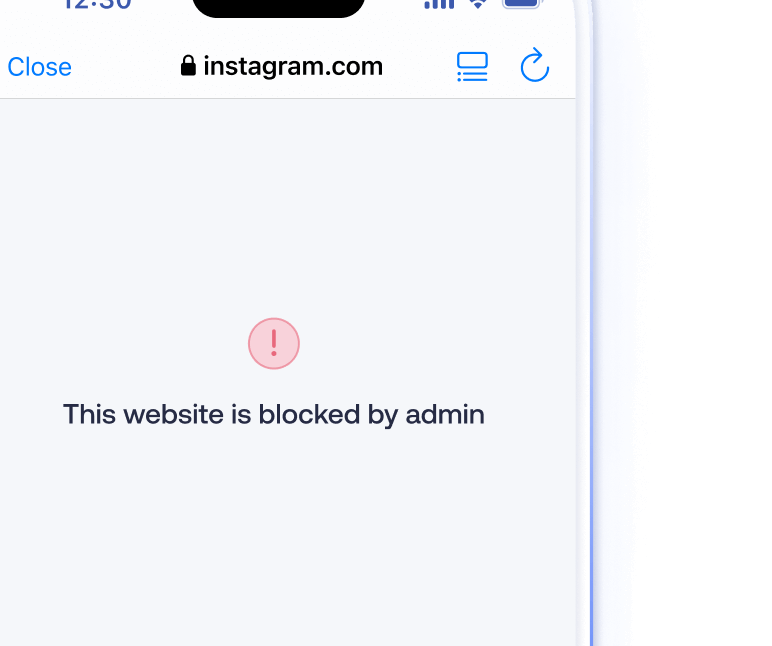
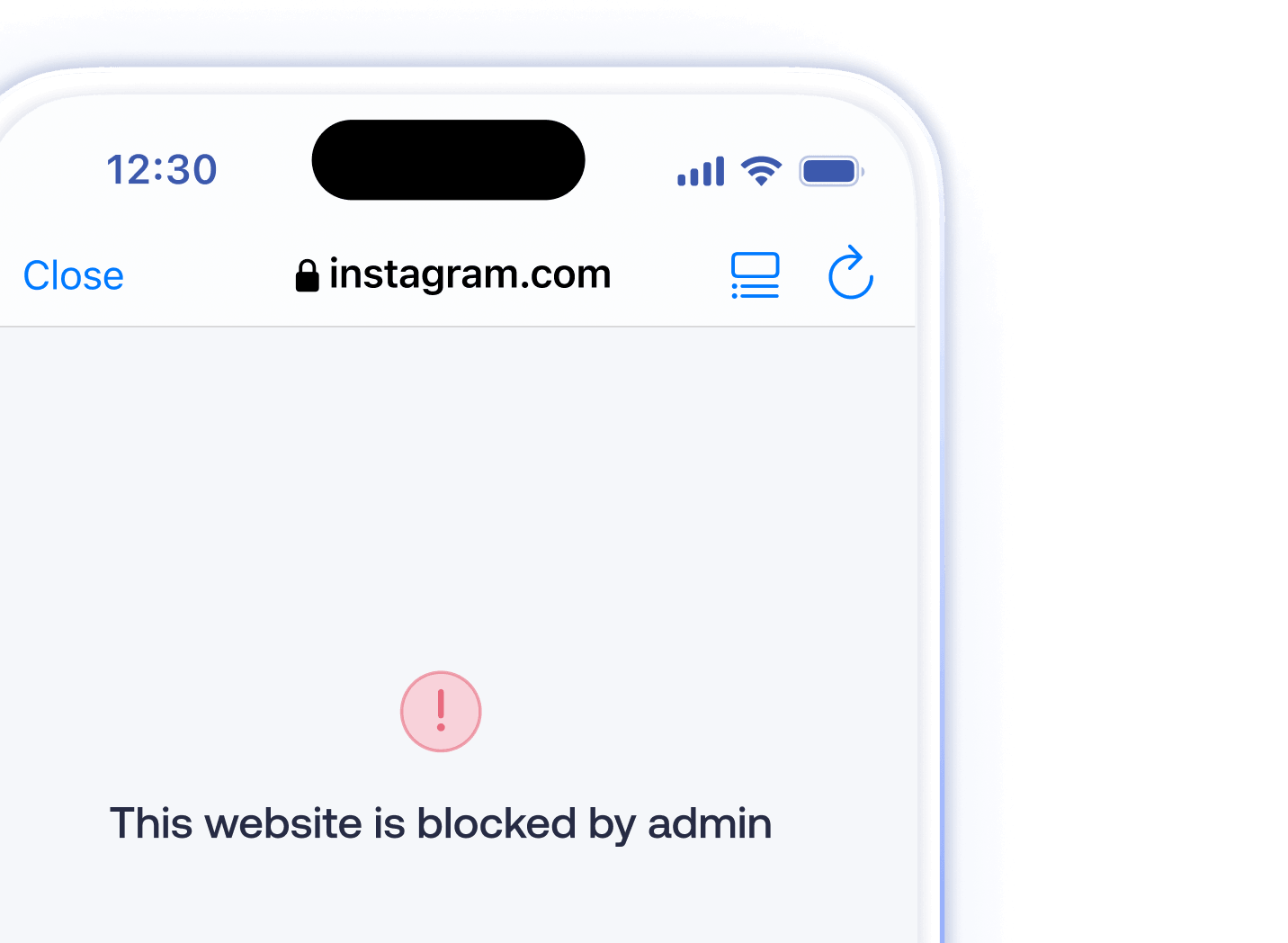
通过网页内容过滤和 Hexnode 的自助终端 (Kiosk) 浏览器,将浏览限制在受信任的域名并阻止不安全网站。您可以设置网址黑名单和白名单,并将设备锁定在基于 Web 的 Kiosk 模式。
远程锁定和擦除
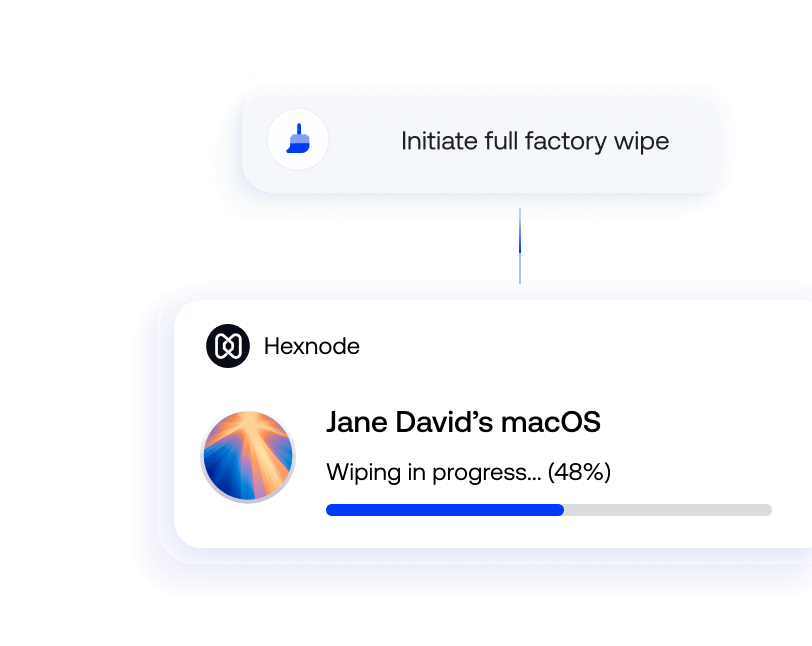
从 Hexnode 门户网站立即锁定丢失的设备或触发全厂擦除。管理员可以根据设备所 有权选择选择性擦除企业数据或完全重置设备。

应用和内容安全
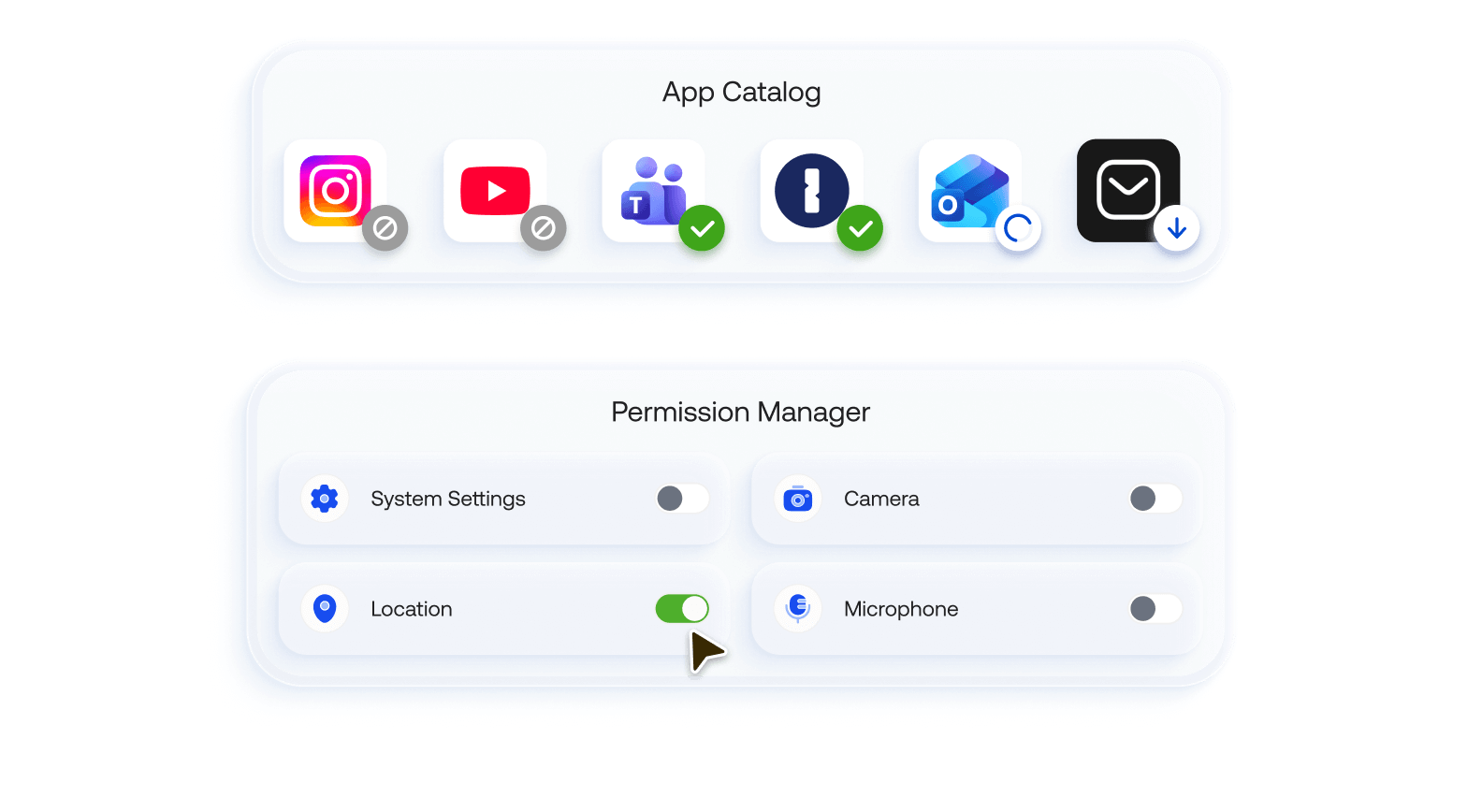
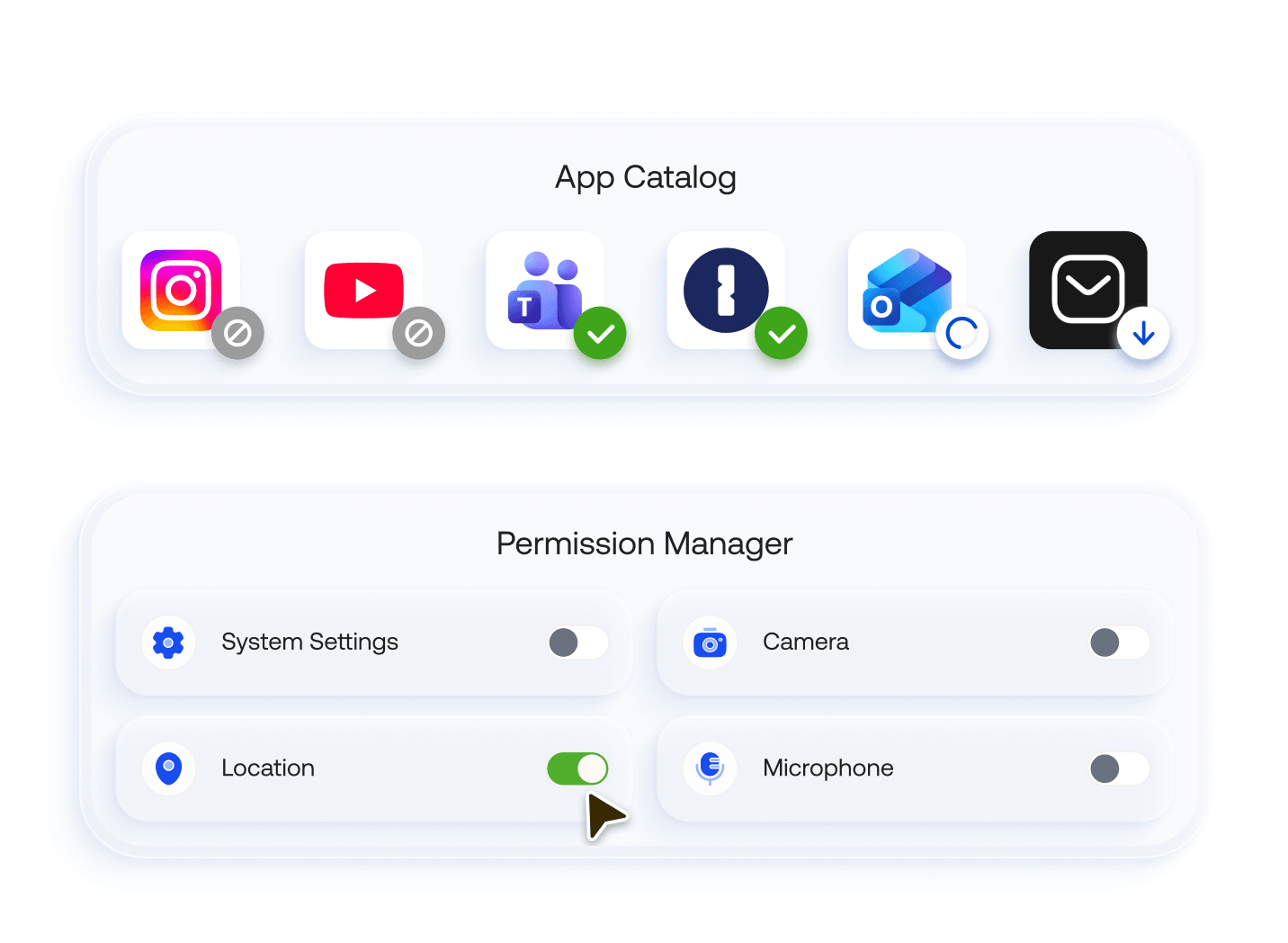
管理用户可以安装哪些应用,并限制位置、麦克风或摄像头等权限。使用工作容器、托管域和“打开方式 (Open-In)”策略来隔离企业和个人数据,并防止通过非托管应用或云同步导致的数据丢失。
自定义警报配置文件
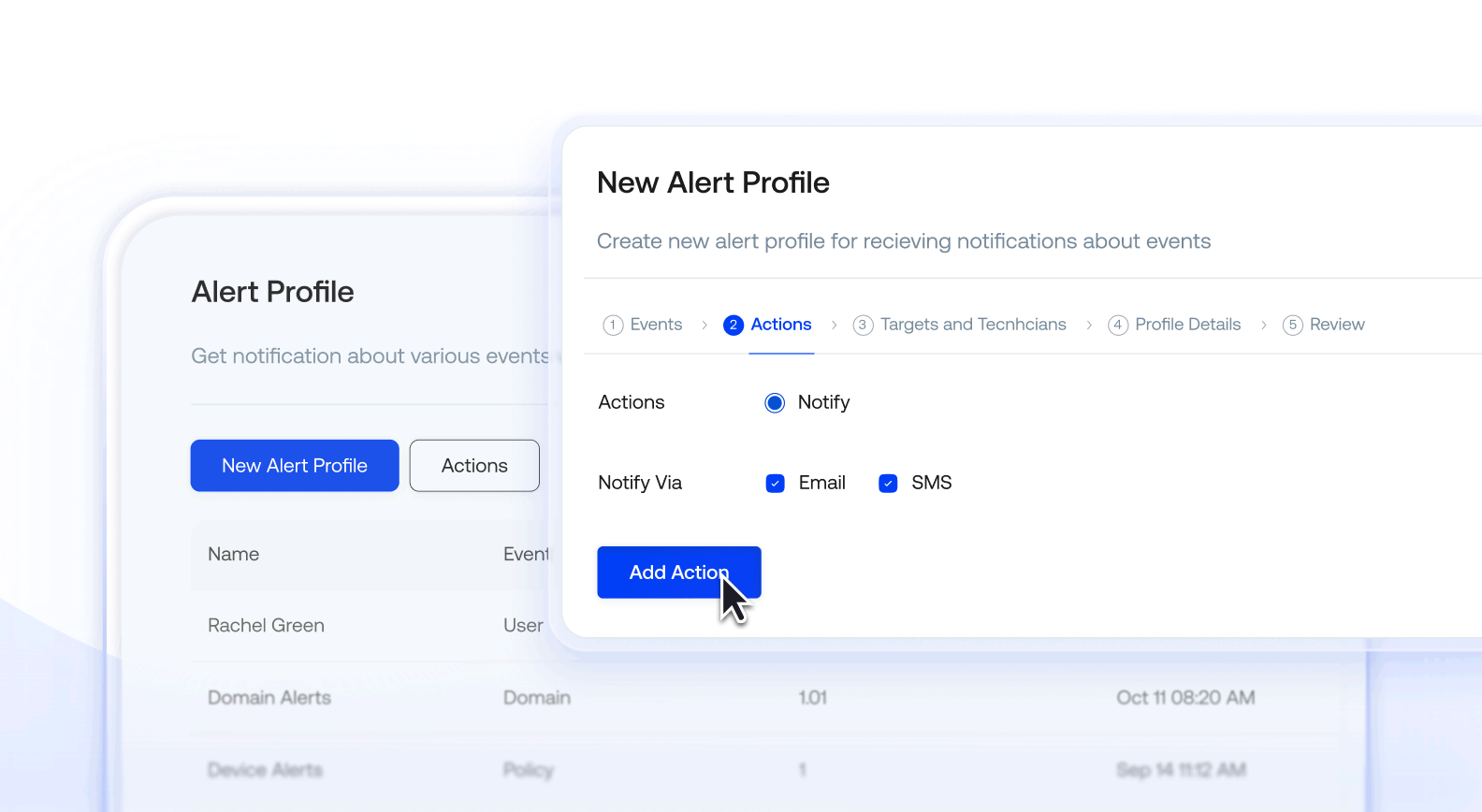
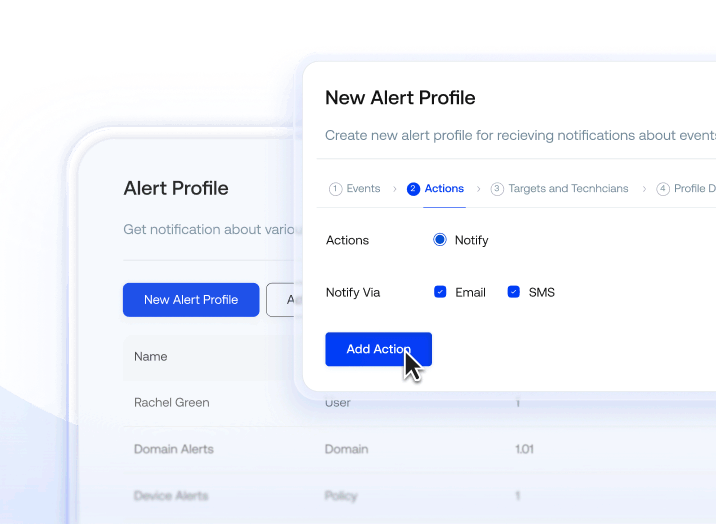
创建基于事件的自定义警报配置文件,当发生安全事件、设备不合规或管理员问题时,立即向指定技术人员触发短信或电子邮件通知。
实时位置追踪
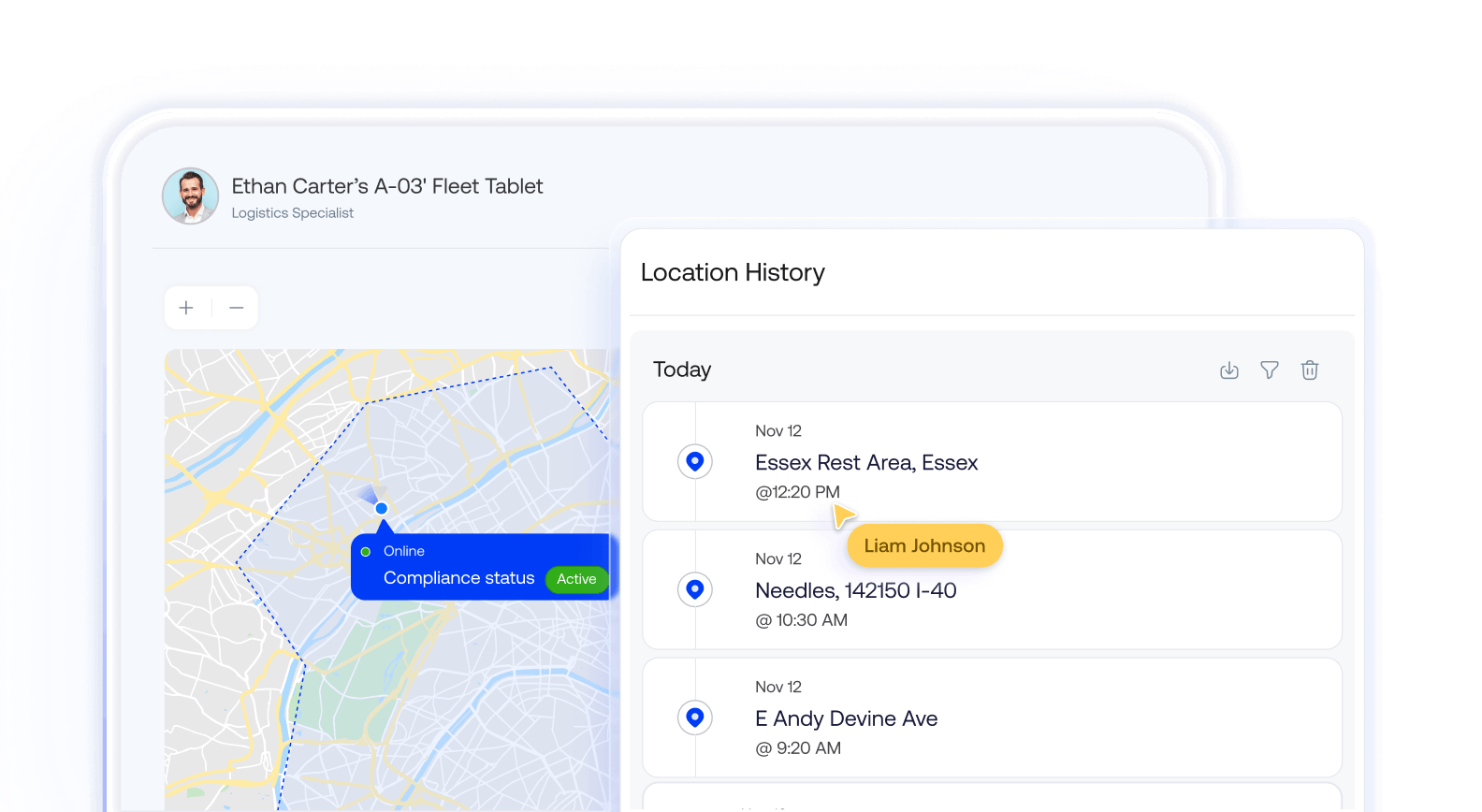
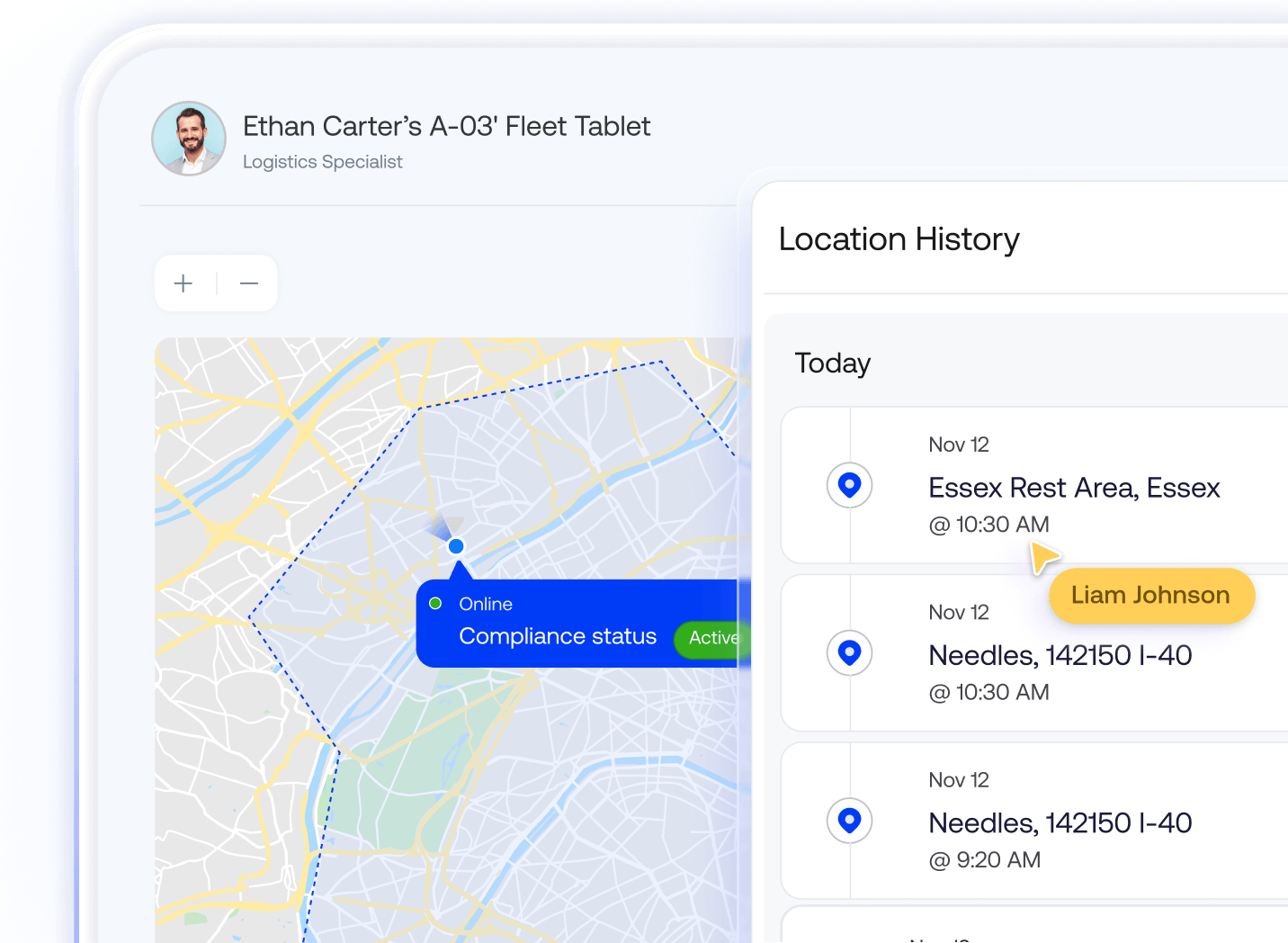
实时追踪设备位置并查看位置历史记录日志。Hexnode 的位置追踪功能有助于找回丢失的设备并验证对基于位置策略的合规性。
Hexnode 帮助领先企业变得更加安全。


使用 Hexnode 后,生产效率和节省的时间显著提高。部署设备所需的时间减少了,从以前的大约 20 分钟缩短到现在的大约 10 分钟




"Hexnode 帮助我们在检测预约中节省了大量时间,使我们能够每天安排并服务更多患者。"



“现在情况大不相同,因为所有流程都实现了自动化,全部集中在一个平台 (Hexnode UEM) 上进行管理。”



Hexnode 在帮助医疗服务提供商顺利采用该系统方面发挥了重要作用。Hexnode 是我们成功历程中的关键组成部分。



“公司愿景的一部分始终是安全。我们希望确保我们的数据和设备不仅保持安全,而且还能帮助我们的用户保持安全。Hexnode 提供的解决方案极大地帮助了我们。”


Hexnode 提供完整的解决方案。我们在使用它,并且非常满意。一切运行良好,因此没有必要再做其他研究。



“Hexnode 给我留下深刻印象的是,它不仅功能全面、细节周到,而且非常容易上手。”


“在公司的发展过程中,我们认识到需要一个稳固的平台来管理所有这些设备,而 Hexnode 恰好满足了我们的需求。”






14 天免费试用
无需信用卡