

All Features that make Hexnode the right solution
Onboarding
Set up your organization with Hexnode UEM, configure your account and integrate with your existing IT infrastructure. Then get devices ready for your users - all while ensuring complete security.

Zero-Touch Enrollment
Automate user enrollment. Pre-configure devices with all the right policies. From the time the device is first turned on.
Learn more

Hexnode Gateway
Switch to Hexnode with ease. Simply configure an MSI file for Windows or set up the Hexnode Gateway app for macOS and it's done.
Learn more

Hexnode Access
Grant access to individual users or specific user groups using their cloud credentials. Personalize login appearance keeping security intact.
Learn more

Integrations
Fit Hexnode seamlessly into your environment to simplify access, streamline workflows, and maximize value.
Learn more
Security
Protect devices with a zero-trust framework by enforcing data security policies, restricting usage to compliant standards, and enabling secure access to apps and content.

Endpoint Security
Define restrictions for all the platforms and deploy them through a single policy. Encrypt data, authorize access and create secure internet.
Learn more

Web Content Filtering
Ensure optimal user productivity by limiting user access to a handful of secure and useful websites and block access to all others.
Learn more

Tracking
Keep a birds-eye view over the devices issued to your users. Track the precise location of devices on the move, ensuring trust and compliance.
Learn more

Geofencing
Define policy zones and policy exclusion zones. Create multiple geofences and automate policy association based on selected geofences.
Learn more
Automation
Enable IT teams to move from a reactive, manual approach to a proactive, automated one. Streamline the entire device management cycle making it more efficient and easier.

Automate
Gather multiple actions, policies, and software updates. Schedule their execution and define target devices, users, or groups for deployment.
Learn more

Hexnode Genie
Generate custom, actionable scripts, get relevant suggestions, or receive diagnostic commands with a step-by-step guidance.
Learn more

Advanced Scripting
Schedule script executions, retrieve detailed reports for troubleshooting purposes and automate scripts tailored to your workflow.
Learn more

OS and Patch Management
Manage and deploy critical security updates automatically or manually to specific devices or groups, strategically minimizing risk.
Learn more
Explore what more makes us better

User Provisioning
- Multi-factor authentication
- Local user management
- Directory integration
- Role-based user access
Learn more

Policies
- Single policy for multiple platforms
- Automatically associate policies
- Zero-user intervention
- Conflict-free policy enforcement
Learn more

Groups
- Device-centric or user-centric
- Dynamic grouping
- Location based filtering
- Group policy deployment
Learn more
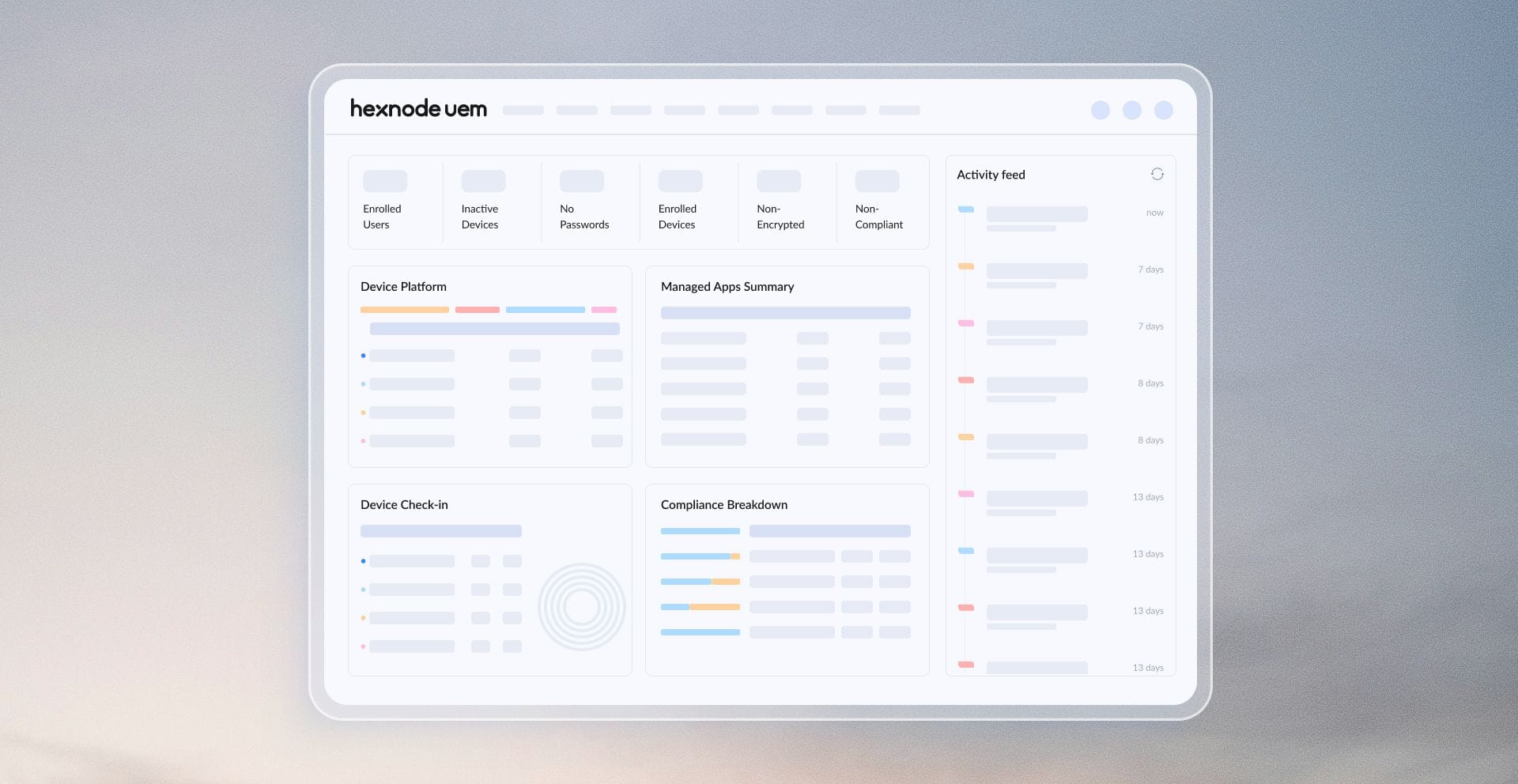
Dashboard
- Real-time status
- Compliance status
- Detailed overviews
- Device insights
Learn more
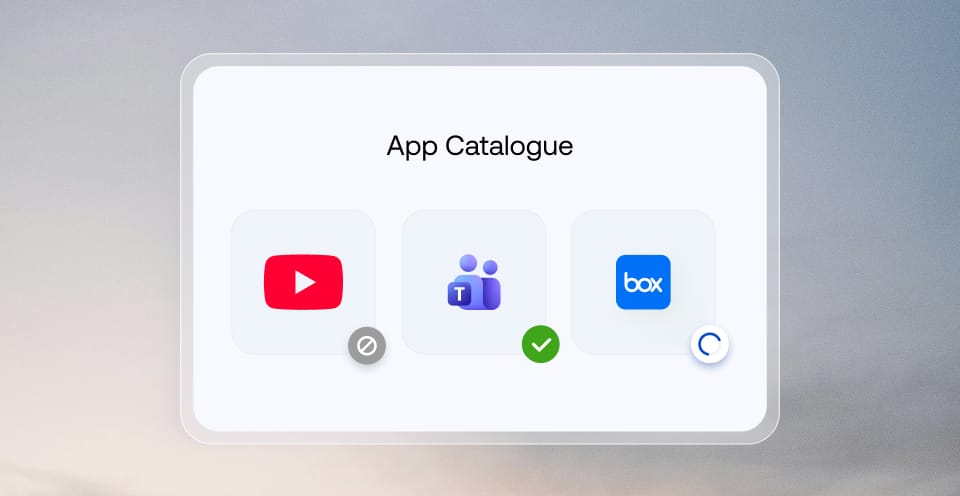
App Management
- Silent app installation
- Allowlist/Blocklist
- In-app configurations
- App catalogs
Learn more
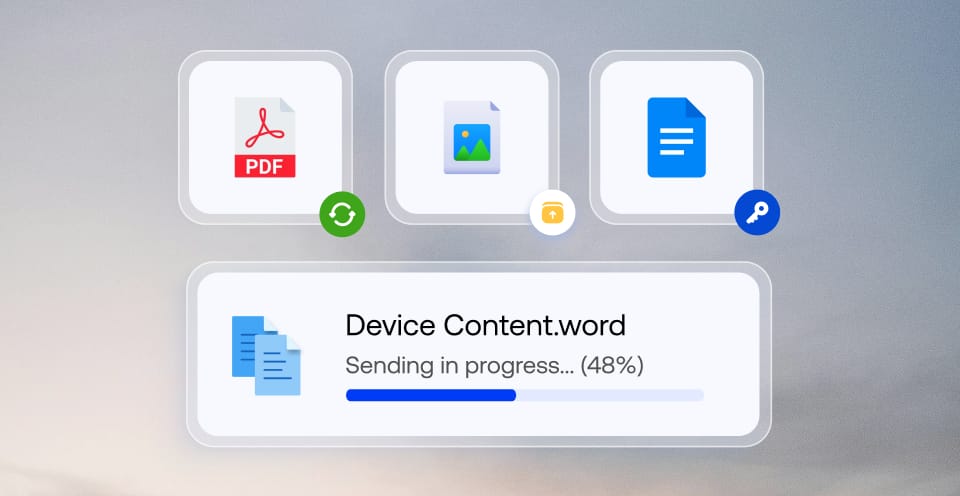
Content Management
- Remotely push content
- Encrypted data transfer
- Central file repository
- Content containerization
Learn more

Reports Management
- Automated periodic reports
- Custom reports
- Device status and history
- Convenient export formats
Learn more

Remote Access and Management
- Monitor unattended devices
- Real-time assistance
- Assume complete control
- Instant debugging
Learn more

Messenger
- One-way messaging
- Kiosk messenger
- User notifications
- Bulk messaging
Learn more

Expense
- Check unwanted expenses
- 5G network slicing
- Notification and data restriction
- App based data tracking
Learn more

API
- RESTful JSON implementation
- Pre-built components
- HTTP protocol-based
- Comprehensive documentation
Learn more


14 day free trial
No credit card