




Hexnode gateway
Hexnode로의 빠르고 안전하며원활한 마이그레이션
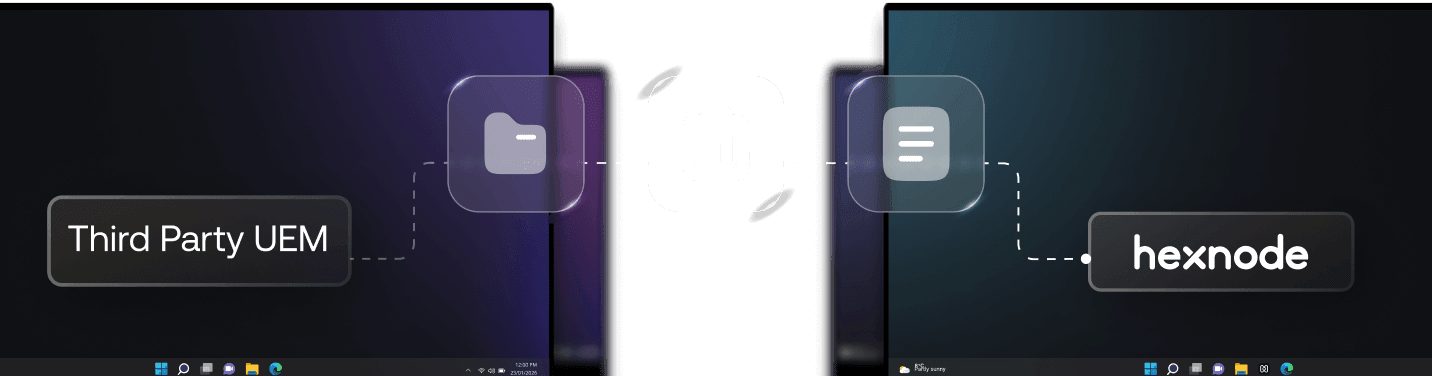




안심하고 원활하게 마이그레이션하세요
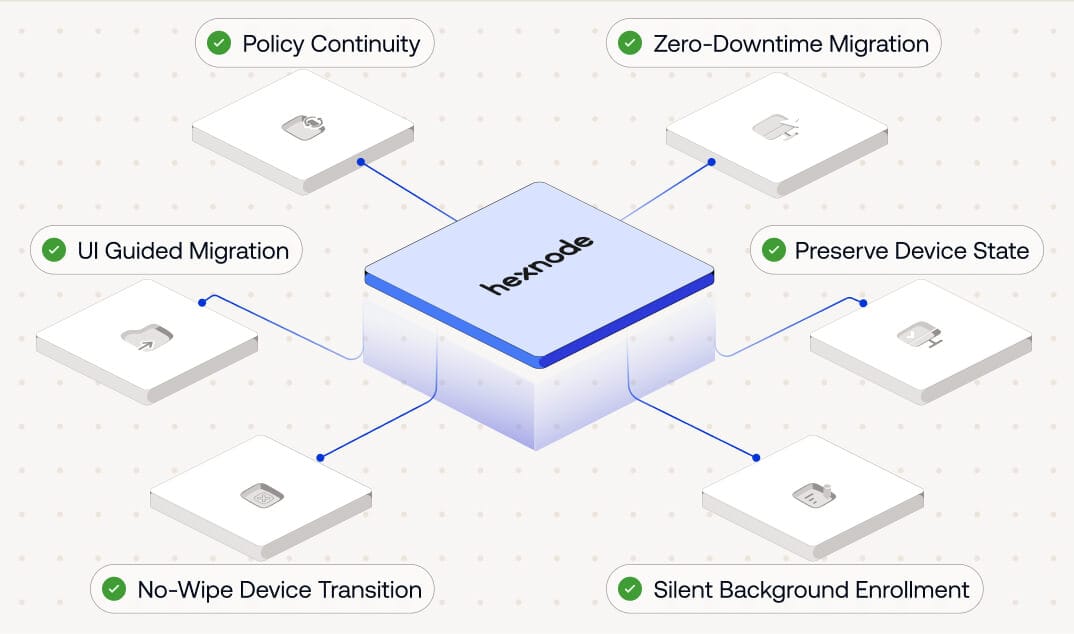





일상 업무에 최소한의 영향
디바이스는 생산성을 방해하지 않고 Hexnode로 전환되며, 마이그레이션이 백그라운드에서 조용히 진행되는 동안에도 사용자는 업무를 계속할 수 있습니다.

디바이스 상태 및 제어 유지
기존 구성, 보안 정책 및 감독 설정이 그대로 유지되어 완전한 연속성과 제어를 보장합니다.

무인 또는 사용자 안내형 마이그레이션
사용자 개입이 필요 없는 완전 자동(무인) 전환 또는 사용자가 시작하는 안내형 마이그레이션 중 선택할 수 있어, 환경에 맞는 유연성을 제공합니다.
Hexnode로의 3단계

Step 1
구성
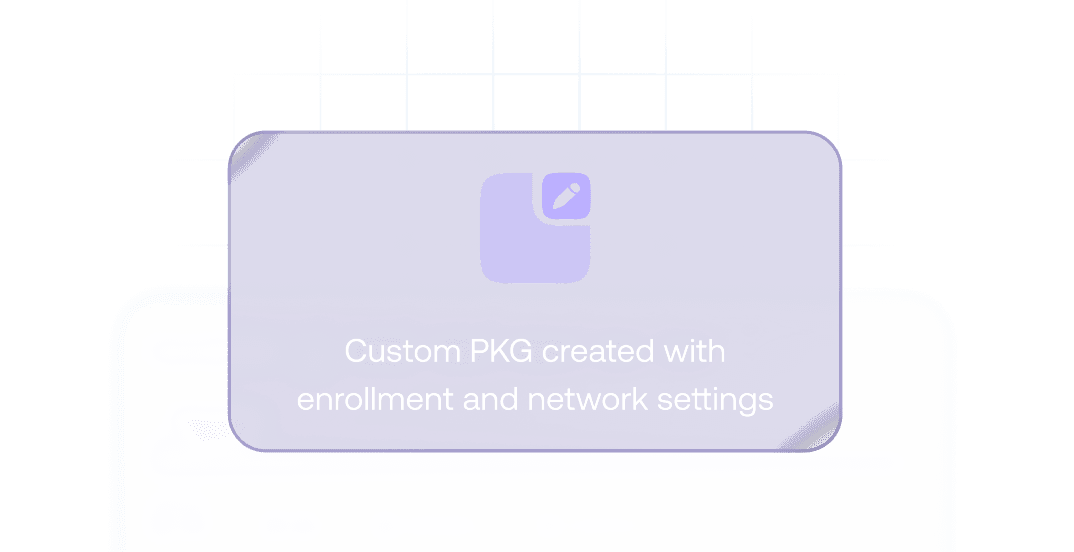
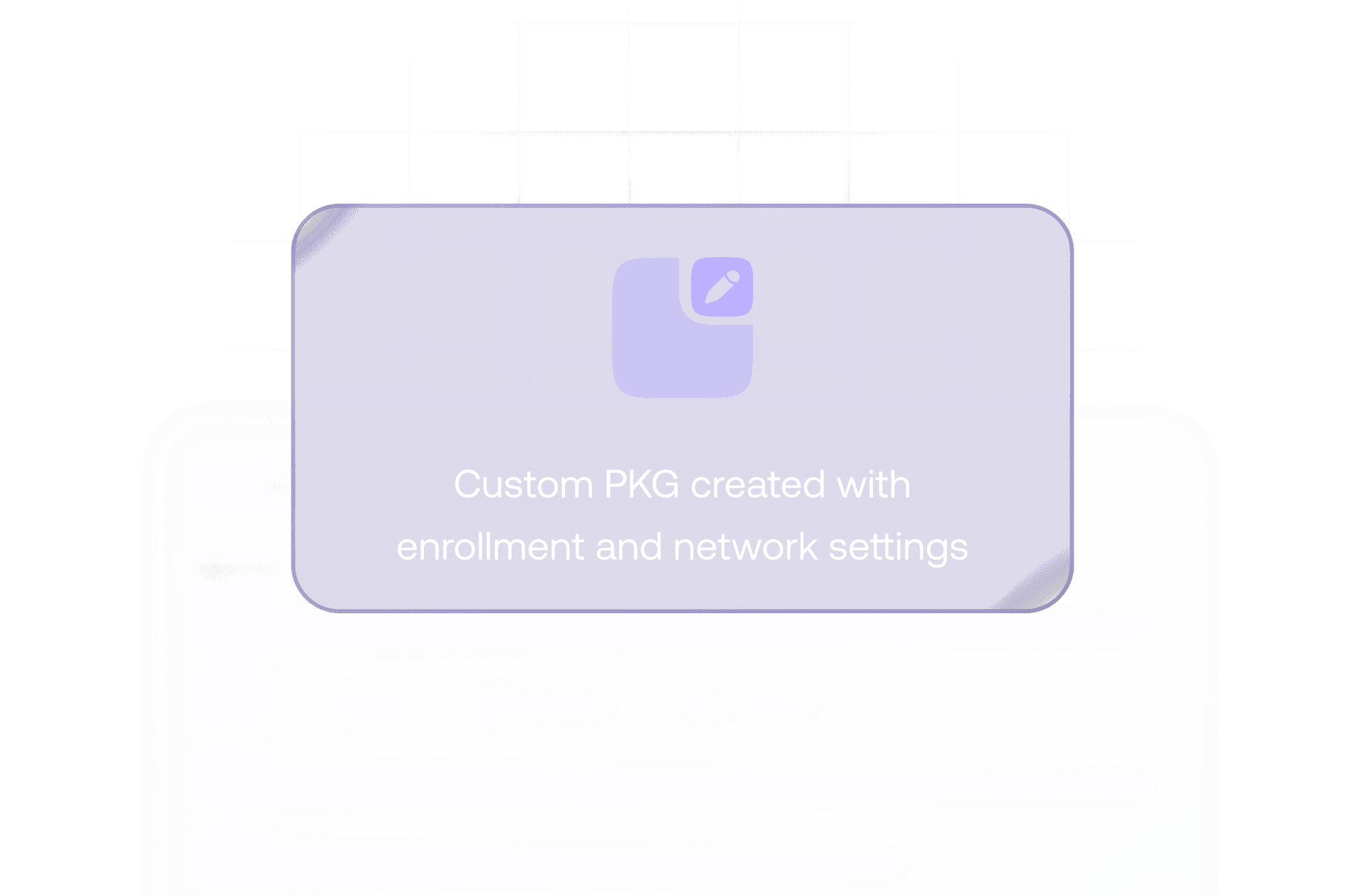
Hexnode 콘솔에서 맞춤형 Hexnode Gateway(PKG)를 생성합니다. 전체 화면 키오스크 모드부터 Wi-Fi 및 VPN 구성 추가까지 다양한 맞춤 설정이 가능합니다.

Step 2
배포
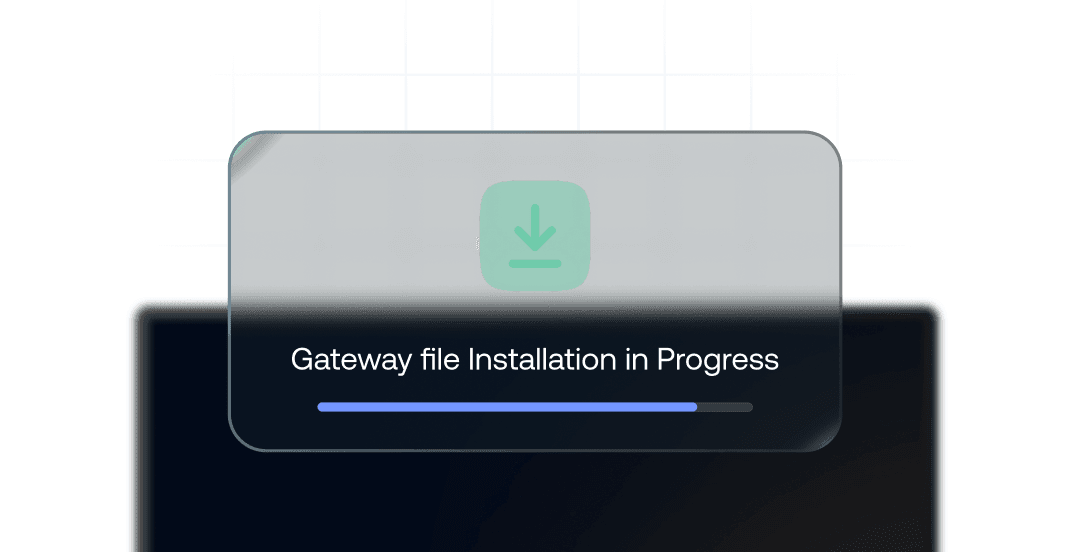
맞춤형 Hexnode Gateway 파일을 최종 사용자 디바이스에 배포하고, 다운로드 및 사용 준비가 완료되었는지 확인합니다。

Step 3
마이그레이션
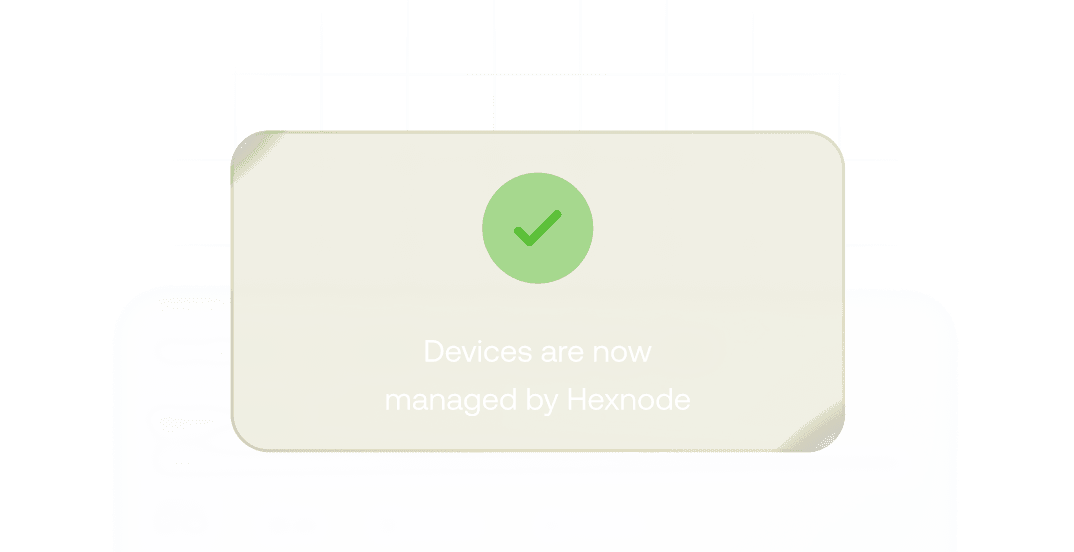
첫 단계에서 설정한 구성에 따라 마이그레이션을 시작합니다. 마이그레이션은 등록 방식에 따라 달라질 수 있으며, Hexnode Gateway를 통해 자동화할 수도 있습니다.
전 세계 수많은 기업이 Hexnode를 선택한 이유를 확인하세요

"Hexnode를 사용함으로써 생산성과 시간 절약이 크게 향상되었습니다. 실제로 장치를 배포하는 데 걸리는 시간이 줄었으며, 이전에는 약 20분이 걸렸지만 이제는 약 10분밖에 걸리지 않습니다."
Technology Solution Specialist








...그리고 이후 모든 요건을 충족하는 Hexnode를 알게 되었습니다
정보 기술 관리자,
























14 day free trial
No credit card