# Set up Apple’s Managed Open In settings using configuration profiles
This document serves as a guide on configuring Apple’s Managed Open In settings using a configuration profile.
Apple’s Managed Open In settings let organizations control how the data flows between managed and unmanaged apps. Data security is strategic in an enterprise, and preventing vulnerabilities is paramount. A key strategy for preventing data leaks and maintaining regulatory compliance is the strict separation of personal and corporate data. This approach is effective whether the users access corporate data on their personal or company-provided devices. The configuration profile described here can set up the Managed Open In settings. IT admins can use Hexnode’s [Deploy Custom Configuration](https://www.hexnode.com/mobile-device-management/help/how-to-deploy-custom-configuration-profiles-to-ios-devices/) feature to deploy configuration profiles on iOS devices.
Notes:- This configuration profile is supported only on [supervised](https://www.hexnode.com/mobile-device-management/help/ios-supervised-mode/) iOS devices.
- This configuration profile is supported only if the devices are enrolled in an MDM (Mobile Device Management) solution.
Disclaimer:
The configuration profile provided below is adapted from a third-party open-source site.
Configuration profile to set up Apple’s Managed Open In settings
----------------------------------------------------------------
Set up Apple’s Managed Open In settings using configuration profiles
PayloadContent PayloadDisplayName Restrictions PayloadIdentifier com.apple.applicationaccess.AF29985B-4155-44A0-82CC-FC5ECF18B6A4 PayloadType com.apple.applicationaccess PayloadUUID 59A2F495-F6FC-4D36-AB15-1B4892FF6F67 PayloadVersion 1 allowOpenFromManagedToUnmanaged allowOpenFromUnmanagedToManaged allowUnmanagedToReadManagedContacts allowManagedToWriteUnmanagedContacts allowManagedAppsCloudSync forceAirDropUnmanaged requireManagedPasteboard PayloadDisplayName Untitled PayloadIdentifier AF346CC5-92F8-40FB-943B-F9A45A3FB8AC PayloadType Configuration PayloadUUID 1E9EC1F7-D0AB-4598-A6D2-B9A761DCDA2F PayloadVersion 1
1
2
3
4
5
6
7
8
9
10
11
12
13
14
15
16
17
18
19
20
21
22
23
24
25
26
27
28
29
30
31
32
33
34
35
36
37
38
39
40
41
42
43
44
45
46
PayloadContent
PayloadDisplayName
Restrictions
PayloadIdentifier
com.apple.applicationaccess.AF29985B-4155-44A0-82CC-FC5ECF18B6A4
PayloadType
com.apple.applicationaccess
PayloadUUID
59A2F495-F6FC-4D36-AB15-1B4892FF6F67
PayloadVersion
1
allowOpenFromManagedToUnmanaged
allowOpenFromUnmanagedToManaged
allowUnmanagedToReadManagedContacts
allowManagedToWriteUnmanagedContacts
allowManagedAppsCloudSync
forceAirDropUnmanaged
requireManagedPasteboard
PayloadDisplayName
Untitled
PayloadIdentifier
AF346CC5-92F8-40FB-943B-F9A45A3FB8AC
PayloadType
Configuration
PayloadUUID
1E9EC1F7-D0AB-4598-A6D2-B9A761DCDA2F
PayloadVersion
1
The below table shows each key that is used in the profile and its use:
SettingsKeysDescriptionDefault ValueSupported VersionsAllow documents from managed sources in unmanaged destinationsallowOpenFromManagedToUnmanagedAllows the user to open or read documents from managed apps in unmanaged apps.falseiOS 7.0 and aboveAllow documents from unmanaged sources in managed destinationsallowOpenFromUnmanagedToManagedAllows the user to open unmanaged documents in managed apps.falseiOS 7.0 and aboveAllow managed apps to write contacts to unmanaged contacts accountsallowManagedToWriteUnmanagedContactsAllows the users to save the contact information of a managed app to the built-in iOS Contacts app.trueiOS 12.0 and aboveAllow unmanaged apps to read contacts from unmanaged contacts accountsallowUnmanagedToReadManagedContactsAllows the user to read managed contact accounts in the unmanaged apps.trueiOS 12.0 and aboveAllow managed apps to store data in iCloudallowManagedAppsCloudSyncAllows the user to sync data from managed apps with the iCloud account.falseiOS 8.0 and aboveTreat AirDrop as unmanaged destinationforceAirDropUnmanagedAllows the user to AirDrop managed app data.trueiOS 9.0 and aboveRequire managed pasteboardrequireManagedPasteboardAllows the user to copy and paste between managed and unmanaged apps.trueiOS 15.0 and aboveWhat happens at the device end?
-------------------------------
After associating the configuration profile, it will enforce the configured restrictions on data exchange between managed and unmanaged apps. For instance, when the user tries to open a confidential email attachment from the work email, the apps that can be shared or listed to include all the possible ones.
[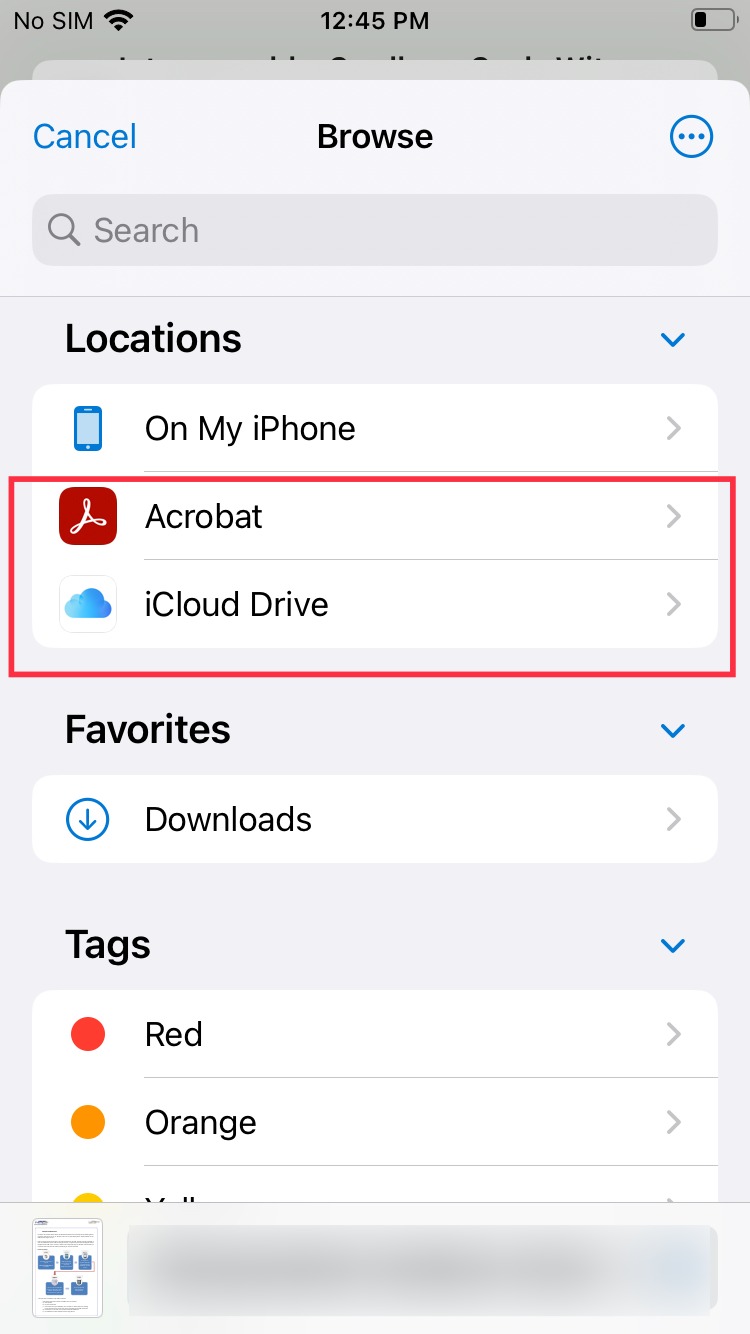](https://cdn.hexnode.com/mobile-device-management/help/wp-content/uploads/2024/06/Before-associating-the-Apples-Managed-Open-In-settings-configuration-profile.jpg)
After deploying the configuration profile, only the apps that are installed and managed by the MDM (Mobile Device Management) solution can open that attachment. Consequently, the user’s unmanaged personal apps will not be listed as options for opening the attachment.
[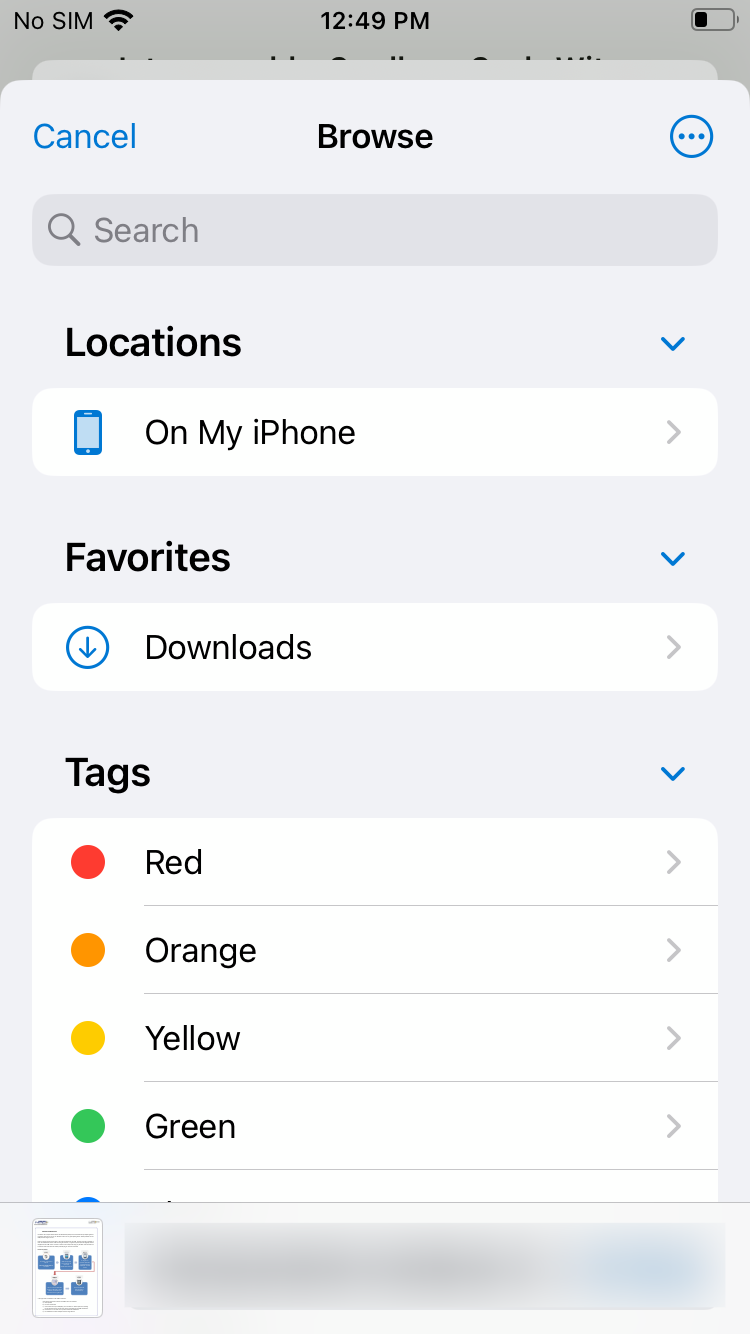](https://cdn.hexnode.com/mobile-device-management/help/wp-content/uploads/2024/06/After-associating-the-Apples-Managed-Open-In-settings-configuration-profile.png)
Notes:- To create and customize configuration profiles, you can use tools like Apple Configurator, and Profile Manager or manually create them using text editors.
- Use non-encrypted .mobileconfig, .xml, or plist files to deploy profiles across devices.
- Ensure that you do not associate conflicting configurations with the devices.
- Use wildcards to fetch key values from the portal.
- It is recommended to manually validate the configuration profile on a system before executing it in bulk.
- Hexnode will not be responsible for any damage/loss to the system on the behavior of the configuration profile.